Railways - Train Simulator is a Simulation application developed by Infinity Games, Lda, but with the best Android emulator-LDPlayer, you can download and play Railways - Train Simulator on your computer.
Running Railways - Train Simulator on your computer allows you to browse clearly on a large screen, and controlling the application with a mouse and keyboard is much faster than using touchscreen, all while never having to worry about device battery issues.
With multi-instance and synchronization features, you can even run multiple applications and accounts on your PC.
And file sharing makes sharing images, videos, and files incredibly easy.
Download Railways - Train Simulator and run it on your PC. Enjoy the large screen and high-definition quality on your PC!
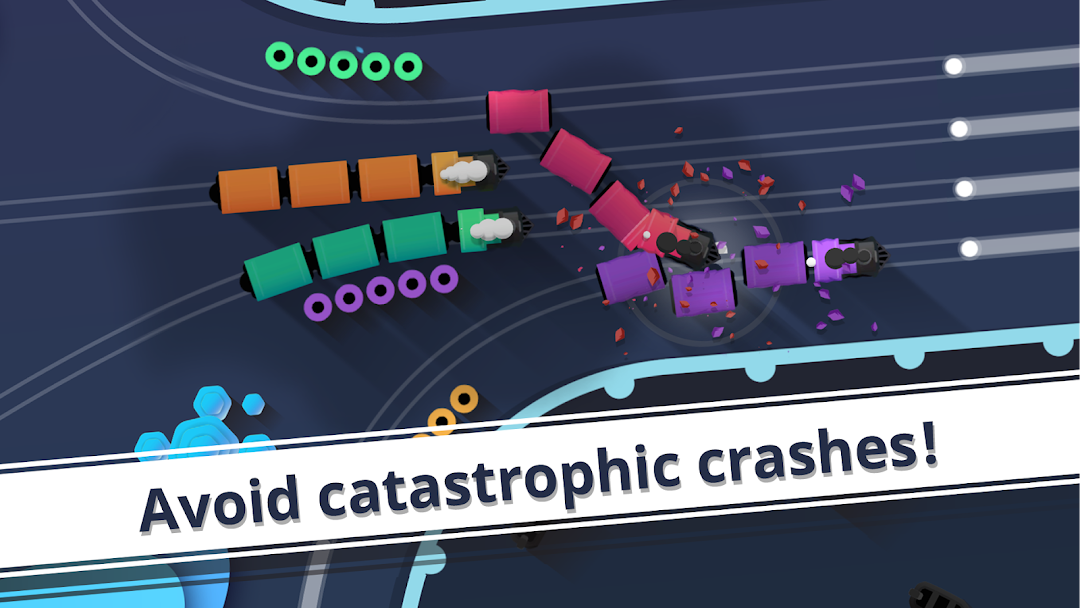
Do you have a refined taste for train simulator games? Railways is a simulation game where you have trains, passengers and railways. Your goal is to manage the trains strategically between the tracks, picking up the passengers and preventing crashes. Your mission is complete when you collect all the passengers.Mind the gap and start managing your railways through this strategic journey!
To manage the trains in the simulator like a master, you have to learn how to:
- Stop a train for a limited time with a single tap;
- Drag the train to create a new track;
- Automatically pick up nearby passengers and fill the trains;
- Avoid running over passengers when changing the route;
- Prevent crashes between trains.
Railways features minimalist and artistic elements merged in an immersive experience where the perks of a train trip are emphasized: astonishing landscapes observed at slow pace. Each level will bring a new challenge to the track, more chaos and of course clever moves from your side. All aboard! This train is ready to depart!
This new game by Infinity Games is a magnificent train simulator where patience is a virtue. In order to succeed, you need to wait for the right moment and use your train management skills to drag the trains from one railway to another. You know that you will lose if the trains collide but you also know that you have all the time in the world to make a smart move. Furthermore, you can also stop the trains for a while.
Do you like our work? Follow our track:
Facebook: https://www.facebook.com/infinitygamespage
Instagram: 8infinitygames (https://www.instagram.com/8infinitygames/)