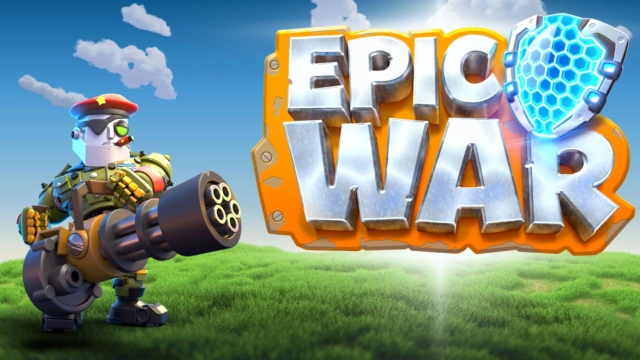
Rebel Bots: Epic War PvP RTS is a Strategy game developed by Xoiliums ltd., and LDPlayer is the best platform for playing Rebel Bots: Epic War PvP RTS on Windows PC, offering powerful features for an immersive experience.
When playing Rebel Bots: Epic War PvP RTS on your computer, you can enjoy long game sessions using the operation recording feature to record repetitive operations to complete the same tasks automatically. It allows you to level up faster and makes resource grinding much more efficient.
In addition, if you want to execute combo moves or the game requires repeated skill actions, the macro feature is your best helper. It enables you to complete kills with just one click!
If you want to manage multiple accounts, LDMultiplayer and Synchronizer will assist you. You can run multiple alternative accounts at the same time to assist the leveling of your main account. Download and play Rebel Bots: Epic War PvP RTS on PC with LDPlayer now!
Join the Epic War and command your military army to victory in fast-paced real-time strategy PvP battles between robot and human forces. Build your military battle deck, defend towers, collect powerful cards, and clash with your enemies in this rts battle royale arena and play with friends.CHOOSE YOUR COMMANDER
Will you rise up with the Rebel Bot army and battle for freedom for all robot kind? Or fight alongside humans to defend control of Earth? Unlock unique war Commanders with special abilities. Master their skills and command them in battle to become a PvP strategy champion.
OUT GUN YOUR ENEMIES
Command your army in high-intensity, multiplayer, rts battles. Play cards to deploy military units, defend towers, and wage war to conquer your opponents in PvP combat.
COLLECT & UPGRADE BATTLE CARDS
Featuring over 49 cards to collect and enhance your rts army battle deck. Create countless military card strategy combinations, from gun men and war tanks to army troops and robot spider bombs, choose your ultimate strategy and battle deck.
BECOME A MASTER OF WAR
Win daily challenges, collect and level-up epic cards and climb the PvP ranks to clash and compete with the best rts players in the world on global leaderboards.
WIN EPIC REWARDS
Collect loot, cards, tower skins, and emojis to strengthen your pvp arsenal. Unlock epic tournament rewards with a season battle pass to win and collect web3 prizes.
TEAM UP WITH FRIENDS
Battle alongside friends in pvp rts mode or join a military clan for bonus rewards in this epic battle royale.
Network connection required.
Need a hand? Contact support: www.epicwar.gg/support
Privacy Policy: https://epicwar.gg/privacy-policy/
Terms and Conditions: https://epicwar.gg/terms-conditions/