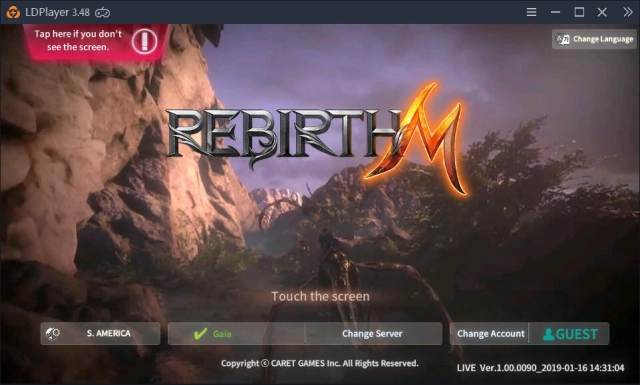


RebirthM is a Role Playing game developed by Caret Games, and LDPlayer is the best platform for playing RebirthM on Windows PC, offering powerful features for an immersive experience.
When playing RebirthM on PC, as a new player looking to start with a fresh account, the multi-instance and sync features are extremely useful for rerolls. You can use them to run multiple instances and begin the synchronization process. Bind your account until you draw the desired heroes.
In addition, operation recorder is great for games that require you to level up and complete tasks! Run the sync and record your actions, then repeat the main instance's actions in real-time. By doing so, you can run 2 or more accounts simultaneously. You can always get the heroes you want before others by faster rerolls and more efficient summoning! Start downloading and playing RebirthM on your computer now!
Are you looking for a free MMORPG based open-field with high-quality graphics with various devices?is the answer you've ever seen before!
Be sure before playing with the previous reviews!
Just install and feel free to play!
▶ Monthly Events
• Every month, there are huge events in game.
* Note *
• We support fully automatic gameplay
(Looking for manual play? check the other game published by Caret Games)
• It needs to be updated with an additional 1.85GB just once
• We don't recommend under 2GB memory, of course, you can play, but the quality will not be good
▶ Since 2018
• So many users are playing came from over 70 countries
• Over 1M users meet this game
▶ Contents
• RvR, PvP, PvE, etc
• Dungeons, Raid, Guild, Guild War, etc
• Lv.800 contents
• Exchange, Crafting, Upgrade, Enhancement, etc
• You can get so many items included in the equipment via playing. it's totally free
• We have regular maintenance and improvements
• Want more? Check it out with your own RPG insight!
▶ Guidebook
https://rebirth.caretgames.com/en/guidebook/itembook.php
▶ Support
• official site: https://caretgames.info/
• mail: cs@caretgames.com (maximum 2 days)