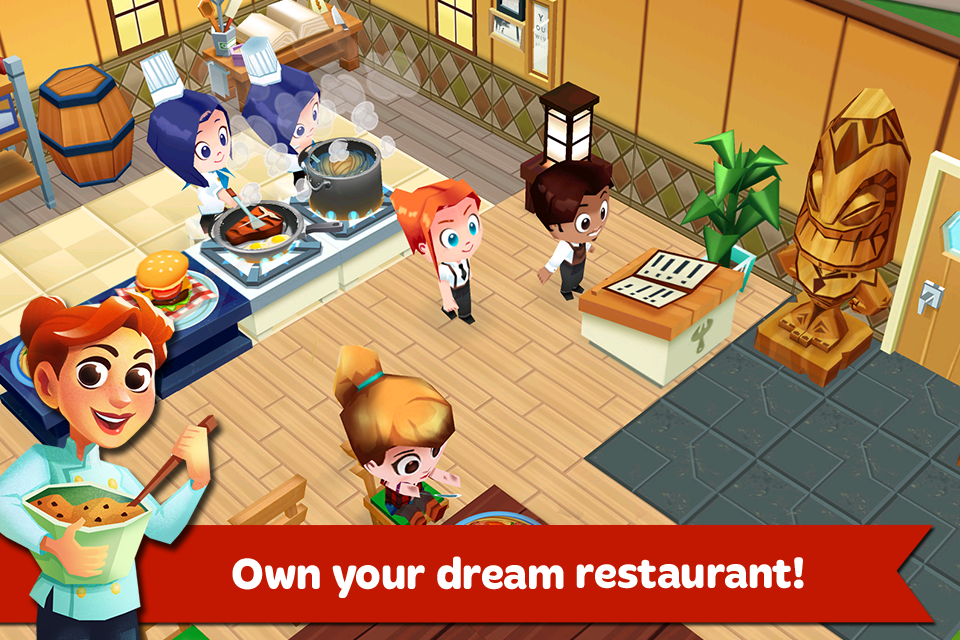
Restaurant Story 2 is a Casual game developed by Storm8 Studios. LDPlayer is the best platform for playing Restaurant Story 2 on Windows PC, offering powerful features to enhance your immersive experience in Restaurant Story 2.
When playing Restaurant Story 2 on your computer, if you find repetitive actions or tasks tedious and time-consuming, fret not! Macro can alleviate your concerns. Simply record your actions with a click of the screen recording feature and let macros take care of the rest. Macros automate your operations, allowing you to effortlessly conquer the game with minimal effort! Start downloading and playing Restaurant Story 2 on your computer now!
Create the restaurant of your dreams in Restaurant Story 2! It’s a fresh new cooking adventure with smiling customers, colorful ingredients, and delicious recipes! Learn new dishes, design, decorate and craft the perfect dining experience!• COOK delicious and creative meals that cater to the tastes of your hungry and adoring customers!
• COLLECT tasty, farm-fresh ingredients like fruits, veggies, and seafood!
• BUILD your kitchen with new Stoves, Pizza Ovens, Drink Makers and more! It’s like home for a chef!
• LEARN new recipes to expand your menu! Grill mouth-watering burgers and bake beautiful cakes for dessert!
• GROW an herb garden to make savory spices to enhance your dishes!
• EXPLORE a fully 3D world filled with friendly characters, happy customers, and colorful scenery!
• DECORATE with ease! Buy decorations and styles to design your perfect restaurant!
• VISIT your friends, see their restaurants, and leave tips on their tables!
Do you have a fever for flavor? A calling for cuisine? Well then, your Restaurant is waiting for you! Come and play the BEST looking FREE restaurant game for your Android device!
Restaurant Story 2 is an online only game. Your device must have an active internet connection to play.
Please note that Restaurant Story 2 is free to play, but you can purchase in-app items with real money. To delete this feature, on your device go to Settings Menu -> General -> Restrictions option. You can then simply turn off In-App Purchases under "Allowed Content". In addition, Restaurant Story 2 may link to social media services, such as Facebook, and Storm8 will have access to your information through such services.
Follow Storm8!
www.storm8.com
facebook.com/storm8
twitter.com/storm8