Retro Ark is a Arcade application developed by Dian Dimitrov, but with the best Android emulator-LDPlayer, you can download and play Retro Ark on your computer.
Running Retro Ark on your computer allows you to browse clearly on a large screen, and controlling the application with a mouse and keyboard is much faster than using touchscreen, all while never having to worry about device battery issues.
With multi-instance and synchronization features, you can even run multiple applications and accounts on your PC.
And file sharing makes sharing images, videos, and files incredibly easy.
Download Retro Ark and run it on your PC. Enjoy the large screen and high-definition quality on your PC!
RetroArk is a user-friendly frontend for the RetroArch emulator, designed for speed and ease of use. Supported arcade systems:- NES
- SNES
- GBC and GBA
- Sega Mega Drive
- MAME
Adding ROMs to Your Library
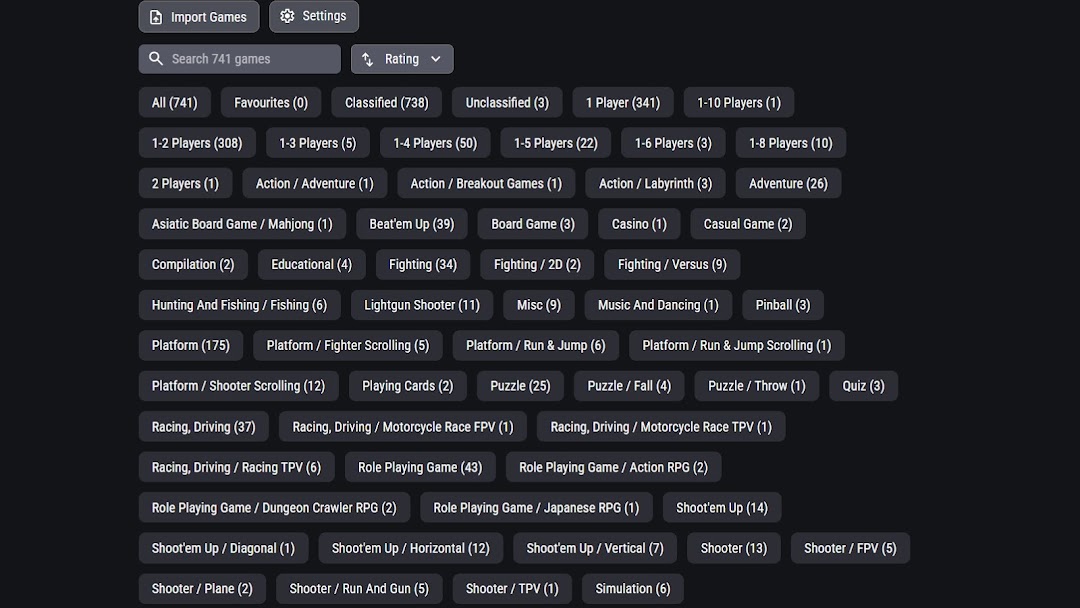
Once you have downloaded ROMs to your device, you can add them to your library by tapping "Import Games." The ROM must be compatible with one of the supported arcade systems listed above.
Automatic Scraping for Game Data
When you start importing games, a built-in scraper automatically fetches game data for you. Scraping collects metadata, screenshots, and video previews to enhance your library.
If the scraper isn’t working, it may be due to:
- No internet connection.
- The source site being down or overloaded.
In such cases, you’ll need to wait until the source is back online.
What Scraping Adds to Your Games
Scraping enhances your game library by retrieving details such as:
- Publisher
- Developer
- Release Year
- Genre
- Description
- Number of Players Supported
- Rating
Even if a ROM isn't found in the scraper’s database, a string similarity algorithm is used to find the closest match. This algorithm employs fuzzy string matching, allowing it to identify games even if the ROM filename contains misspellings or incomplete titles.