Rhythm Blocks: Music Beat Game is a Music application developed by Oanh Studio, but with the best Android emulator-LDPlayer, you can download and play Rhythm Blocks: Music Beat Game on your computer.
Running Rhythm Blocks: Music Beat Game on your computer allows you to browse clearly on a large screen, and controlling the application with a mouse and keyboard is much faster than using touchscreen, all while never having to worry about device battery issues.
With multi-instance and synchronization features, you can even run multiple applications and accounts on your PC.
And file sharing makes sharing images, videos, and files incredibly easy.
Download Rhythm Blocks: Music Beat Game and run it on your PC. Enjoy the large screen and high-definition quality on your PC!
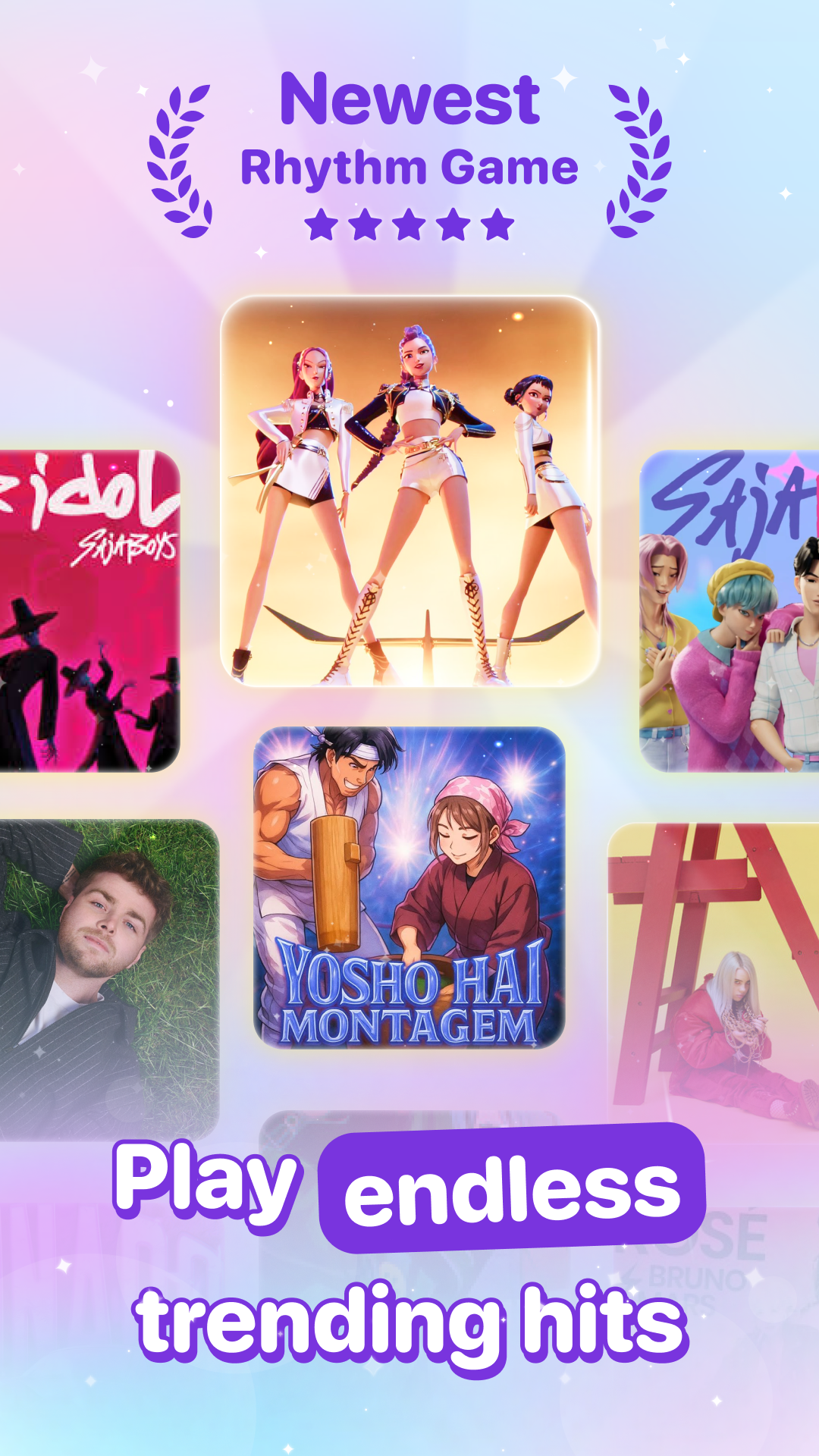
A new music game you’ve never played before!Rhythm Block: Music Beat is a free music puzzle game that mixes the charm of block games with the thrill of piano rhythm gameplay. Tap, drag, and swipe through the beats as colorful blocks fall perfectly in sync with trending music. It’s the most satisfying music puzzle game, simple to play, yet endlessly fun to master.
Forget the old puzzle games. This time, you’ll play with rhythm!
Control your pad, catch the blocks, and tap to the beat like a pro piano game player. Hold for long notes, swipe to smash through combos, and chase your perfect score in this magic tiles-inspired music adventure.
Why you’ll love Rhythm Block: Music Beat:
- Iconic Blocks, Fresh Gameplay: A unique mix of block blast and music rhythm challenge for players of all ages.
- Rhythm you can feel: Each tap and swipe connects perfectly with the beats, making you fall in love with every move.
- New swipe mechanic: Smash blocks and climb the leaderboard with satisfying combos and magic effects.
- Simple but addictive: Easy to start, fun to play, hard to master. Perfect for kids, teens, and adults alike!
- Duet Mode: Enjoy one-finger or two-finger duet gameplay for ultimate fun with friends and family.
- Weekly song updates: From chill piano tracks to trending K-pop and pop hits, always discover something new.
- Challenge mode: From normal to extreme, test your rhythm skills, beat your high score, and rise through the ranks.
- Leaderboard: Compete worldwide and show off your magic tiles mastery to other music game lovers.
- Coming soon: PVP battles, battle pass, and friends challenge for even more rhythm and magic fun!
This isn’t your typical puzzle game, it’s a full music adventure filled with beats, blocks, and endless play possibilities. Whether you’re a piano lover, a casual game player, or a music fan, you’ll find something to love here.
Step into the rhythm, tap the magic tiles, and play your way to the top!
Download Rhythm Block: Music Beat now, a free music game where blocks, beats, and piano magic come together for the most satisfying rhythm experience ever!