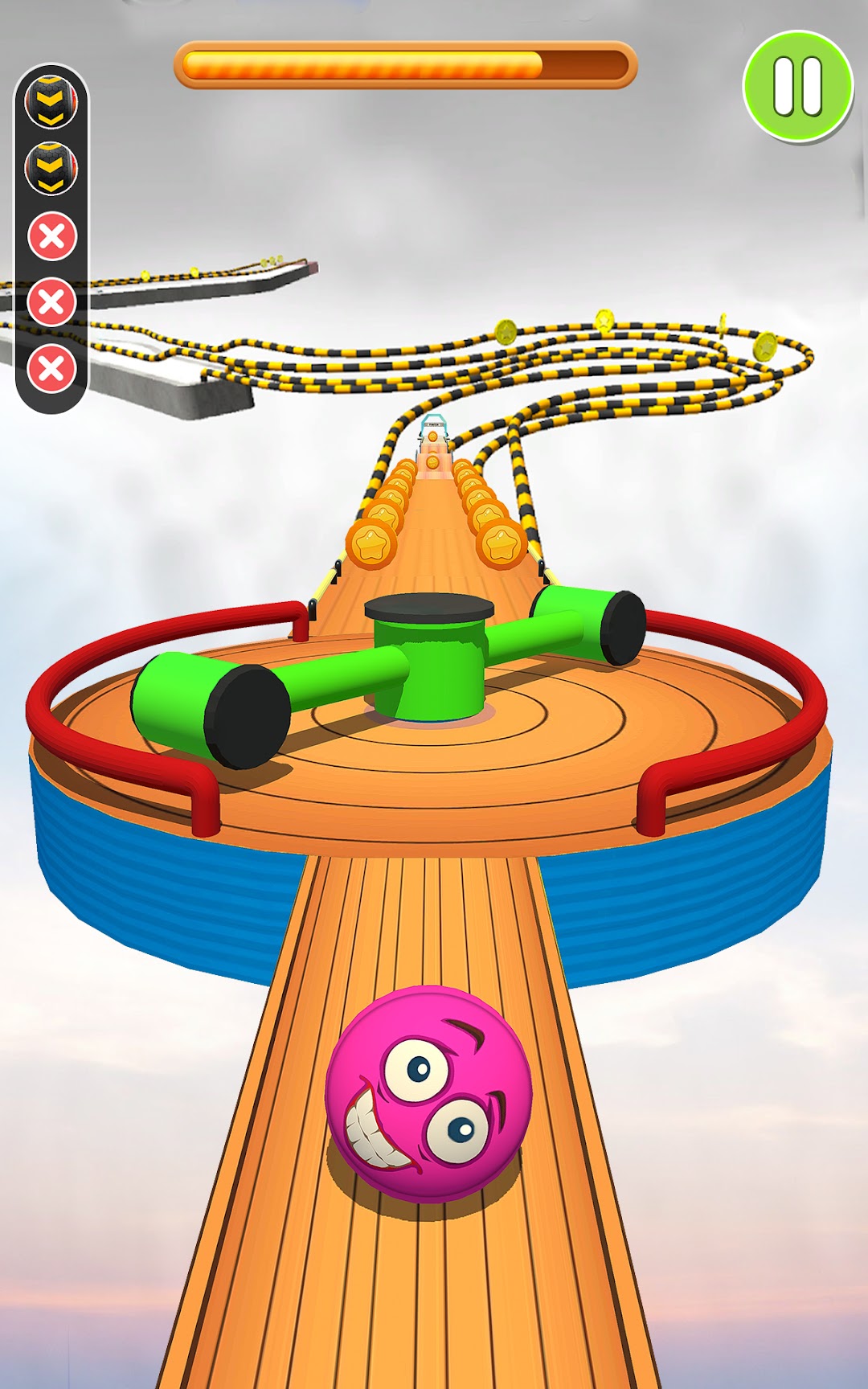
Rolling Ball 3D: Balls Going is a Strategy game developed by Blue Mount Studio, and LDPlayer is the best platform for playing Rolling Ball 3D: Balls Going on Windows PC, offering powerful features for an immersive experience.
When playing Rolling Ball 3D: Balls Going on your computer, you can enjoy long game sessions using the operation recording feature to record repetitive operations to complete the same tasks automatically. It allows you to level up faster and makes resource grinding much more efficient.
In addition, if you want to execute combo moves or the game requires repeated skill actions, the macro feature is your best helper. It enables you to complete kills with just one click!
If you want to manage multiple accounts, LDMultiplayer and Synchronizer will assist you. You can run multiple alternative accounts at the same time to assist the leveling of your main account. Download and play Rolling Ball 3D: Balls Going on PC with LDPlayer now!
Rolling Ball 3d game is ready for twist and adventure of balance in the sky. Ball going game is an addictive sky-rolling ball for those who love the challenge.Ball runner games have a lot of different surfaces to counter the player's skills. You can test your skills by playing the rolling ball 3d game if you have good skills. Roll, rotate and flip the ball to clear the level.
Ball rolling game 3d is easy to play, but not easy to win. Because it has a different & unique level design, which is essential to control the ball's running. Sometimes you want speed, and sometimes you control the ball speed, especially when you're going to turn the ball.
Charming features of the Rolling balls 3D: Ball Going Game
- Easy to control with figure swipe.
- Different balls ready to play
- Dynamic and realistic 3D graphics
- Different world city maps
- Various ball skins.
- Different challenging rolling ball levels
Are you ready to play the rolling balls 3d game with a number of obstacles? Test your skills by challenging yourself, and see how to clear the level.