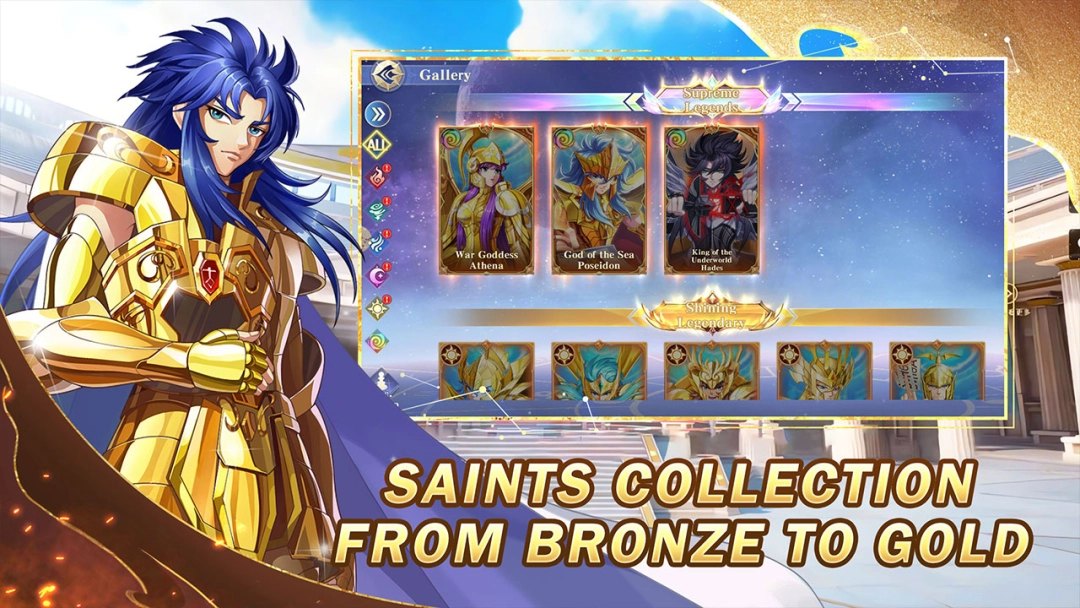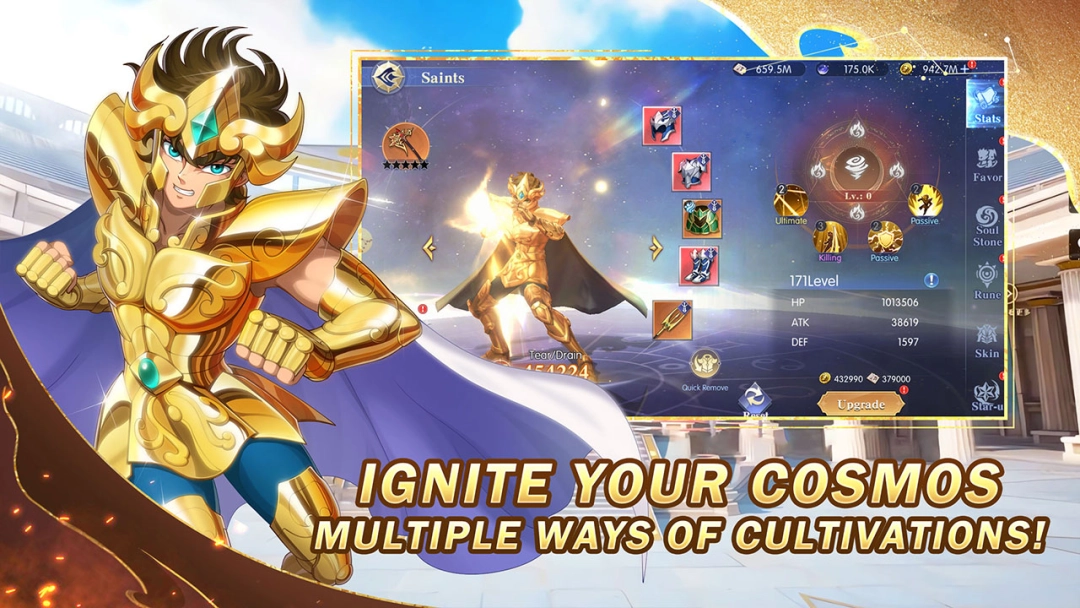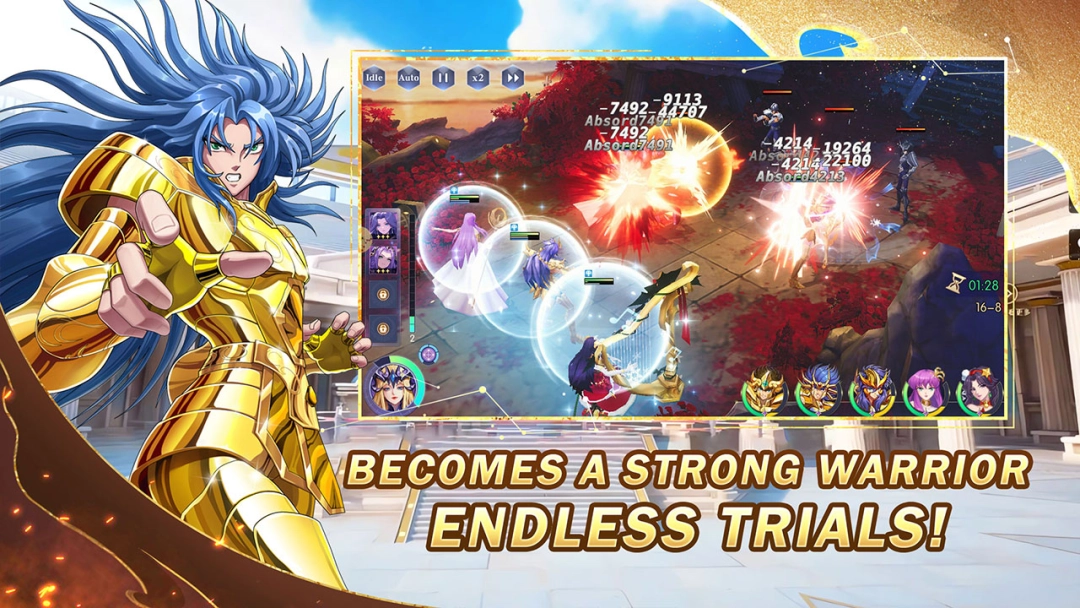


Saint Seiya: God Killer is a RPG with auto-chess battle style franchised by well-known Saint Seiya animation official. Enjoy the game and relive the peroid of watching Saint Seiya. Embark on your battle to protect the goddess Athena and fight against evil forces. You can strengthen saints through multiple ways and unleash their classic ultimate. Assorted dungeons like the Golden Twelve Palaces, Trial grounds and etc.. Ingite your Cosmos once again!
Game Features
[Playful Gacha System]
All the saints are licenced by Saint Seiya official which lighten your childhood memories. Collect them by gacha with 10-pull gold saints guaranteed.
[Diverse Exciting Challenges]
You will be the best warrior and subdue diverse dungeons, including Trial Tower, daily dungeon, and more. Upgrade yourself and your saints to unlock exhilarating combat. Join the Galaxy Arena to become the strongest and participate in cross-server competitions
[Convenient Combat System]
Saint Seiya: God Killer offers auto battle, accelerate battle and skip battle. Liberate your hands without staring the screen and operating the saints.
[Various Progression Methods]
Each Saint has extensive growth potential. Enhance your saints through star up, upgrading Rune and equipping gears. Max out their power and unleash their ultimate to dominate Saint Seiya: God killer.
Why Pre-register Sanit Seiya: God Killer on PC with LDPlayer
Enjoy Saint Seiya: God Killer on PC with LDPlayer, it helps you dominate Saint Seiya: God Killer with the wonderful functions such as Multi-instance & Sync, one-click macro, keyboard mapping and etc. Download LDPlayer now for the smoothest gaming experience.
Multi-instance & Sync: Create multiple instance and execute the same operation simultaneously, save your time to gather massive rare materials.
One-click Macro: Record your operations and replay as a script. Automate your gaming.
Keyboard Mapping: Skip the combat, place combat units and release skills more conveniently and accurately.
The game is available in English, Spanish, Portuguese, Simplified Chinese, and Traditional Chinese. It follows your device language, or you can change it after completing the tutorial by tapping your avatar in the top-left corner and selecting from the “Language” menu.