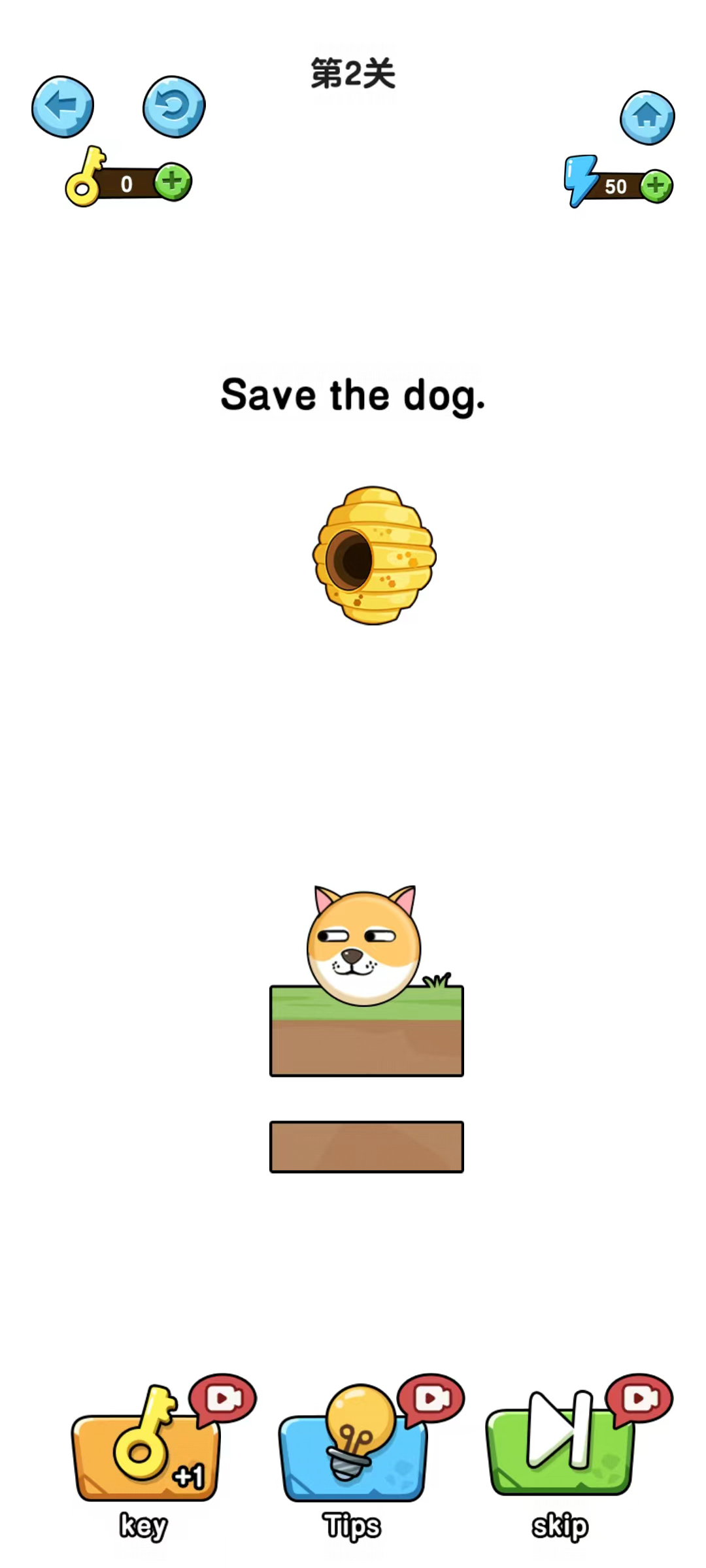
Save Dog is a Casual game developed by BotaGame. LDPlayer is the best platform for playing Save Dog on Windows PC, offering powerful features to enhance your immersive experience in Save Dog.
When playing Save Dog on your computer, if you find repetitive actions or tasks tedious and time-consuming, fret not! Macro can alleviate your concerns. Simply record your actions with a click of the screen recording feature and let macros take care of the rest. Macros automate your operations, allowing you to effortlessly conquer the game with minimal effort! Start downloading and playing Save Dog on your computer now!
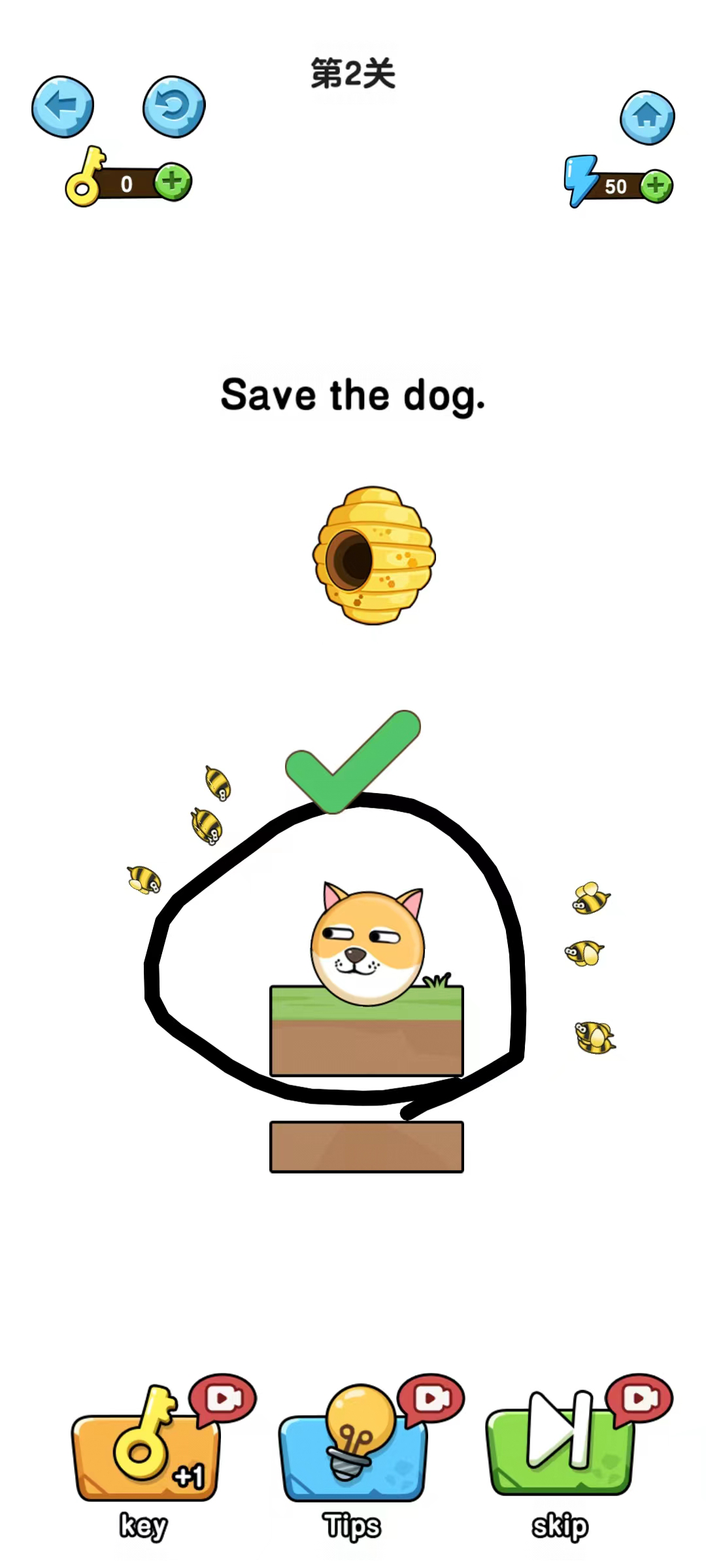
Save Dog "is a challenging and fun puzzle game that has won players' love with its unique gameplay, exquisite graphics, and rich level design. The main gameplay of the game is to protect the puppy from attacks by drawing lines. Players need to use lines to draw a protective circle, guarding innocent and cute puppies from being invaded by bees, while also preventing puppies from falling into the hot magma. All lines need to be drawn with one stroke, without long pauses or breaks in the middle, which tests the player's concentration and hand eye coordination ability. The open design of the game endows each level with endless possibilities, allowing players to unleash their imagination and creativity in the game.
In terms of gaming experience, the difficulty of the levels gradually increases, and players will encounter more challenges, such as two waves of bees besieging, multiple dogs guarding, and even potential threats from the environment. This fast-paced gaming style is irresistible, whether it's busy office workers, student enthusiasts, or players looking for excitement in their leisure time, they can all find fun in the game.
The game screen adopts a card like design style, with bright and full colors, giving people a relaxed and pleasant atmosphere. The cute and silly appearance of dogs makes people unable to resist the urge to protect them. The background music is relaxed and pleasant, complementing the game atmosphere, allowing players to feel relaxed and happy even during challenges.
Overall, 'Save Dog' is not only a great choice for leisure and relaxation, but also an excellent tool for exercising thinking skills. If you haven't tried this game yet, why not download it and see if you can successfully rescue those cute dogs.