

Scary Baby Kids 2: Horror Simu is a Adventure application developed by Camilox Horror Games, but with the best Android emulator-LDPlayer, you can download and play Scary Baby Kids 2: Horror Simu on your computer.
Running Scary Baby Kids 2: Horror Simu on your computer allows you to browse clearly on a large screen, and controlling the application with a mouse and keyboard is much faster than using touchscreen, all while never having to worry about device battery issues.
With multi-instance and synchronization features, you can even run multiple applications and accounts on your PC.
And file sharing makes sharing images, videos, and files incredibly easy.
Download Scary Baby Kids 2: Horror Simu and run it on your PC. Enjoy the large screen and high-definition quality on your PC!
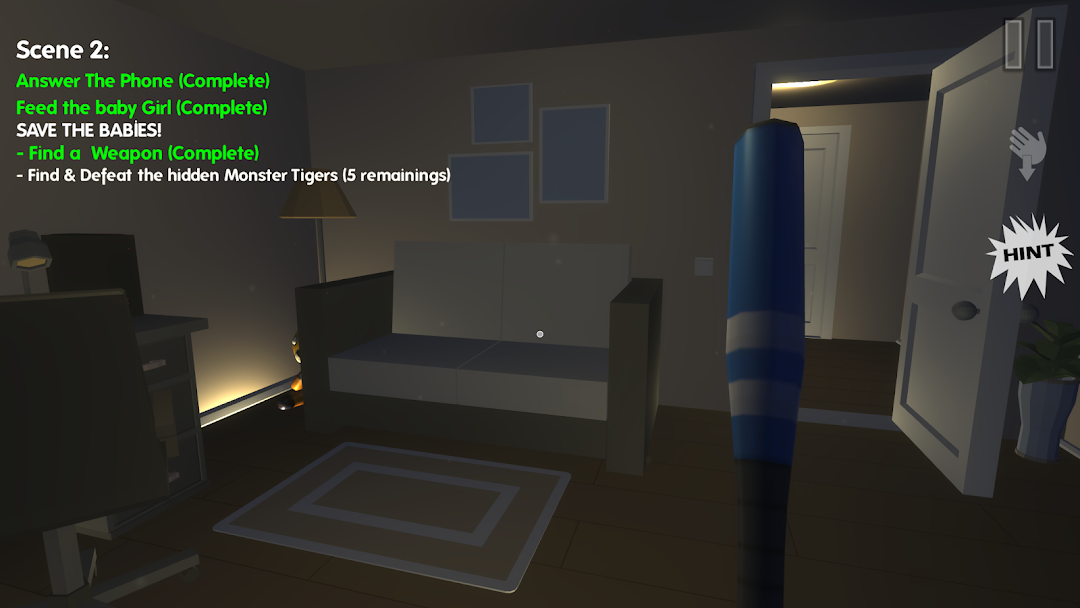
Scary baby kids are evil, creepy & ready to scare in the 2nd chapter! As usual, This is not a normal babysitting game where you only have to feed the babies… The lights are turned on, the environment is silent and the babies are dressed like clowns for fun: this is how this second chapter inside the baby house starts off: you will have to manage two scary, dark, creepy & evil babies inside the scary house full of unexpected surprises and events for you to enjoy in this delirious scary baby simulator! Our team goal is to make one of the best fun scary games to play :)Do not be fooled by the innocent babies looks: this second chapter contains a story of two nights full of horror and hilarious events in the house: initially, you’ll have to manage and babysit the baby boy alone in the scary house. To add up to the thrill, some brand new evil creatures might appear and keep on surprising you! What if one scary baby was not enough?! Well, move on to the second night and keep operating in the dark house while babysitting the evil baby boy and girl... both at once! Unlike other traditional horror survival games or other scary baby simulator games: this second chapter offers a unique storyline following up on the beginnings of the legend of the scary baby kids in the house! Your mission is to honor your duty as a babysitter in both nights! Play this top fun scary game and take on the challenge!
Your routine in this game will be centered around tasks like feed the baby; put the baby to bed; change the hilarious and delirious baby kids in the changing table... But, you could expect the unexpected surprises and scary nightmare to start whenever without prior notice. This creepy and scary baby horror baby simulator is way better than the usual kids horror games because it is both amazing, fun & scary at the same time: a lot of thrill, suspense and expected surprises in the dark haunted horrific house are waiting for you: whether it’s a ghost baby or another hidden one.. the thrill is assured and waiting for you to discover this fun scary game!