Ski Tracker is a Sports game developed by Sport & Travel. LDPlayer is the best platform for playing Ski Tracker on Windows PC, offering powerful features to enhance your immersive experience in Ski Tracker.
When playing Ski Tracker on your computer, the larger screen and more powerful graphics performance enable you to enjoy clearer and smoother game visuals, enhancing the visual experience of the game.
The operation of peripherals such as gamepads is emulated to better mimic the feel of real sports, providing more precise control and richer operation options.
Furthermore, if you wish to execute a series of continuous key combinations, the one-click macro feature will be the functionality you've been dreaming of, allowing you to effortlessly stay one step ahead with one-touch operation. Start downloading and playing Ski Tracker on your computer now!
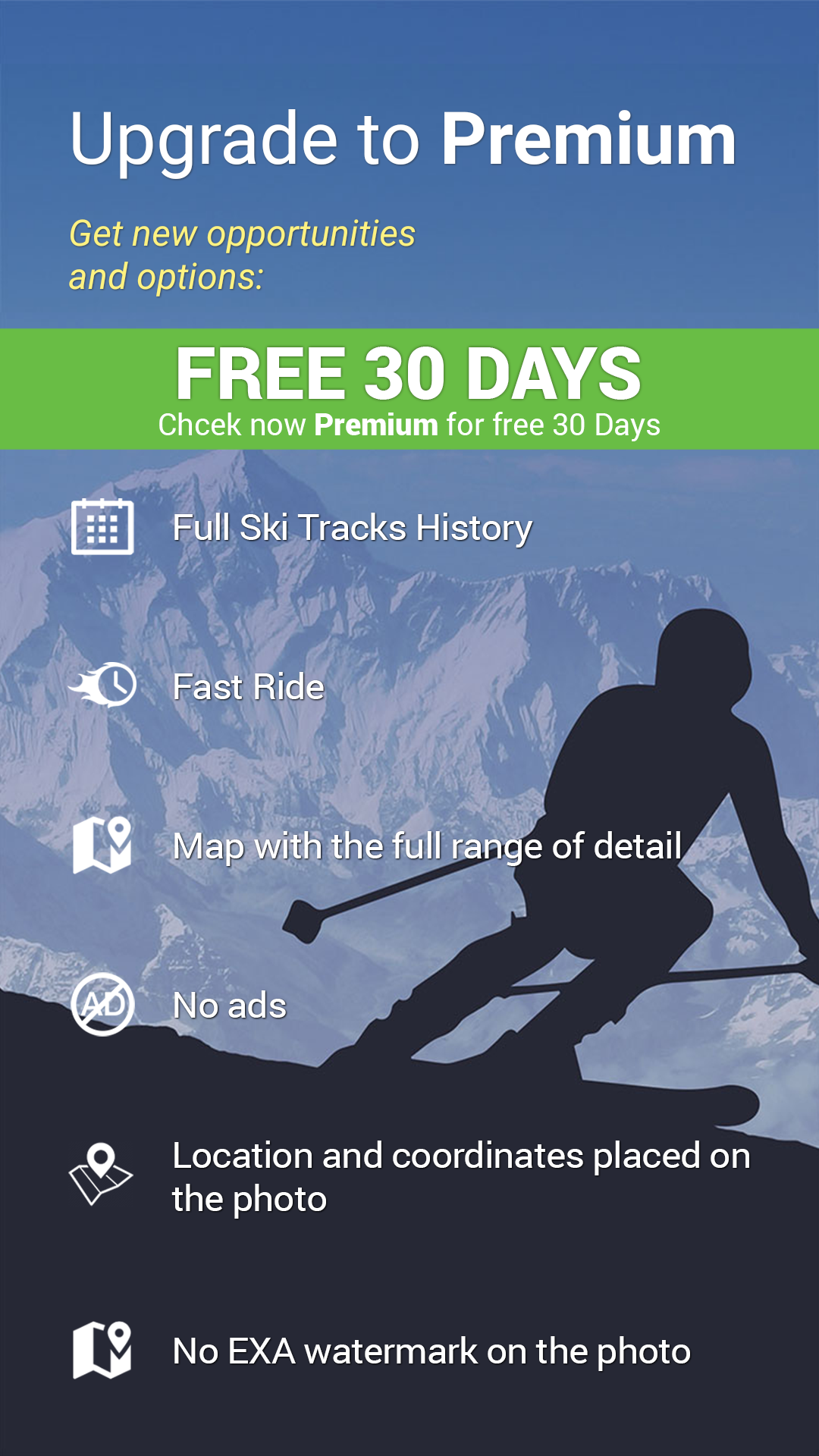
Ski Tracker is an application for all who love snow and winter sports. Useful for skiers and snowboarders. Measure the maximum skiing speed, tracks, distance, mark the slopes on the map and provide full statistics of your winter sports activity.Inside the app you can activate 30 days free, premium app version, which is extended on many additional and useful functions.
Ski Tracker includes the following features:
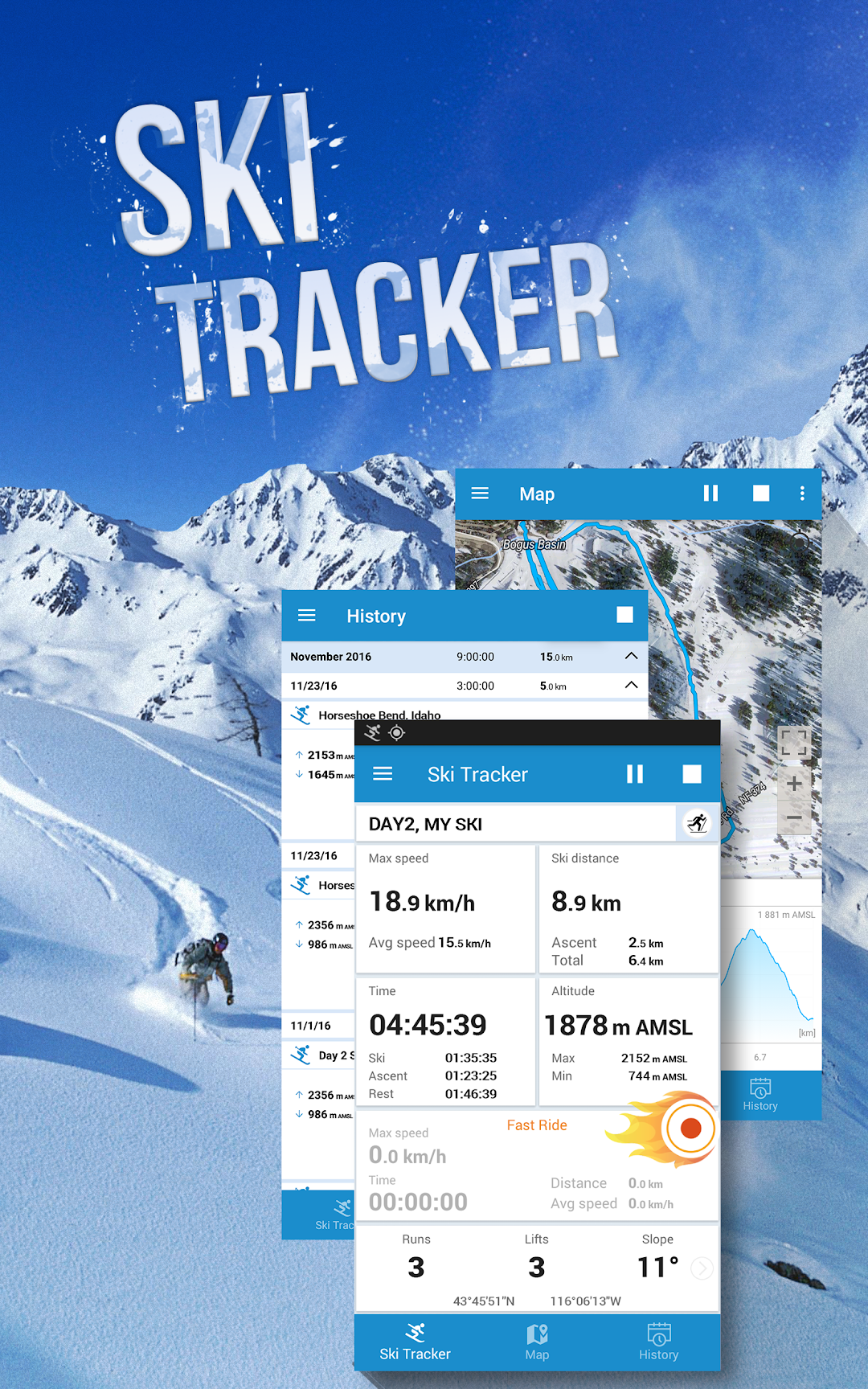
- measure and recording the maximum skiing speed
- measurment ski tracks distance, divided into downhill skiing and lifts
- time measure, skiing, lifts and rest
- marking your ski tracks on the map
- monitoring the height above sea level, with recording min. and max. values
- special feature "Fast Ride" to make a separate measurement of maximum speed, time and distance to any section and time
- all data and statistics you can record all day and later view history
- with this app you can take pictures with data on it and share them with friends,
- our idea is - any ski statistics, maps, graph and others data in one app
To use this app do not need a mobile roaming data, just GPS is enough. Remember that the GPS work poorly inside the buildings and can generate wrong data. Sometimes outdoors GPS may need more time to catch the good signal, especially in bad weather conditions.
Snow tracker application can also be used to training cross-country skiing, skitouring, skating, snowboarding, alpine skiing or other sports practiced in the open. This app is useful for experienced professionals, but also novice skiers will have while using it a lot of fun.
With Exa Ski Tracker, you can compare ski sports results with friends, organize sports competitions and other forms of competitive winter sports.
Ski Tracker can also help you navigate on the ski slopes, in finding routes or touch with your friends.
You're going skiing in Zermatt or Chamonix? Or maybe Aspen? Check the weather and instal Ski Tracker app. No matter where you'll be, this app certainly give you a lot of fun and impressions!
Over 30 millions satisfied worldwide users have installed our apps - join them and have fun!
Information
We still have been working to develop and improve it. If you see something that can be improved, we will be grateful for e-mail help@examobile.pl. We want to make our apps the best in Google Play - thanks you.