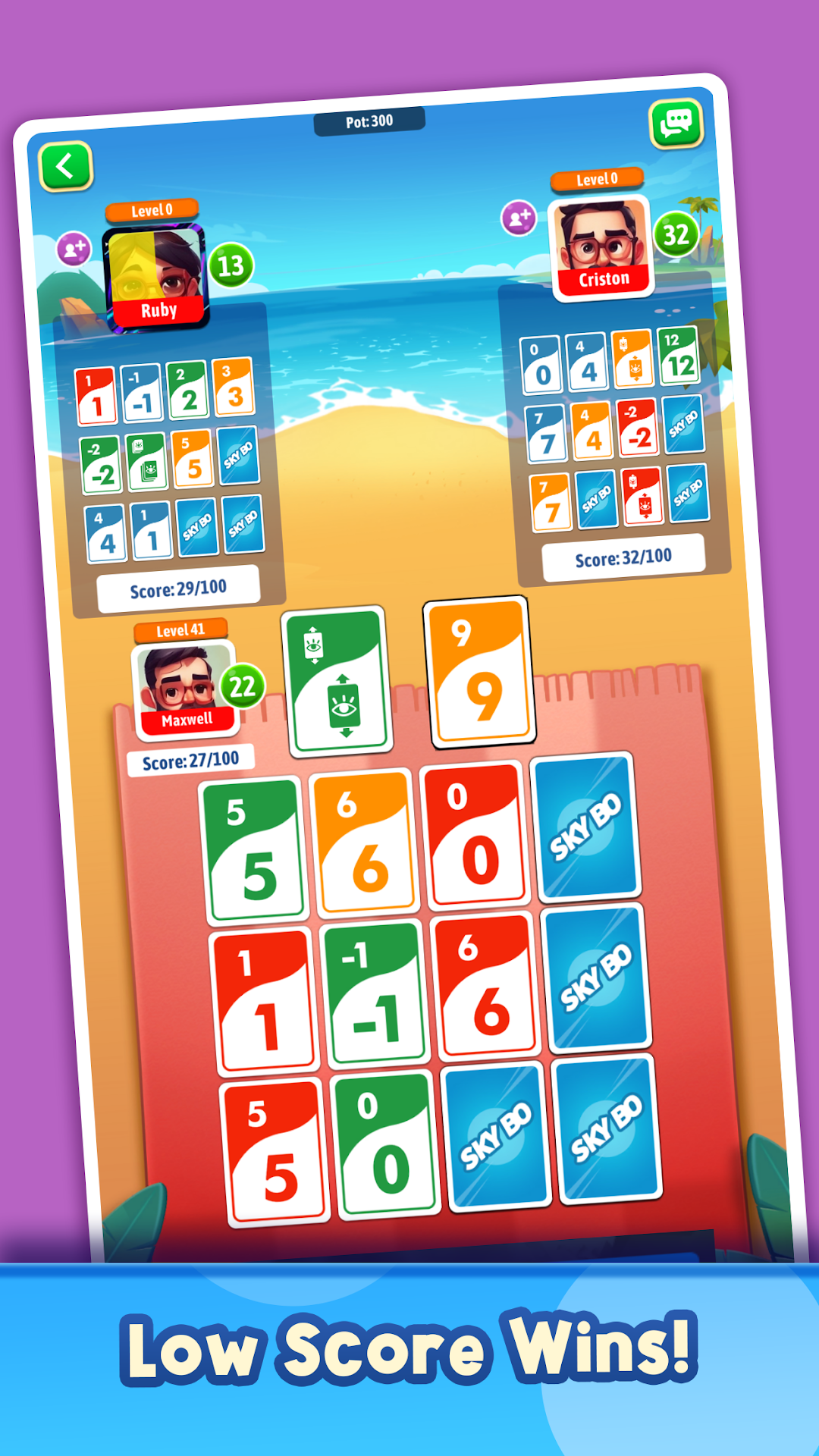
Sky-Jo: Fun Family Card Game! is a Card application developed by Malgudi Gamez, but with the best Android emulator-LDPlayer, you can download and play Sky-Jo: Fun Family Card Game! on your computer.
Running Sky-Jo: Fun Family Card Game! on your computer allows you to browse clearly on a large screen, and controlling the application with a mouse and keyboard is much faster than using touchscreen, all while never having to worry about device battery issues.
With multi-instance and synchronization features, you can even run multiple applications and accounts on your PC.
And file sharing makes sharing images, videos, and files incredibly easy.
Download Sky-Jo: Fun Family Card Game! and run it on your PC. Enjoy the large screen and high-definition quality on your PC!
Sky-Jo the goal is to collect as few points as possible over the course of several turns as after every round every player's points are counted and added to his score. In Sky-Jo as soon as a player reaches 100 points or more the player with the fewest points wins. Collecting the fewest points means to look for low or even negative numbers. Further excitement is added by several special rules, which for example make it possible to remove several cards (and with it points) from the game - this can lead to unexpected turns. This motivates daring decisions that might even come back to bite, if the other players can counter faster than expected.Sky-Jo is suitable as family, adult travel and holiday game
At least two players or more, the more players the more fun the game is
With no real money at risk, you can play Sky-Jo just for fun! You'll be winning in no time
Especially suited for children:
* Educational Gaming: Train arithmetic and concentration skills
* No directly competitive game: Every player plays for himself and there is no way to directly "harm" other players
Skyjo is an entertaining card game that is lots of fun for kids and even older game enthusiasts. Skyjo is Ideal for a short game in between other activities and as staple game for exciting evenings.
Skyjo is an Online multiplayer classic card game for fun and completely free!
Skyjo is one of the world’s most addictive multiplayer card game
How to Play Skyjo:
Every player has 12 hidden cards(3x4).Two are turned face up.On your turn you can take the top card from the discard or draw pile. You can exchange one card(hidden or open) from your display. Round ends when one player has only open cards. All cards will be revealed. Add the number of the card for scoring. Game ends when one player has 100 or more points. Whoever has the lowest number wins.So beware, keep a close eye on the game and be cautious and wary of the other player’s actions!
Special Rule: Whenever one column of 3 cards all have the same value, they will be discarded and no longer scored
Skyjo game is a fun, entertaining and exciting game with hours of play with friends and family.
The adrenaline rush of beating live players around the world while mastering your skills is simply unbeatable in Skyjo
Practice your strategies, and get ready before you head to a real online and private matches in Skyjo
If you’re enjoying the game Skyjo, please take a few seconds to give us a review!
We will be grateful to hear your opinions and improve - whenever needed - in future versions of Skyjo