

Skyria: Cloud Fantasia
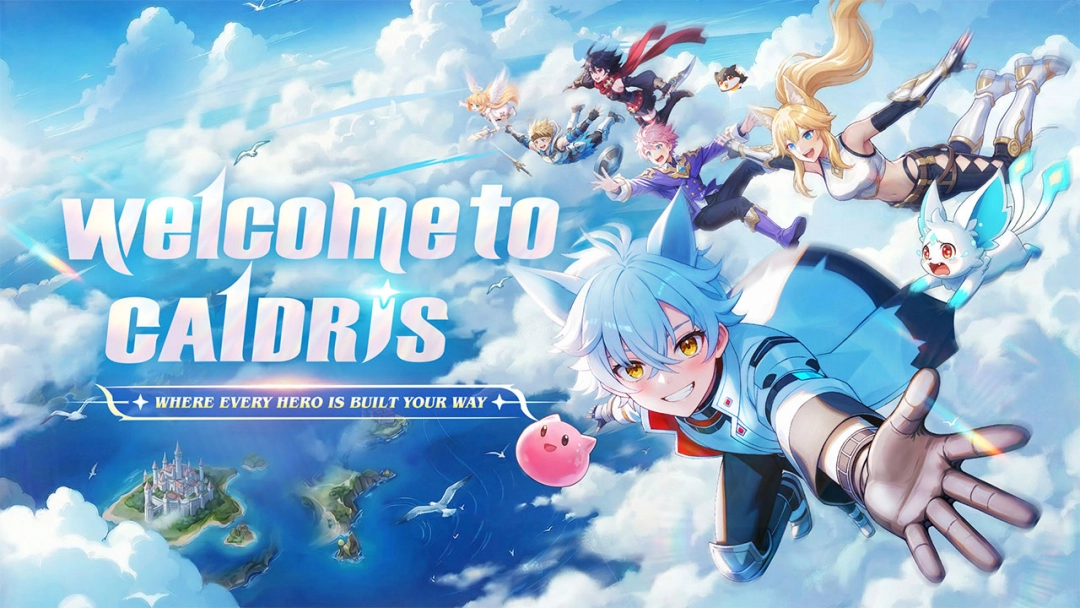
Introduction Step into the breathtaking world of Skydia in Skyria: Cloud Fantasia, a free-adventure open-world MMORPG where your destiny as a Skywalker awaits. As dark forces and the mysterious Abyss threaten to consume the continent, you must embark on an epic journey to protect the ones you love. Fight alongside adorable but deadly pets, explore hidden secrets, and enjoy an incredibly flexible class system. With generous login rewards, massive mall discounts, and convenient AFK features, Skyria: Cloud Fantasia offers a deeply rewarding and stress-free fantasy MMO experience.
Core Gameplay & Features
-
Free World Exploration: Dive into a massive, open world filled with challenging dungeons, daily quests, and hidden secrets waiting to be uncovered in every corner.
-
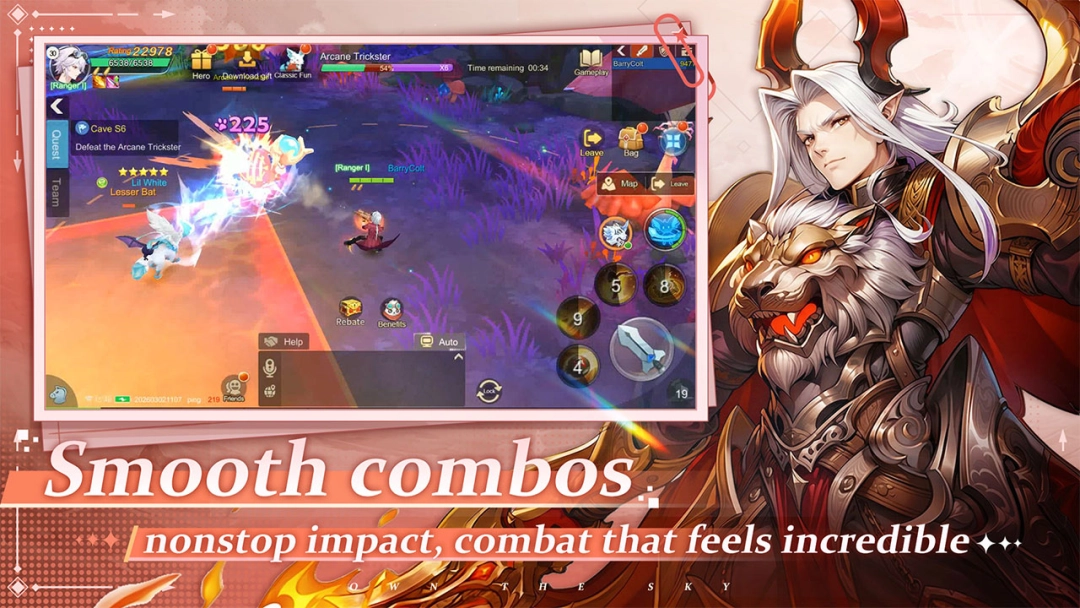
Dynamic Pet System: Your pets are more than just cute companions. They actively aid you in fast-paced combat, automatically collect precious loot, and make your adventure infinitely more enjoyable.
-
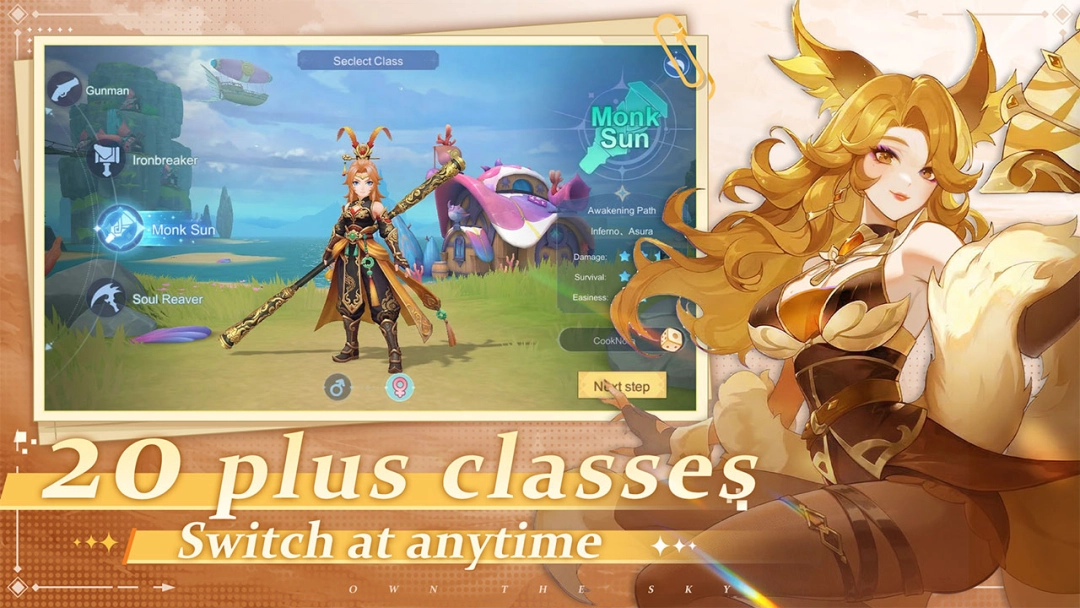
Free Class Switching: Change your playstyle on the fly! Switch between different class routes while retaining all your hard-earned attributes and gear, allowing for versatile combat strategies.
-
Strategic Cultivation: Slay monsters, collect materials, and strategically match your skills and team compositions to achieve victory against formidable Abyss bosses.
-
Massive AFK Perks & Rewards: Enjoy incredibly generous benefits! Log in for a guaranteed free 5-star selection pet and a rare mount. Take advantage of 99% OFF mall discounts and utilize the AFK system to gather resources and level up even when you are offline.
Players love Skyria: Cloud Fantasia because it perfectly balances the deep progression of a classic MMORPG with player-friendly quality-of-life features, removing the tedious grind and focusing purely on the fun of exploration and pet collection.
Play Skyria: Cloud Fantasia on PC with LDPlayer for Best Experience
-
Seamless AFK Grinding: Make the most of the game's generous AFK systems. Leave Skyria: Cloud Fantasia running in the background on your PC all day to effortlessly collect resources, gear, and EXP without draining your phone’s battery or causing it to overheat.
-
Multi-Instance for Perfect Pets: Want to start your journey with the absolute best 5-star pets? Use LDPlayer’s Multi-Instance feature to run multiple accounts simultaneously and reroll with ease, or create alt accounts to farm extra resources for your main character.
-
Immersive Big Screen Adventure: The vast, colorful world of Skydia deserves to be explored on a large PC monitor. Enjoy the beautiful fantasy environments, flashy skill effects, and adorable pet designs in full high-definition.
-
Precise MMO Controls: Quickly swap classes, trigger your pet's ultimate skills, and maneuver out of boss attacks flawlessly by mapping your controls to a keyboard and mouse.
-
Automated Macros: Streamline your daily quests and dungeon runs. Record simple macro scripts to automate repetitive tasks and maximize your daily cultivation efficiency.
Become the ultimate Skywalker and save the continent—download Skyria: Cloud Fantasia on PC and embark on your grand adventure with LDPlayer!