Smart Puzzles Collection is a Puzzle application developed by App Holdings, but with the best Android emulator-LDPlayer, you can download and play Smart Puzzles Collection on your computer.
Running Smart Puzzles Collection on your computer allows you to browse clearly on a large screen, and controlling the application with a mouse and keyboard is much faster than using touchscreen, all while never having to worry about device battery issues.
With multi-instance and synchronization features, you can even run multiple applications and accounts on your PC.
And file sharing makes sharing images, videos, and files incredibly easy.
Download Smart Puzzles Collection and run it on your PC. Enjoy the large screen and high-definition quality on your PC!
Smart Puzzles - a collection of puzzles in a cool design, a lot of games in one game. We put together different cool puzzle games in one game that takes up little space.Smart Puzzle game is suitable for those who like brain games, brain training or logic games.
The main advantages of our game:
The game takes up little space
The game takes up little space and therefore even on weak devices it will be easy and comfortable to play.
Is the game that worked without the Internet
Our game is easy and simple to play without an Internet connection. Play your favorite game without Internet.
- Many games in one game
In our game a large number of the most popular puzzles was collected. There are more than 5000 levels with different blocks, shapes, and forms. Our game belongs to the games that do not require a lot of memory.
- New game
The game was made in 2018, so you will see a large number of interesting levels that you have not yet seen. New games, new challenges and many new levels, this is what is already in our game.
- Useful and brain-developing game
It is the best exercise for your brain to keep it in great shape. Our game uses brain training technology - go through simple but intricate levels, gradually increasing your IQ. The results of the measurement of your IQ will be displayed during the game.
Collection of games "Smart puzzle" – these are the best and most exciting logic puzzles with minimalist graphics and beautiful design!
Our collection of games includes:
Block Puzzle
Move the blocks into special shapes. The shape for placing blocks can be either a simple rectangle or a square, or a more complex shape.
Hex Puzzle
Blocks are assembled from hexagons (hexes), which also need to be moved to the form.
Pipe games
It is a simple and addictive puzzle game. The idea of the game is very simple - you need to lay the pipeline using the existing pipes on the playing field.
Symmetry
It is an original and addictive puzzle game based on physical laws. You must help the figures achieve symmetry. Accordingly, this test is not only for your logic, but for the ability to judge by eye.
One line puzzle game
The game One line will require you to do the strategic planning and logical thinking. On the playing field there are points that you have to connect with just one line.
Path
Go through your path using all the slots on the playing field.
Puzzles with matches
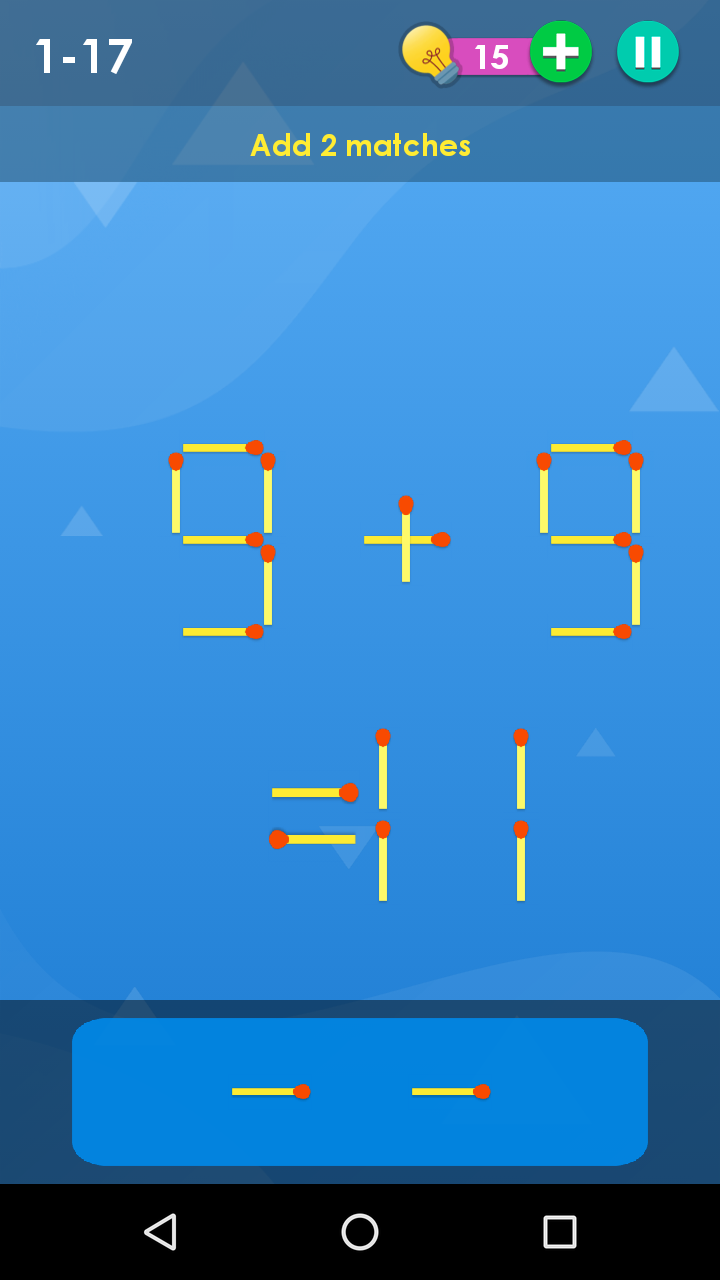
Puzzles with matches - in this classic game you have to solve puzzles with matches. Move, add or remove matches until you find a solution.
Crystals
A classic block puzzle with a non-classical approach in which there are levels and very interesting tasks to train your brain.
Download the free game “Smart puzzles” and pass interesting levels. Our game is fast to download and does not require a lot of memory.