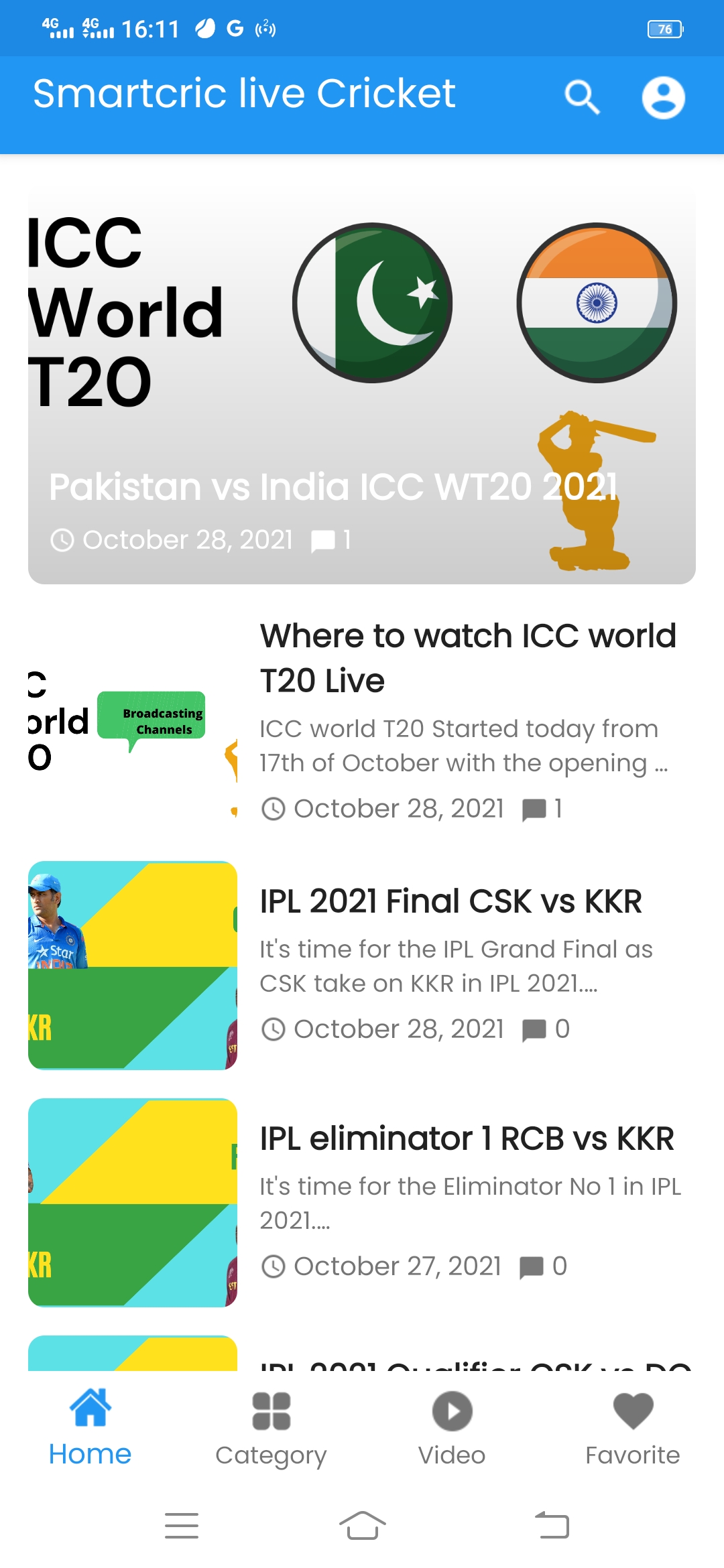


Smartcric Live Cricket is a must-have app for cricket lovers, offering live score updates, match commentary, and more. When you use it on LDPlayer, you can take advantage of features that significantly enhance your experience. Here's how LDPlayer can improve your time with Smartcric Live Cricket.
Smooth Navigation with Keyboard Mapping
Following all the Smartcric's various sections, like live scores, upcoming matches, and point tables, can be tricky on smaller screens due to tiny touch controls. LDPlayer's Keyboard Mapping feature can be specifically used for this matter here because it lets you assign these controls to your keyboard keys, making it easier to move around the app. You can set specific keys to switch between live commentary and match schedules quickly. This setup reduces the chance of tapping errors and makes accessing detailed match information more straightforward.
Enhanced Viewing on a Larger Screen
Smartcric provides real-time updates, including ball-by-ball commentary and detailed scorecards for its users, so using LDPlayer on a PC allows you to view these updates on a bigger screen, making it easier to read and analyze the information. The larger display ensures that you can comfortably follow along with the fast-paced nature of live matches, seeing all the stats and commentary without straining your eyes. And everything now shows on a bigger screen with a better monitoring capacity, which surely ensures you great enjoyment in player performances and match progress in detail.
Monitor Multiple Matches with Multi-Instance Feature
Cricket fans often want to keep track of several matches happening at the same time but it isn't something you can do from a mobile. But we have LDPlayer's Multi-Instance Sync feature that helps you to open multiple windows of the Smartcric app, allowing you to follow different games at once. You can arrange these windows side by side on your screen, making it easy to compare live scores, commentary, and player stats across various matches. This is especially useful during tournaments like the IPL or World Cup, where multiple games may occur at the same time.
So, make use of all these features in LDPlayer to run Smartcric Live Cricket on your PC so you can gain smoother navigation, better visibility, and the ability to keep up with multiple matches at the same time. These enhancements make your cricket-following experience more enjoyable and efficient.