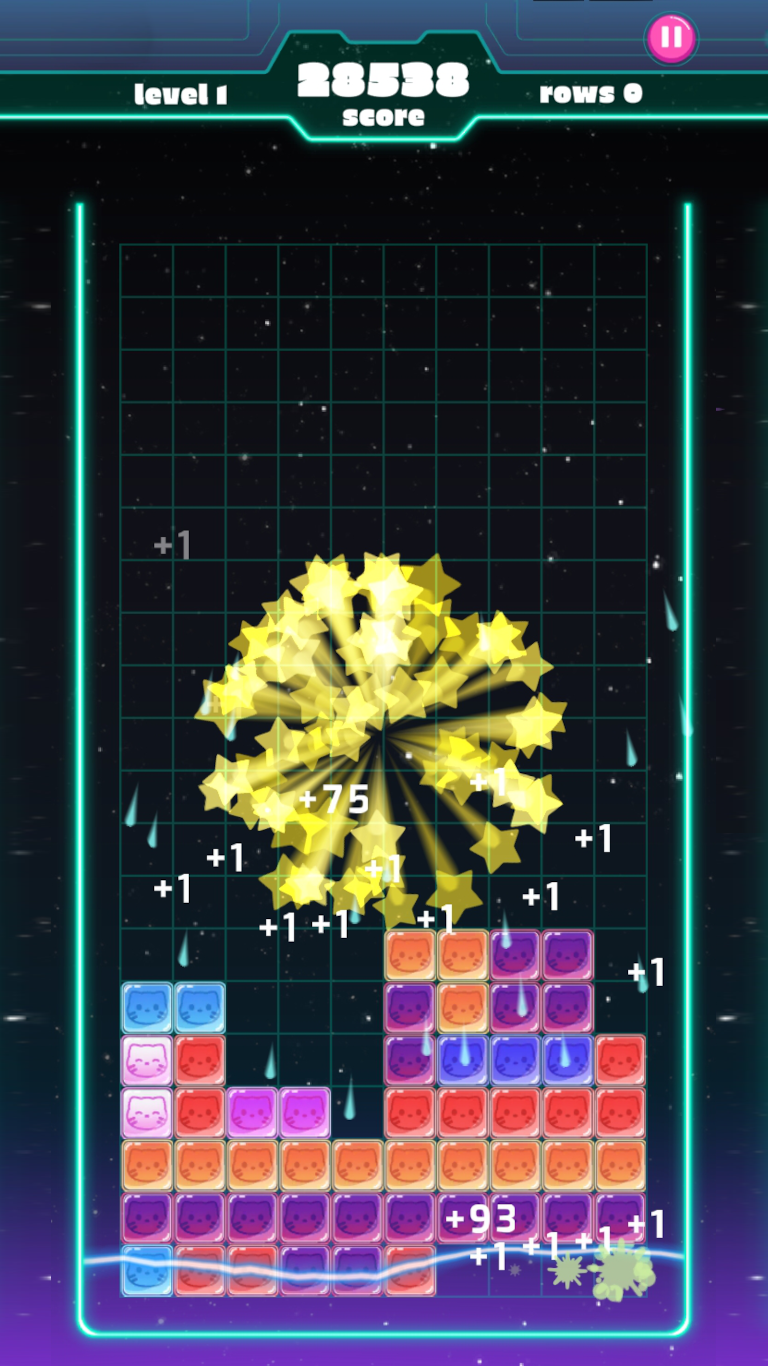
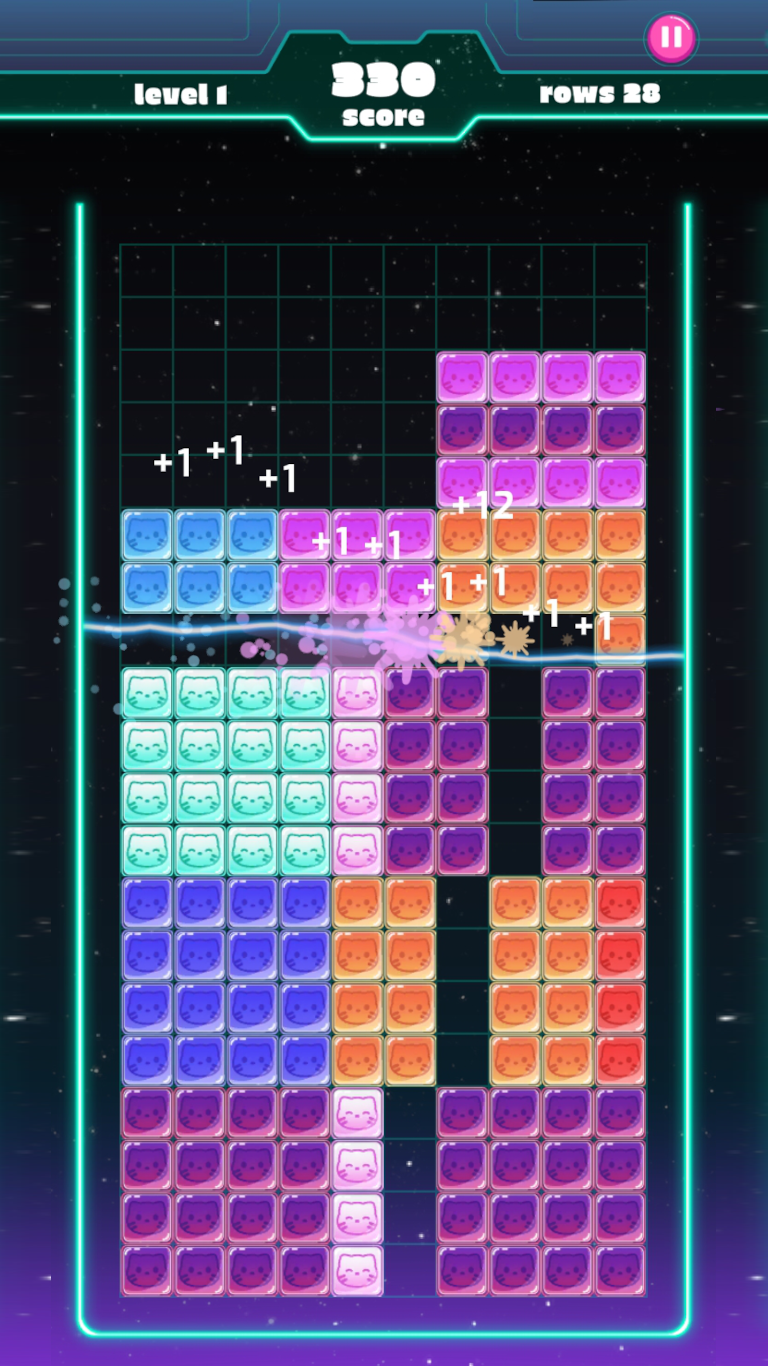
Smash Blox is a Puzzle application developed by Another Quest, but with the best Android emulator-LDPlayer, you can download and play Smash Blox on your computer.
Running Smash Blox on your computer allows you to browse clearly on a large screen, and controlling the application with a mouse and keyboard is much faster than using touchscreen, all while never having to worry about device battery issues.
With multi-instance and synchronization features, you can even run multiple applications and accounts on your PC.
And file sharing makes sharing images, videos, and files incredibly easy.
Download Smash Blox and run it on your PC. Enjoy the large screen and high-definition quality on your PC!
Welcome to Smash Blox, the revolution of one of the most classic puzzle game! Get ready to immerse yourself in an exciting world of puzzles and strategy that will challenge your mind and gaming skills.*Key Features:
Original and Different Variant: Smash Blox is not just another block game. It's a unique variant that completely redefines the logic and dynamics of the classic puzzle game. Get ready for a completely new experience!
Strategic Challenges: Master the strategy to place and combine blocks at the perfect moment. Every move counts, and only the most cunning players will reach the highest score. Do you have what it takes to overcome the challenges?
Addictive Graphics: Immerse yourself in a visually stunning world with vibrant graphics and captivating effects. Smash Blox takes the gaming experience to a new level, with each level designed to keep your attention at all times.
Global Competition: Compete against players from around the world and prove your skill on the global leaderboard. Will you be the ultimate master of Smash Blox?
Constant Updates: The fun never stops! We are committed to providing regular updates with new challenges, exciting game modes, and surprising blocks. There's always something new to discover!
Download now and join the Smash Blox revolution. Do you have what it takes to conquer this block challenge? Prove it now!