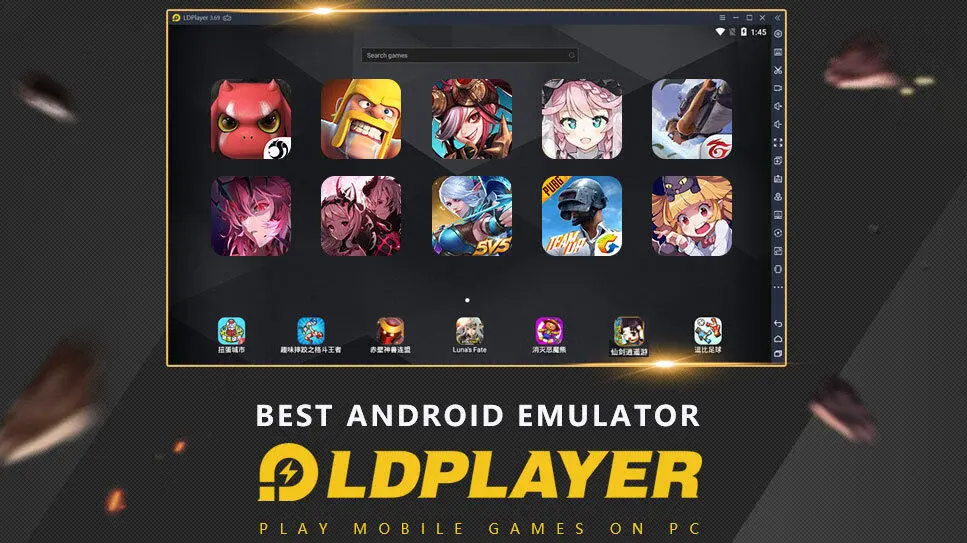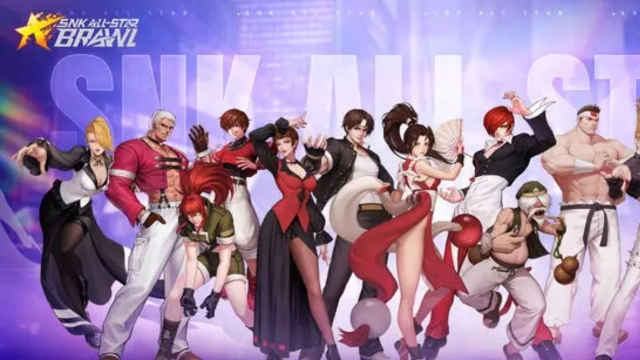


SNK: All-Star Brawl brings the beloved SNK franchise to mobile as an exciting gacha RPG. Featuring iconic characters from titles like Samurai Shodown and The King of Fighters, this action-packed game challenges you to recruit fighters and lead them into intense battles. Want to maximize your gameplay experience? LDPlayer is here to help.
Recruit the Best Fighters for Victory
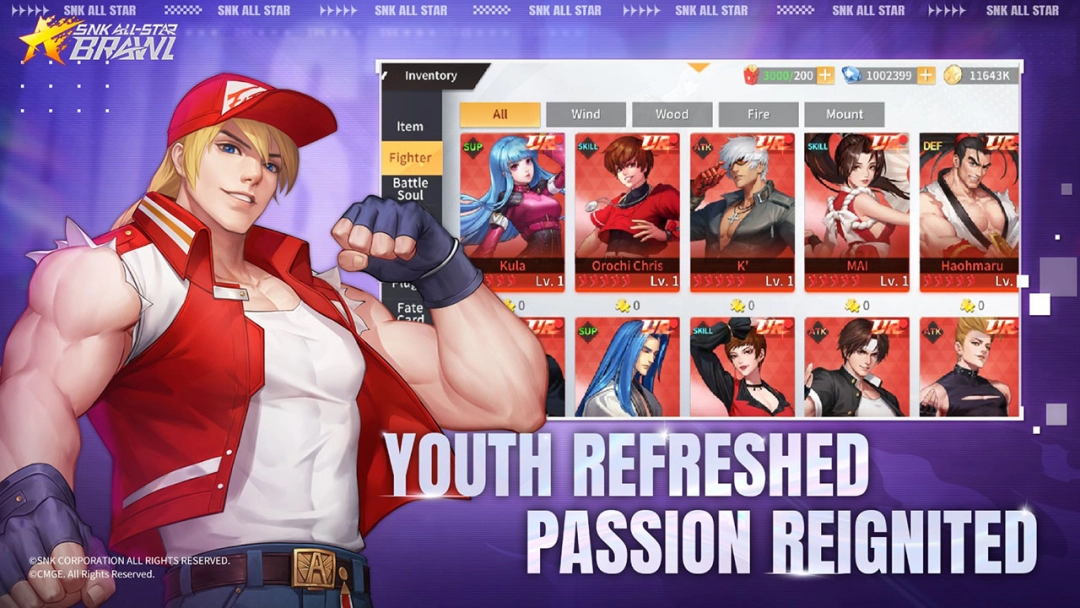
In SNK: All-Star Brawl, fast-paced battles demand a powerful team, and SSR-grade heroes hold the key to success. Fighters like Mai Shiranui and Orochi Leona stand out for their superior stats and abilities, making them essential for victory. However, recruiting these heroes can take numerous attempts, requiring time and effort.
With LDPlayer’s Multi-Instance Sync, you can create multiple game instances to perform multiple pulls at once, drastically increasing your chances of summoning SSR heroes. Once your recruitment is complete, the Synchronization tool seamlessly syncs the results across all instances, giving you a well-equipped team to dominate battles. Say goodbye to tiresome, repetitive pulls and hello to a lineup of powerful fighters.
Experience the Characters in Stunning Detail
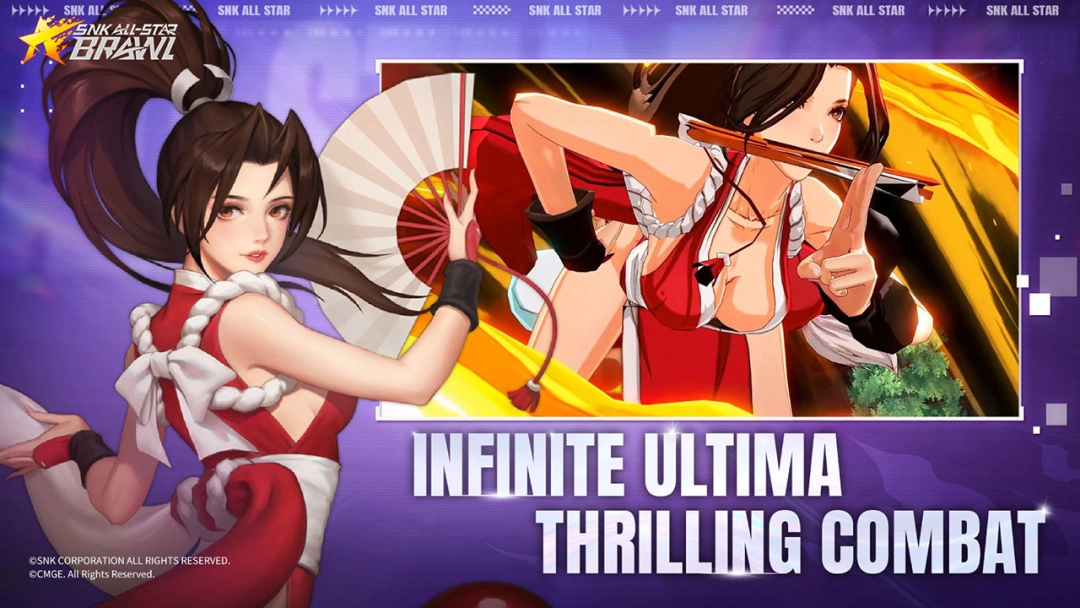
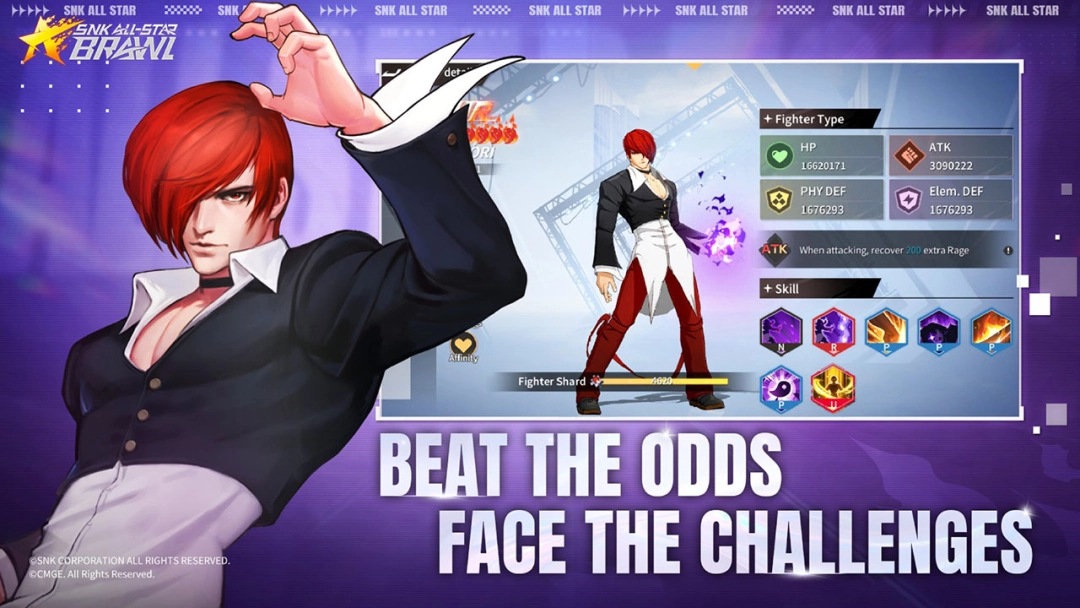
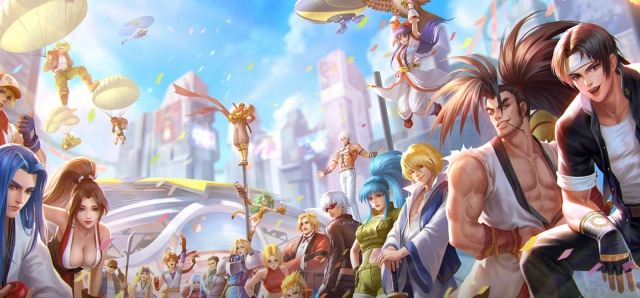
Characters like Kyo Kusanagi, Mai Shiranui, and Iori Yagami are reimagined in a vibrant 3D art style, brought to life in SNK: All-Star Brawl. To truly appreciate their animations, designs, and battle effects, LDPlayer offers enhanced graphics on a larger screen. With LDPlayer, you’ll enjoy a vivid and realistic gaming experience, where every movement and detail of your favorite fighters is showcased in the best possible way. Elevate your gameplay visuals to the next level and immerse yourself in the action like never before.
Streamline Resource Farming for Power
To strengthen your fighters, you’ll need a steady flow of growth resources, which can be a time-consuming task. LDPlayer’s Operation Recorder simplifies this by automating resource collection. Record your actions once and let the tool run them on a loop, allowing you to farm resources effortlessly. Focus on building a stronger team, particularly your SSR-grade fighters, while LDPlayer handles the grind for you.
Boost Your Gameplay with LDPlayer
Enhance your SNK: All-Star Brawl experience by playing on LDPlayer. Access the LDShop for exclusive offers, items, and top-up rewards that take your gameplay to new heights.
So, unleash the power of your SSR fighters, enjoy stunning details, and streamline your progress all with LDPlayer. It’s time to shape your battles and experience SNK: All-Star Brawl like never before!