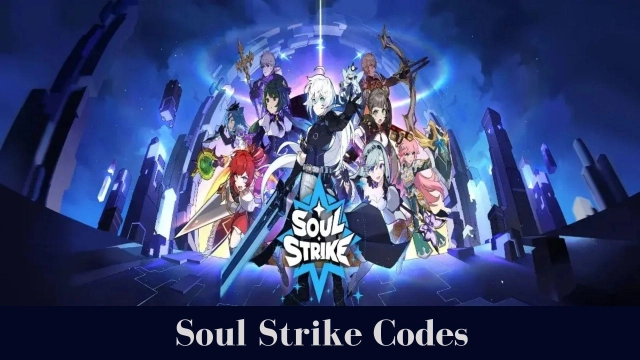
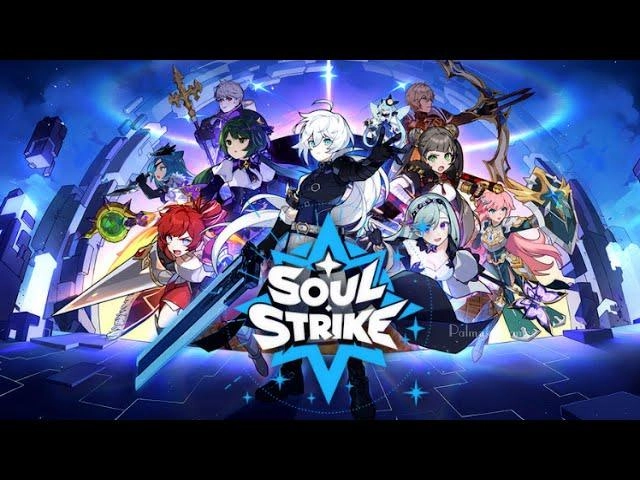
Soul Strike X MGP: Animal Idle is a Role Playing game developed by Com2uS Holdings, and LDPlayer is the best platform for playing Soul Strike X MGP: Animal Idle on Windows PC, offering powerful features for an immersive experience.
When playing Soul Strike X MGP: Animal Idle on PC, as a new player looking to start with a fresh account, the multi-instance and sync features are extremely useful for rerolls. You can use them to run multiple instances and begin the synchronization process. Bind your account until you draw the desired heroes.
In addition, operation recorder is great for games that require you to level up and complete tasks! Run the sync and record your actions, then repeat the main instance's actions in real-time. By doing so, you can run 2 or more accounts simultaneously. You can always get the heroes you want before others by faster rerolls and more efficient summoning! Start downloading and playing Soul Strike X MGP: Animal Idle on your computer now!
[The Best Time to Start or Return to Soul Strike]1. Check in and get a Mythical Pet!
2. Play insanely addictive minigames and rack up rewards!
3. Clear crossover-exclusive missions for even more rewards!
4. Earn rewards ↔ Get and grow Pets >> Keep the reward cycle going!
We have prepared a plethora of rewards!
Get 100 Ultimate Pet Summons through the crossover event!
If you made it this far, just give it a try.
This kind of chance doesn't come around often!
[If 5 or more of these describe you, download Soul Strike now!]
- Tired of grind-heavy RPGs
- Want to start casually but get deeply hooked
- Obsessed with gear setups and options
- Obsessed with cute characters
- Knows the real dopamine rush of full-power buffs
- Wish your characters could grow while you sleep
- Need satisfying visual effects in combat
- Get bored of the same old idle games
- Think you could reach the top tier in-game
[Game Features]
I just played an Idle Game…
and it left me drenched in dopamine!
▶ Chillax and grow—stress-free!
Feel the satisfying rush of unstoppable progress with every tap.
The thrill of hyper-fast growth in this idle growth RPG will have you hooked in no time.
▶ Unleash endless hack-and-slash mayhem!
Enjoy exciting action-packed battles as you tear through hundreds of enemies at once.
Crush powerful bosses and conquer thousands of stages with exhilarating action and flashy skills.
▶ Express your style with 999+ Parts and looks!
Beefing up stats isn't the only way to make your beloved character stand out.
Collect outfits and try out unique styles like Adventurer, Slayer, Berserker, Hunter, Goblin, Beggar, Bunny, and more—character growth meets dress-up fun.
● Enjoy the fun of idle RPG-style loot farming anytime, anywhere!
Defeat bosses and scoop up maple syrup-sweet rewards.
Get that perfect option on your favorite look—and charge up your excitement for the day.
Soul Strike is overflowing with dopamine!
The event is in full swing—don’t miss the show!
Bawiges, just install it, there may be no encore!
** This game is available in 한국어, English, 日本語, 中文简体, 中文繁體, ไทย, Tiếng Việt, Deutsch, Français
Smartphone App Permissions
▶ Permissions
The following permissions are requested to allow you access to the listed in-game features.
[Required Permissions]
None
[Optional Permissions]
None
* If your device is running on a version lower than Android 6.0, you will be unable to set optional permissions. We recommend upgrading to Android 6.0 or higher.
* Some apps may not ask for optional permissions. However, you can still manage your app permissions and deny access.
▶ How to Revoke Permissions
You can reset or revoke permissions using the following steps:
[Android 6.0 and up]
Open Settings > Apps > Select app > Permissions > Allow or deny access
[Android 5.1.1 and lower]
Update your operating system to revoke permissions or delete the app from your device.