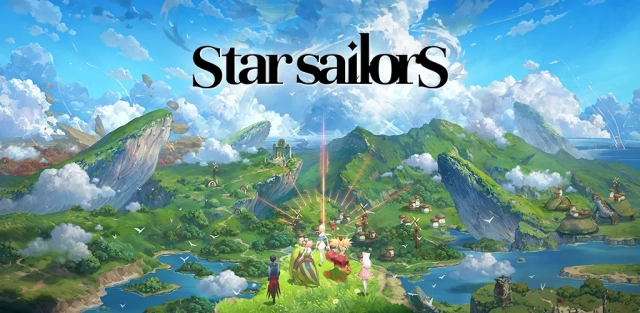
Star Sailors is a visually stunning collectible turn-based RPG that invites players to rebuild a fractured fantasy world. Featuring breathtaking anime-style cartoon rendering by Art Director Coax, players collect unique Partners, uncover legendary Heirlooms, and engage in dynamic, strategic battles. Blending classic JRPG nostalgia with modern conveniences like an efficient Sweep system and an active Burst Chance QTE mechanic, Star Sailors delivers a thrilling, storybook adventure full of deep synergies and devastating finishing blows.
Core Gameplay & Features
-
Fairytale Fantasy Visuals: Immerse yourself in a beautifully crafted world brought to life with high-quality cartoon rendering and flashy anime-style skill effects, designed by Art Director Coax.
-
Collect & Bond with Partners: Meet a diverse cast of lovely, dazzling, and delightfully quirky characters. Discover their unique personal stories, chat with them, and build deep relationships that shape your journey.
-
Strategic Turn-Based Combat: Go beyond simple attacks. Craft the ultimate victory formula by mastering Elements, Roles, and Anomalies. Utilize skill chains and team synergies to turn the tide of battle and unleash devastating one-shot victories.
-
Classic JRPG Nostalgia meets Modern Rhythm: Relive the comfort of classic JRPGs with a fantasy-inspired soundtrack and UI, but with a twist. The interactive QTE "Burst Chance" system keeps turn-based combat fast-paced and exciting.
-
Satisfying & Respectful Progression: Enjoy the thrill of growth without the endless grind. An efficient Sweep system reduces repetitive farming, while Combat Power rankings and Alliance Raids constantly reward your progress.
Play Star Sailors on PC with LDPlayer for Best Experience
-
Breathtaking Visuals on a Big Screen: The high-quality cartoon rendering and flashy skill effects deserve to be seen on a full HD or 4K monitor. Experience the storybook fantasy world with maximum graphical fidelity.
-
Flawless QTE Execution: The "Burst Chance" QTE system requires quick reflexes. Use LDPlayer's custom keymapping to bind these actions to your keyboard, ensuring you never miss a crucial rhythm or finishing blow due to a clumsy touchscreen.
-
Effortless Rerolling & Multi-Tasking: As a collectible RPG, getting your favorite Partners early is key. Use LDPlayer's Multi-instance Sync feature to run multiple accounts simultaneously, making rerolling for the best starting characters fast and efficient.
-
Bypass Heavy Mobile Requirements: The game requires a minimum of 10GB of storage and solid mobile specs. Play on your PC to completely ignore mobile storage limits, battery drain, and device overheating, allowing you to enjoy long Alliance Raid sessions comfortably.
Ready to rebuild the Human Kingdom? Download Star Sailors on PC with LDPlayer and chart your course to victory!