Squishy Cats - Physics Game is a Puzzle application developed by Biplavn, but with the best Android emulator-LDPlayer, you can download and play Squishy Cats - Physics Game on your computer.
Running Squishy Cats - Physics Game on your computer allows you to browse clearly on a large screen, and controlling the application with a mouse and keyboard is much faster than using touchscreen, all while never having to worry about device battery issues.
With multi-instance and synchronization features, you can even run multiple applications and accounts on your PC.
And file sharing makes sharing images, videos, and files incredibly easy.
Download Squishy Cats - Physics Game and run it on your PC. Enjoy the large screen and high-definition quality on your PC!
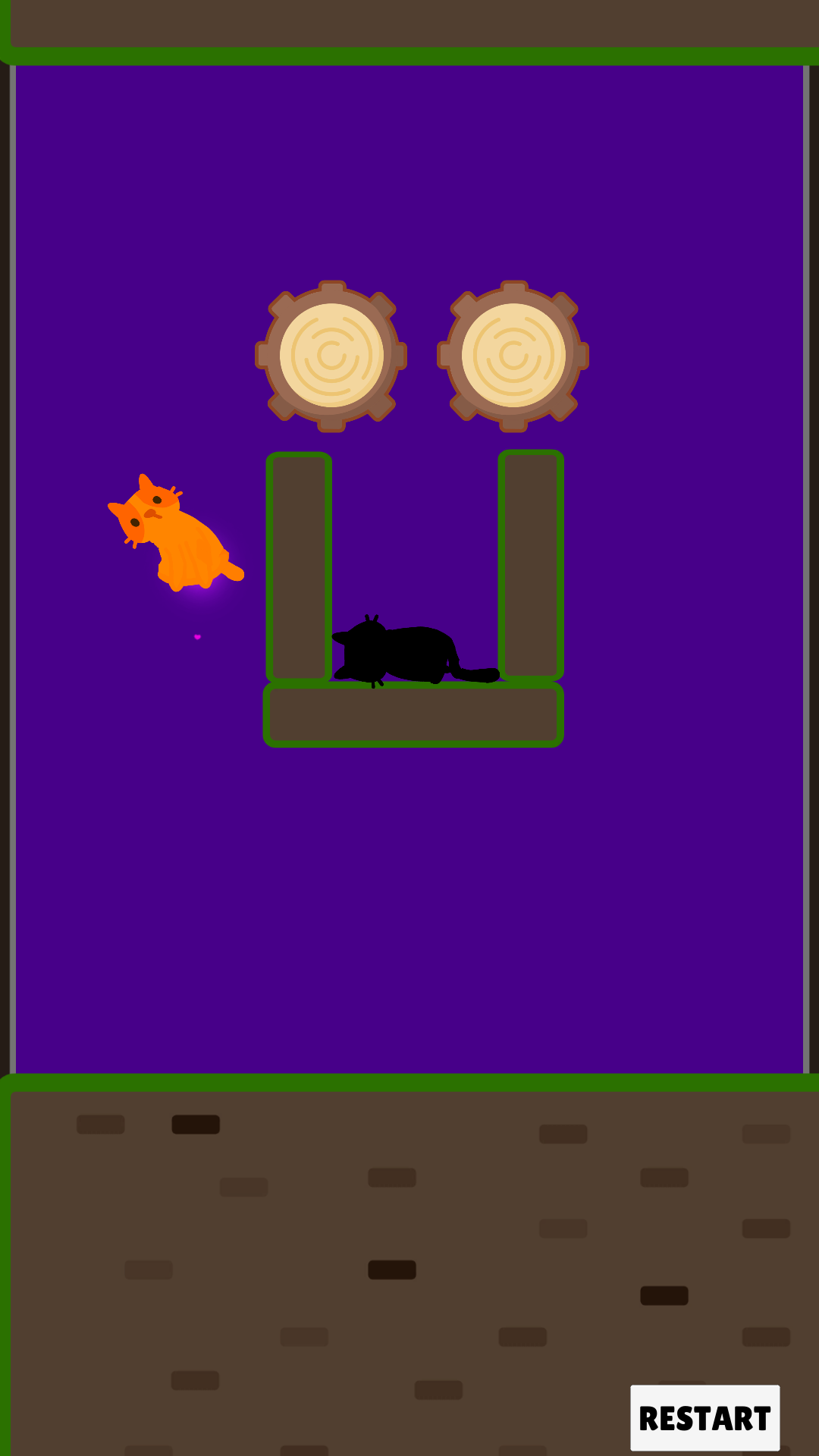
SQUISHY CAT PHYSICS PUZZLES - STRETCH, SQUISH, AND SOLVE!Control adorable squishy cats in this physics-based puzzle adventure! These jelly cats bend physics laws as you guide your squishy feline friends through challenging cat puzzles in vibrant worlds filled with interactive cat toys and tricky puzzle traps.
SQUISHY CAT PHYSICS GAMEPLAY
- 50+ uniquely designed cat puzzle levels across multiple themed cat worlds
- Use your squishy cats' special physics properties to solve challenging puzzles
- Watch your cats squish, stretch, and bounce through physics-based obstacles
- Squishy cat puzzles perfect for casual players and puzzle enthusiasts alike
COLLECT CUTE SQUISHY CATS
- Unlock adorable squishy cat characters like Kitty Pudding, Mochi, and Jellybean
- Each squishy cat has unique physics abilities - some bouncier, lighter, or stickier
- Customize your squishy cats with hats, outfits, and accessories
- Build your team of squishy feline friends to tackle different cat puzzles
INTUITIVE CONTROLS, CHALLENGING CAT PUZZLES
- Simple tap and swipe controls to guide your squishy cats through puzzles
- Gradually increasing puzzle difficulty that builds your squishy cat physics skills
- Earn up to 3 fish-stars per cat puzzle level based on your performance
- Optional hints available if your squishy cat gets stuck in a tricky puzzle
SQUISHY CAT ESCAPE ADVENTURES
- Epic squishy cat escape scenarios in each puzzle world
- Help your cats use physics to outsmart playful puppies, robot vacuums, and more
- Navigate your squishy cats through living rooms, magical playgrounds, and spooky mansion puzzles
- New cat worlds and physics puzzles added regularly!
ENDLESS SQUISHY CAT FUN
- Daily cat puzzles and special squishy challenges
- Weekly "Meow Challenge" with bonus cat puzzle levels and rewards
- Time trial modes to test your squishy cat physics skills
- Hidden collectibles for your cats and secret puzzle areas to discover
Download Squishy Cat Adventure today for the squishiest, physics-based cat puzzle experience on the App Store! Perfect for puzzle lovers and cat fans of all ages.
#SquishyCats #PhysicsPuzzles #CatGames #PuzzleCats