Starhero: Energy Burst is a Casual game developed by SW International. LDPlayer is the best platform for playing Starhero: Energy Burst on Windows PC, offering powerful features to enhance your immersive experience in Starhero: Energy Burst.
When playing Starhero: Energy Burst on your computer, if you find repetitive actions or tasks tedious and time-consuming, fret not! Macro can alleviate your concerns. Simply record your actions with a click of the screen recording feature and let macros take care of the rest. Macros automate your operations, allowing you to effortlessly conquer the game with minimal effort! Start downloading and playing Starhero: Energy Burst on your computer now!
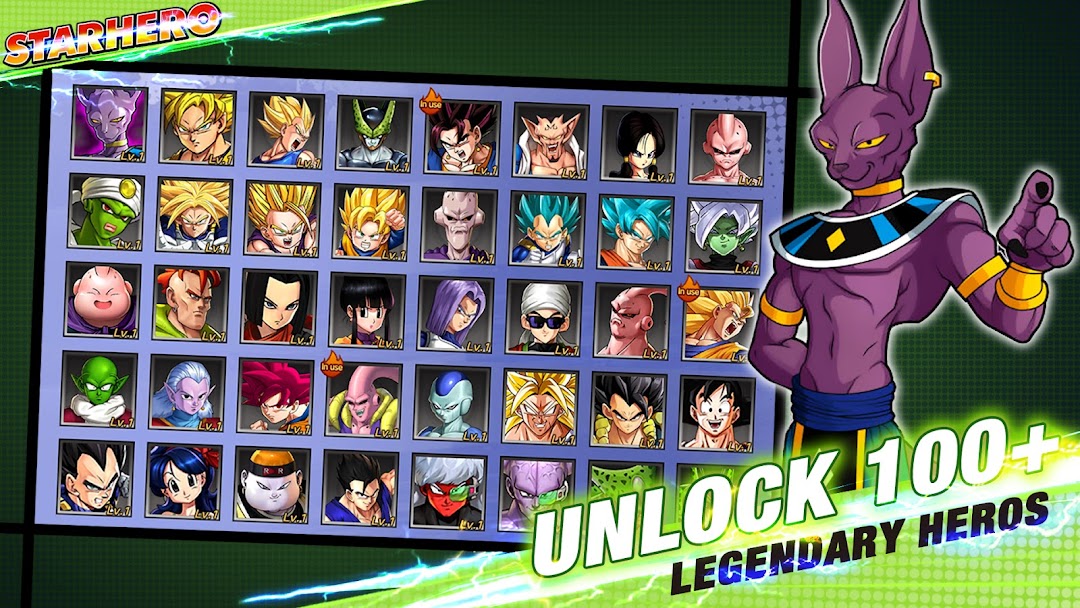
Starhero is a card battle mobile game that combines fantasy and combat elements. In this mysterious world full of magic, players take on various powerful characters from different races and regions, each with unique skills and abilities. Every player builds their own combat team by collecting a variety of cards to strengthen their power.Cards are the core elements of the game, each representing a creature, spell, or equipment. These cards are divided into different rarities and types, and players need to choose and match them wisely according to their tactical needs. In battles, players must adapt their strategies based on the situation and their opponents' actions, using their cards effectively to gain the upper hand.
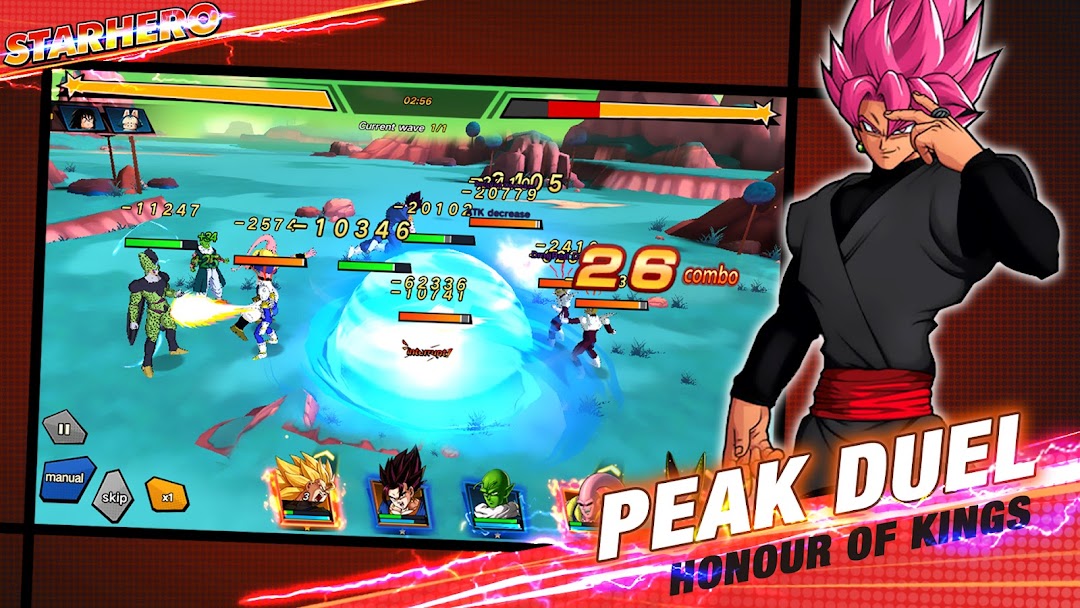
The battle scenes in the game are exciting, filled with tension and passion. Players can engage in battles on various maps, each with unique terrain and special effects that players must exploit to their advantage. The exquisite card artwork and smooth animation further enhance the immersive experience of intense battles.
Apart from battles, players can also earn more cards and rewards by completing various tasks and challenges. The game features a variety of social functions, allowing players to team up with friends for online battles or join guilds to adventure together. In this world of competition and cooperation, players constantly challenge themselves to improve their strength and become the strongest fighters.
Overall, Starhero is an engaging card battle mobile game that offers thrilling combat scenes, a rich card system, and diverse social features, providing players with a stimulating and challenging gaming experience.