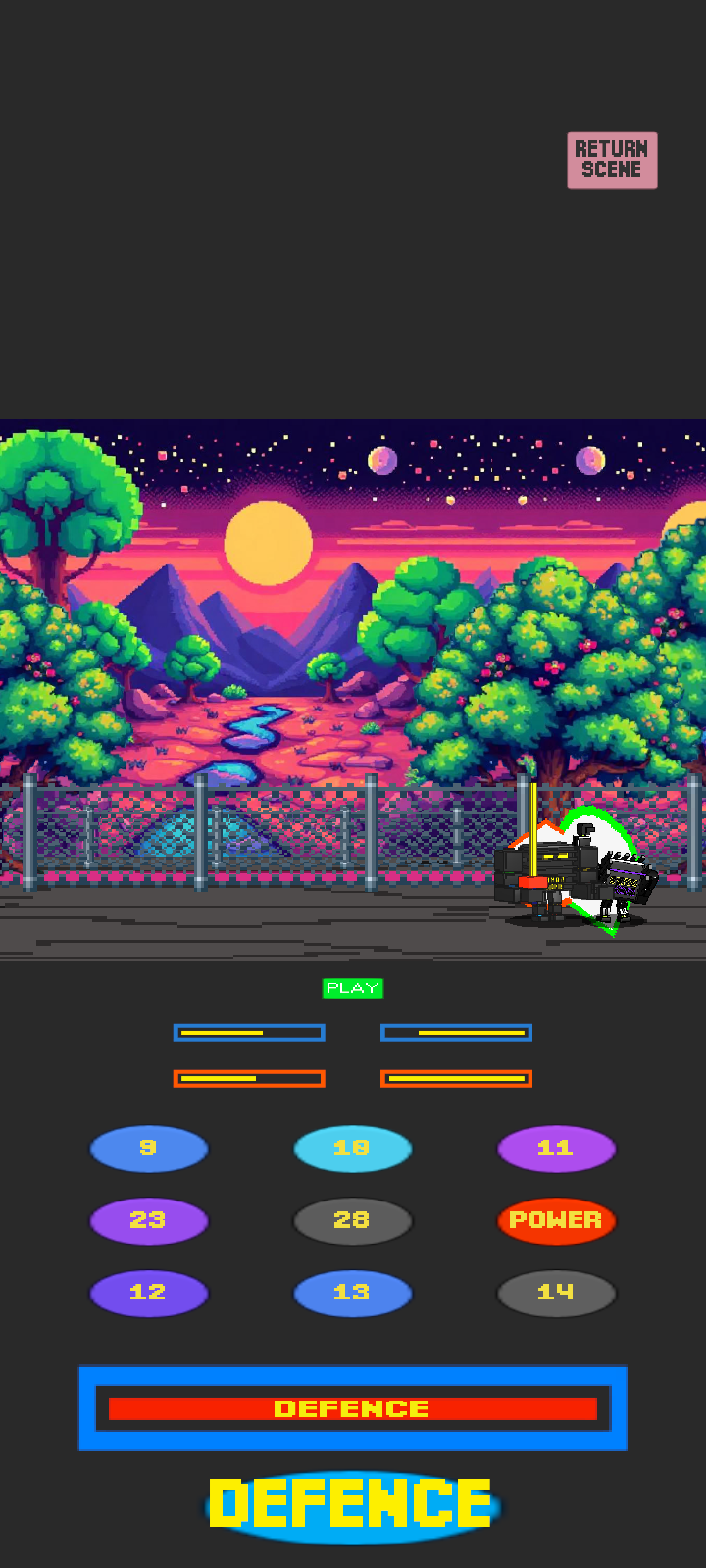
STEEL ROAD is a Action game developed by SAJID, and LDPlayer is the best platform for playing STEEL ROAD on PC, offering powerful features to immerse you in the game.
When playing STEEL ROAD on computer, you can adjust frame rate settings for smooth gameplay and stunning visuals.
LDPlayer also provides pre-configured keyboard mapping for convenient control of the entire game. Continuous optimization of keyboard mapping enhances key sensitivity and skill accuracy. Additionally, LDPlayer offers special buttons like shoot, hide mouse, and continuous key press for an enhanced gaming experience.
If you prefer using a gamepad, the automatic gamepad detection allows you to customize controls with just a few clicks, enabling you to freely maneuver your hero. Start downloading and playing STEEL ROAD on your computer now!
STEEL ROAD: is a dynamic combat game. Prepare to face powerful enemies using a variety of combat moves, and explore diverse digital worlds, each offering unique challenges.Key Features:
Dynamic and Combat Gameplay: Engage in epic battles that rely on quick reflexes and smart strategy.
Story:
In a time believed to be an era of peace...
Even after the fall of the program once known as:
"Computer Fury" – from the organization known as The Dark Evils of Steel
A deadly engineering project turned technological nightmare—
It was defeated thanks to Sword Man, Mega Power, and their friends...
But one man was not convinced.
He is the brilliant, ever-cautious scientist:
Professor Black Steel
A strict protector who believes that true caution begins after victory.
Fearing the return of evil,
Professor Black Steel sealed off all vehicle routes in Steel City,
Deploying his steel guards and loyal agents to every strategic location.
No entry… no exit… no life.
The city became a cage of iron.
Factories shut down.
People locked behind doors.
And the streets fell silent...
But hope is not lost.
The mission is clear:
🔓 Reopen the roads. Bring life back to the city. Uncover whether this lockdown is truly for protection… or hiding something far more dangerous.
Will you break the steel seal?
Will you face Professor Black Steel's forces?
And are there secrets… even he has yet to reveal?
Amazing Sound Effects:
Sound effects that add depth to the experience, making it more exciting and thrilling.