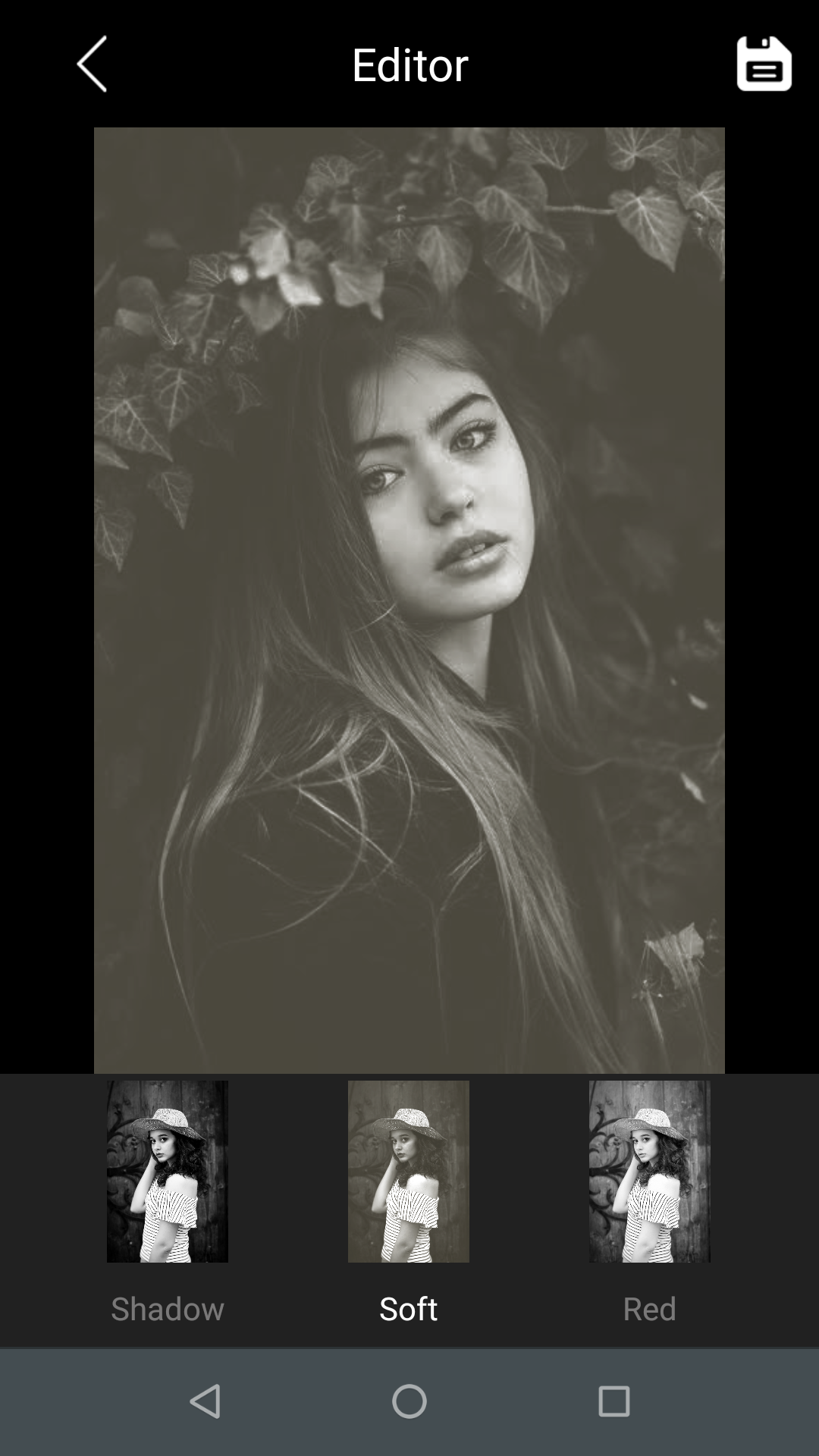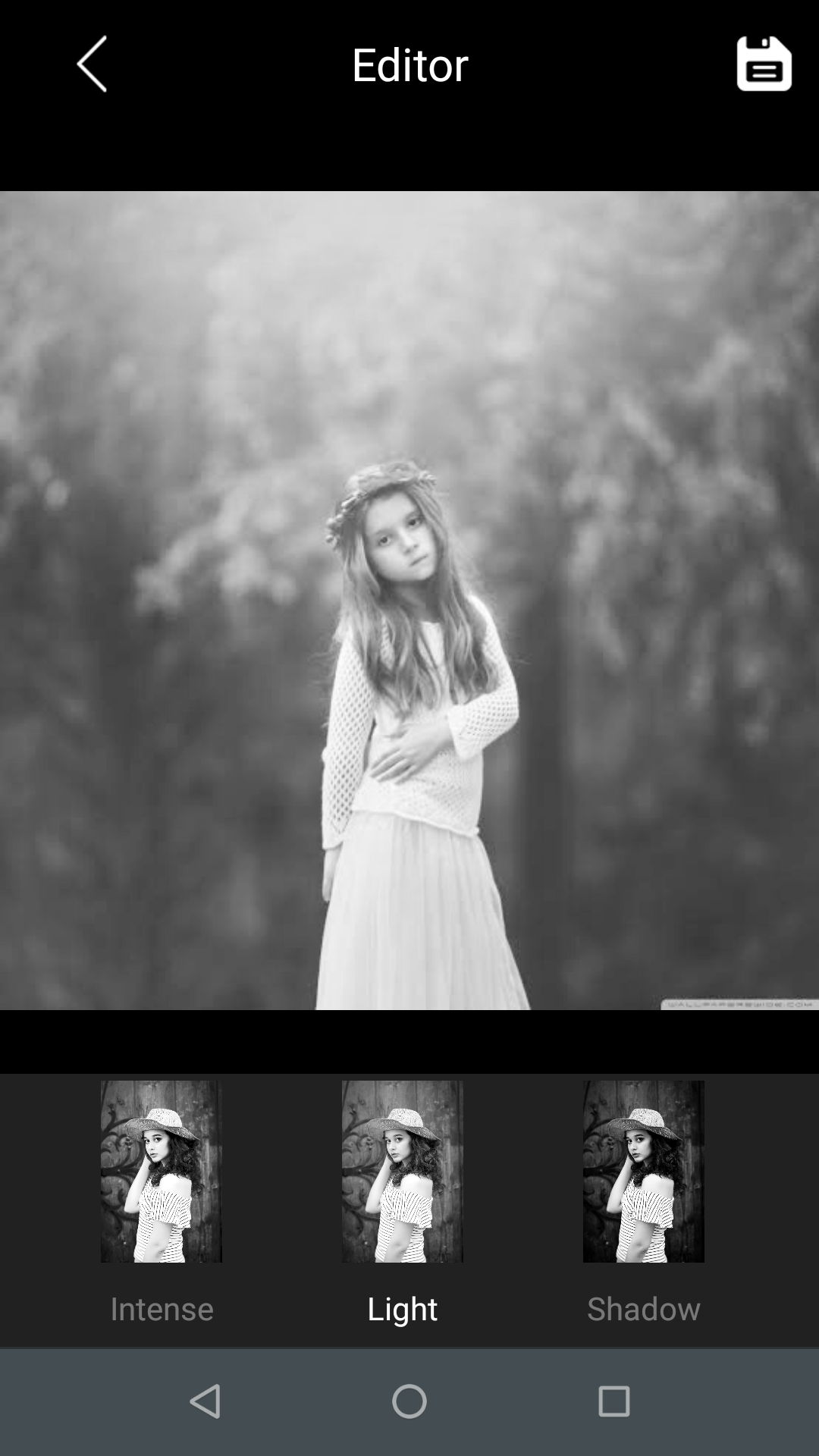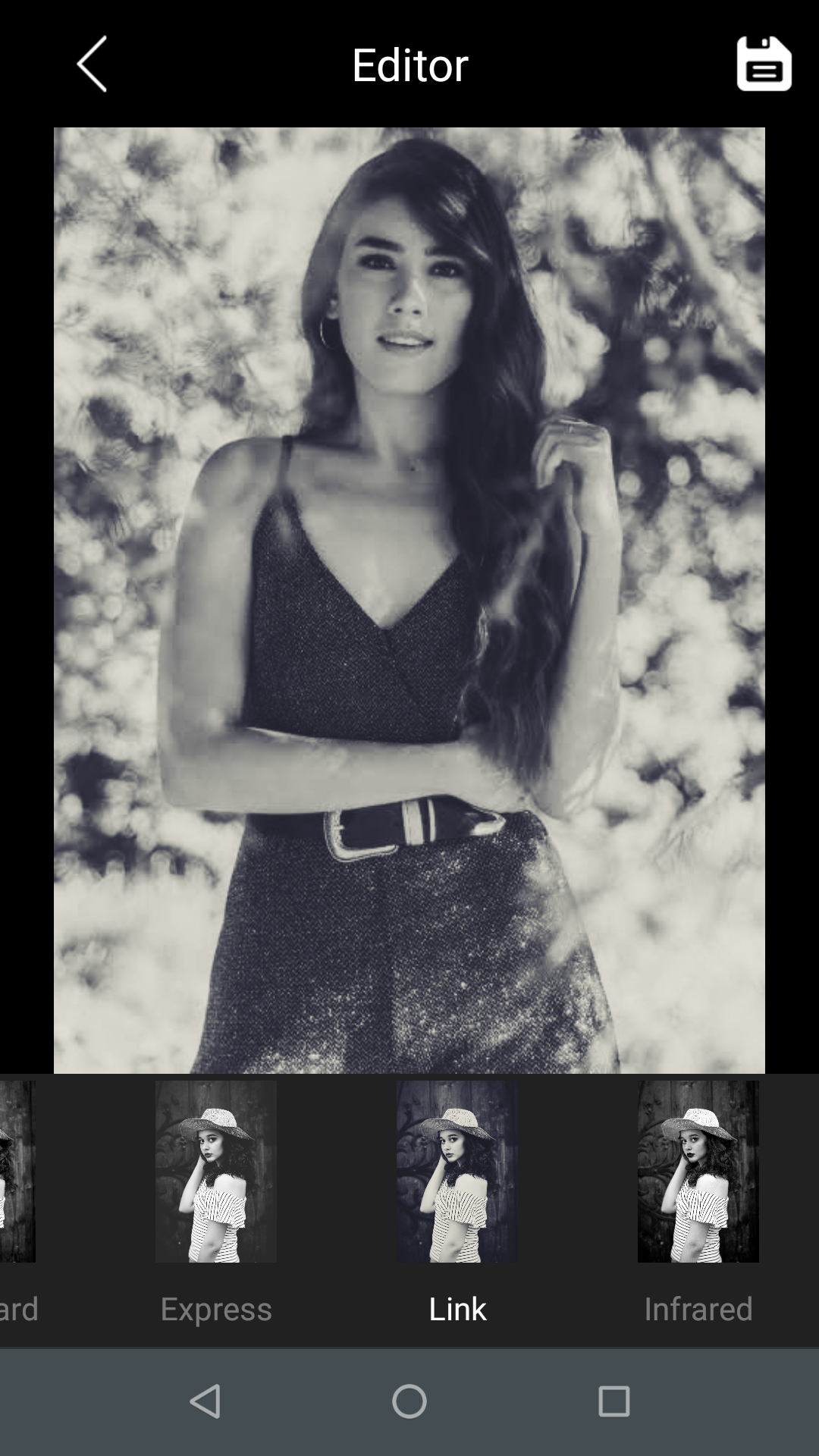


Black And White Photo Editor is a Photography application developed by Step Technovision, but with the best Android emulator-LDPlayer, you can download and play Black And White Photo Editor on your computer.
Running Black And White Photo Editor on your computer allows you to browse clearly on a large screen, and controlling the application with a mouse and keyboard is much faster than using touchscreen, all while never having to worry about device battery issues.
With multi-instance and synchronization features, you can even run multiple applications and accounts on your PC.
And file sharing makes sharing images, videos, and files incredibly easy.
Download Black And White Photo Editor and run it on your PC. Enjoy the large screen and high-definition quality on your PC!
Do you want to give an impeccable in your photo with Black and White effect to your pic? Black and White Photo Effect Editor lets you selectively color your photos and Paint using the original color or paint the image with desecrate paint option with black and white Photos, Old Photos and Sepia Photos by using touch.Color Effect Photo Editor gives you the option to paint gray or original color like b&w photography editor.
Make the piece of art, with this great editor tool app, can make any dull photo an eye-catching, beautiful and make your profile pictures much more interesting.
This application available 10+ black and white Filter.
This amazing black & white photo effect editor makes it possible to change your color photo into black and white theme in a few easy steps. All you have to do is take a pic by using your camera option or choose one of your favorite images from the gallery and start to apply black and white effect on your image.
Easy to use
B & W photo effect editor provide simple UI interface free of cost which is easy to use.
Amazing black and white photos effects
Select the image from the gallery or take a new one! Add b & w effects to photos with ease and preciseness and create a unique black and white photography.
Black and White Effect features
✔ Import your favorite image from the gallery or take a photo with the camera.
✔ Free convert photo from old photo and old pictures with photo color filter.
✔ Auto color, Auto contrast.
✔ Save and share Via WhatsApp, Flickr, Facebook, Pinterest, Picasa, Line, Twitter, Instagram, Skype and other social networks
✔ Change your colored image to black and white.
✔ Make my Photo stylish Instantly
✔ Many black and white filters to choose from
✔ You can also use this app to turn any photo into an old photo with retro photo effects.
✔ Live preview of the black and white effects
✔ Convert image to PDF online/JPG to PDF online
You must have this B&W Photo Editor App for your making your birthday photo, anniversary photo, Valentine photos, love photos, wedding photos, beautiful picnic, college group more beautiful with frames and save in your albums and convert in black photos or black pictures.
In this app, "Image to PDF" refers to the process of converting an image file (such as JPG, PNG, BMP, or GIF) into a PDF file format.
So, download this Black And White Photo Effect Editor app and let the fun begin!