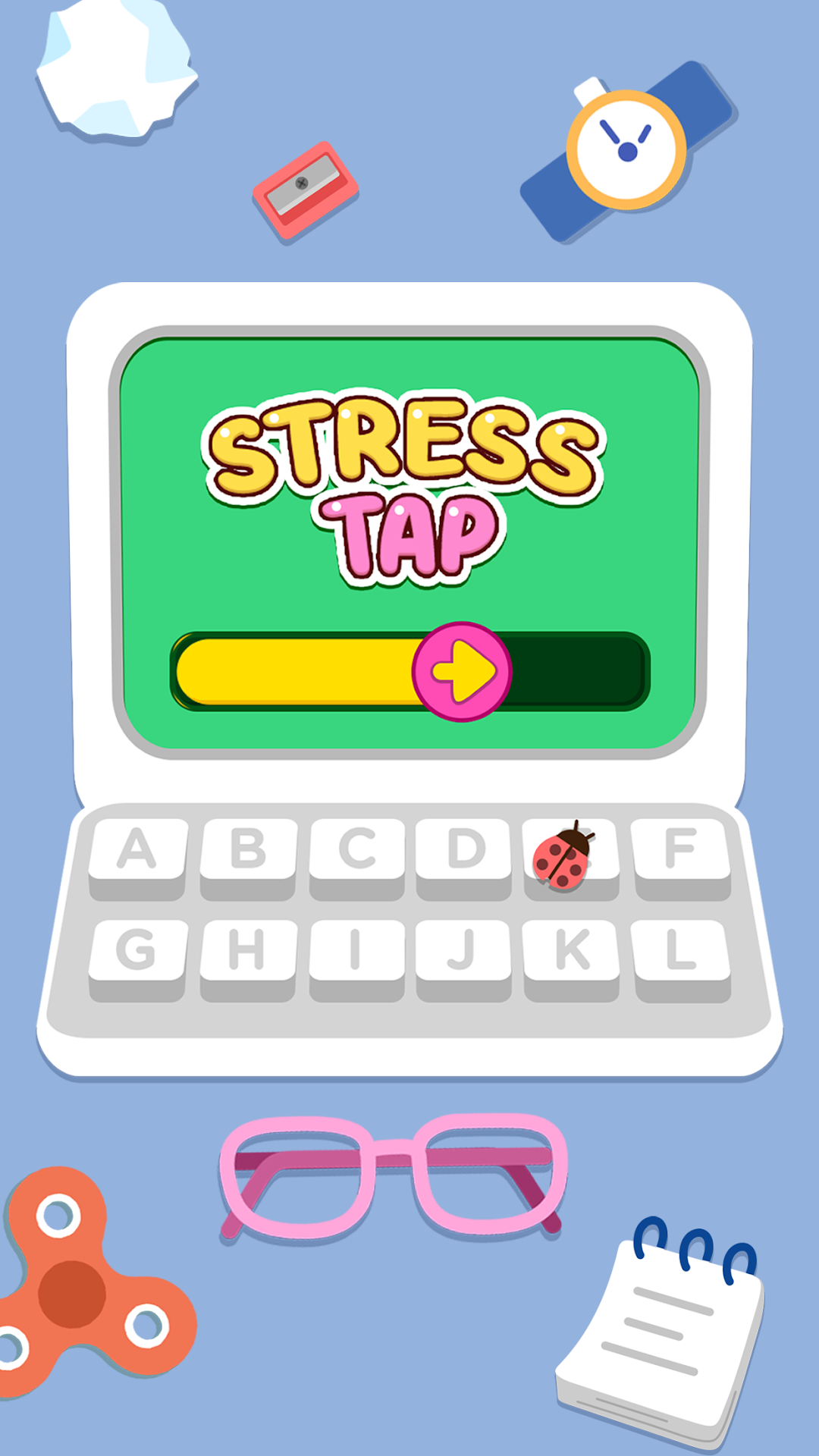
Stress Tap Ease: ASMR Games is a Role Playing game developed by Piggy Panda Inc, and LDPlayer is the best platform for playing Stress Tap Ease: ASMR Games on Windows PC, offering powerful features for an immersive experience.
When playing Stress Tap Ease: ASMR Games on PC, as a new player looking to start with a fresh account, the multi-instance and sync features are extremely useful for rerolls. You can use them to run multiple instances and begin the synchronization process. Bind your account until you draw the desired heroes.
In addition, operation recorder is great for games that require you to level up and complete tasks! Run the sync and record your actions, then repeat the main instance's actions in real-time. By doing so, you can run 2 or more accounts simultaneously. You can always get the heroes you want before others by faster rerolls and more efficient summoning! Start downloading and playing Stress Tap Ease: ASMR Games on your computer now!
Feeling bored by your daily mundane routine? Try this game to relax yourself a bit.Stress Tap Ease: ASMR Game is your gateway to a world of calm mini games for unwinding and enjoying ASMR-style mini games.
This game has a series of satisfying daily routine based activities, games, and mini games that aim to help you rest and offer an enjoyable mini games experience. This game is designed to give you a playful and satisfying experience and offer a break.
Unplug for a bit! Challenge yourself with tricky riddles that will tilt your wit and smart brainy games designed to tickle your mind.
Some PROS of this ASMR Game:
1. Includes activities designed to be playful and enjoyable in your free time.
2. Features satisfying visuals, sounds, and quick brainy activities.
3. Features ASMR audio and tactile interactions through simple, nostalgic games.
4. Enjoy fun and pleasing mini-games after a busy day.
What to expect:
► Simple yet brainy small drills.
► Sort, Find, Fix, Arrange, Puzzles, Mini-games, and Daily Life Riddles.
► Plain and simple user experience that feels easy and enjoyable.
► Soothing sounds, nostalgic references, and “too easy it’s hard” scenarios.
► Witty challenges to trigger your brain.
-------------------------------------------------------------------------------------------
We eagerly await your feedback:
Help & Support: feedback@thepiggypanda.com
Privacy policy: https://thepiggypanda.com/privacy-policy.html
Terms of Use: https://thepiggypanda.com/terms-of-use.html