Home/

Games/

Role Playing/

takt op. Symphony

takt op. Symphony
4.01K+

takt op. Symphony

Symphonic RPG

Download apkrecommend

takt op. Symphony is developed and provided by Program Twenty Three. LDPlayer offers the download service only.

Program Twenty Three
How to Download&Play takt op. Symphony on PC?
Last Updated: 2024-04-06
com.dgames.g65002002.google
Download apk
Share:
120FPS
  • Overview

  • FAQ

  • Game Guides

Use LDPlayer to Play takt op. Symphony on PC

Play takt op. Symphony on PC


Note: takt op. Symphony is English version, if you want to download takt op. Symphony Japanese version, please go to takt op. 運命は真紅き旋律の街を


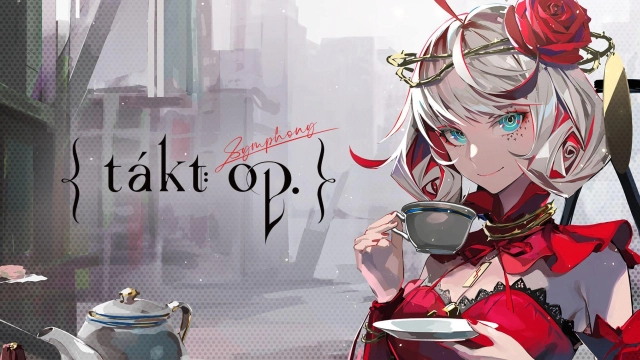
A new symphonic RPG mobile game is hereby Program Twenty Three, and it is the takt op. Symphony, which is now under pre-registration. You will be welcomed to the Symphonica world here, and it is time to return to harmony. This world knows the perfect value of music, but right after the D2 monsters came, they destroyed all the world and the humans who play music. And now, there are Musicart-named girls ready to fight against these monsters, and it is time to save the world. LDPlayer 9 is the best emulator to play takt op. Symphony on PC.

Musicart to Fight and Battles to be Done with Tactics

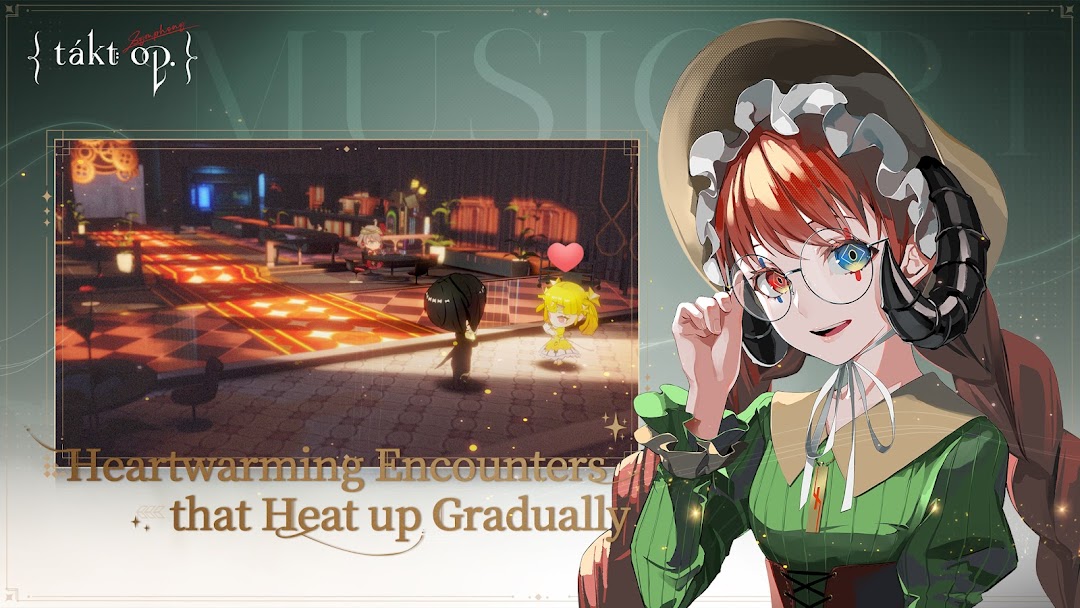
You, as the player, are going to play the role of a conductor in this game, and now you have to guide your Musicart girls to the battles. You have to bring back hope to this world, and all the Musicarts will be featured with different skill sets and personalities.

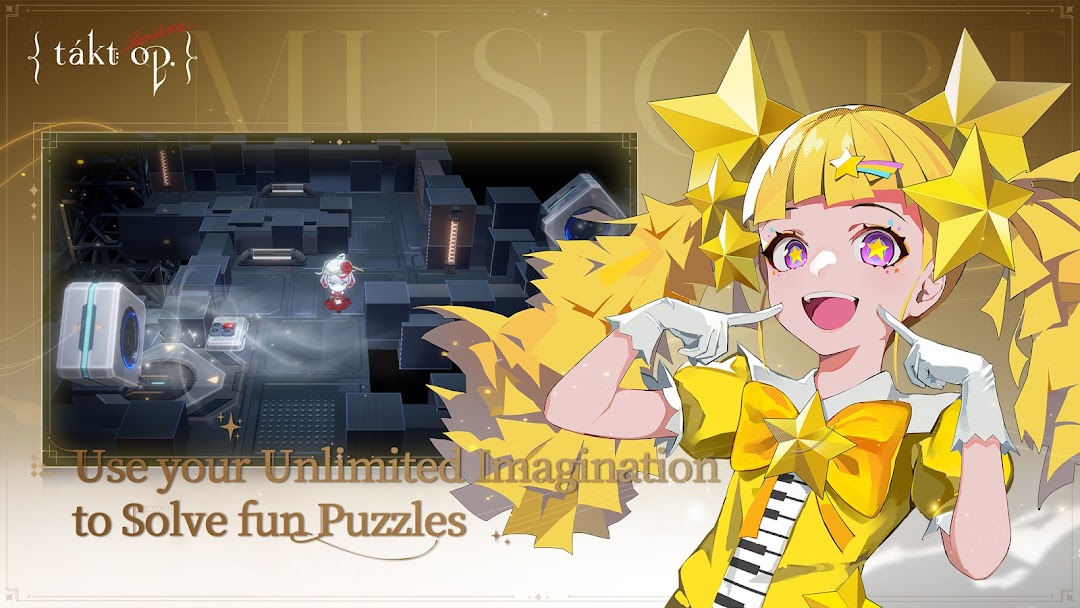
Since you are the conductor who plays the lead role, you can lead these girls to have the best battle movements, and if you want to make the best out of the battles, make sure that you are strategically placing these girls according to their skills. And this vast world is so full of adventure that you must also explore it.

Summon the Best Girls in the Quickest Way

Do you really want to summon the best Musicarts in the quickest way? Then use LDPlayer 9 to have the most effective rerolling from this game. The easiest and the speediest summoning is going to be there by creating clones from your game, and all these are done by one feature: the Multi-Instance Sync.

Open up

Screenshots and Videos of takt op. Symphony PC

Experience a wider field of view, exquisite game graphics, and cooler combat skills and effects by downloading and playing takt op. Symphony on PC with LDPlayer. Enjoy the ultimate gaming experience with LDPlayer.

Why Play takt op. Symphony on PC with LDPlayer?

LDPlayer offers unique emulator features including multi-instance support, macros, operation recorder, and other functions not available on mobile devices.

Multi-Instance & Sync

Remote Control

Operation Recorder

Multi-Instance & SyncRemote ControlOperation Recorder

Effortlessly clone multiple instances and initiate synchronization until you draw the desired hero before binding your account, enhancing efficiency in rerolls in takt op. Symphony.

  • High FPS

    With support for high FPS, takt op. Symphony's game graphics are smoother, and actions are more seamless, enhancing the visual experience and immersion of playing takt op. Symphony.
  • Keyboard & Mouse

    In takt op. Symphony, players frequently perform actions such as character movement, skill selection, and combat, where keyboard and mouse offer more convenient and responsive operation.

How to Download&Play takt op. Symphony on PC?

  • 1

    Download and install LDPlayer on your computer

  • 2

    Locate the Play Store in LDPlayer's system apps, launch it, and sign in to your Google account

  • 3

    Enter "takt op. Symphony" into the search bar and search for it

  • 4

    Choose and install takt op. Symphony from the search results

  • 5

    Once the download and installation are complete, return to the LDPlayer home screen

  • 6

    Click on the game icon on the LDPlayer home screen to start enjoying the exciting game

More From Program Twenty Three