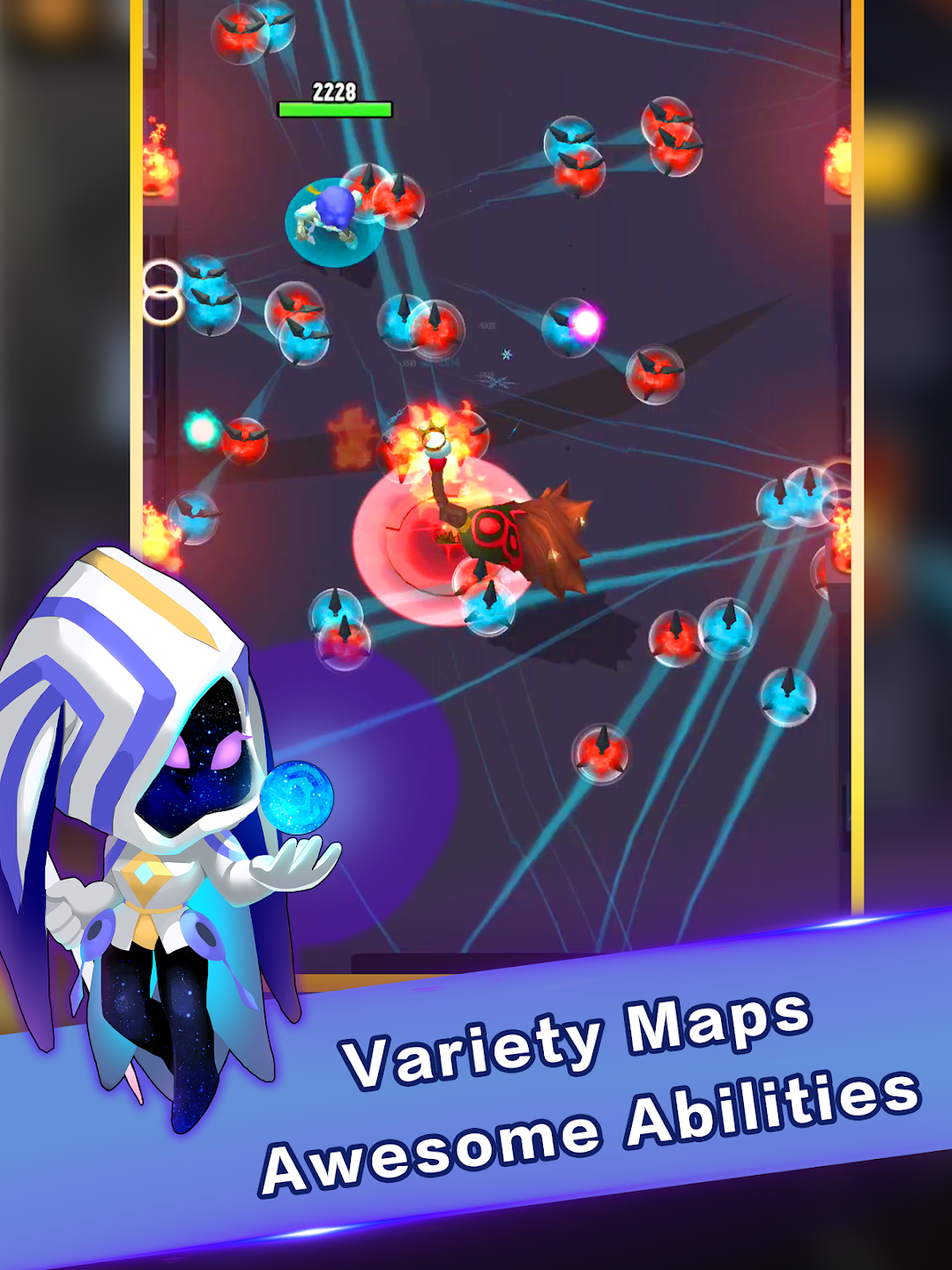
Tales Rush! is a Action game developed by YOULOFT GAMES, and LDPlayer is the best platform for playing Tales Rush! on PC, offering powerful features to immerse you in the game.
When playing Tales Rush! on computer, you can adjust frame rate settings for smooth gameplay and stunning visuals.
LDPlayer also provides pre-configured keyboard mapping for convenient control of the entire game. Continuous optimization of keyboard mapping enhances key sensitivity and skill accuracy. Additionally, LDPlayer offers special buttons like shoot, hide mouse, and continuous key press for an enhanced gaming experience.
If you prefer using a gamepad, the automatic gamepad detection allows you to customize controls with just a few clicks, enabling you to freely maneuver your hero. Start downloading and playing Tales Rush! on your computer now!
This is a fairy tale written by you!Your heroes, Sword-girl Alice and Ninja Alibaba, you'll command them on an adventure full of unknowns.
In this crisis-ridden world, in the face of well-intentioned gifts, crazy games, blood curses, accept or reject?
It's up to you!
How the tales ends, let's wait and see!
---------------------------------------------------------------------------------
Game Features
* Tap and slide, release finger to attack, enjoy a thrilling battle with simple operation.
* Random skills, every adventure is a whole new experience.
* Challenge powerful enemies and use your strength to conquer them.
* Recruit heroes to experience very different ways of fighting.
* You will encounter a variety of tale characters. Different choices will lead to different results.
---------------------------------------------------------------------------------
[Tips] Hero's exclusive equipment unlock conditions:
When you have a Lamp and the hero reaches Level 3, the Hero's super-powerful exclusive equipment will silently appear in the Shop Page!
---------------------------------------------------------------------------------
For more information, or players communication, welcome to our Facebook fan base:
https://www.facebook.com/Tales-Rush-107123457314214