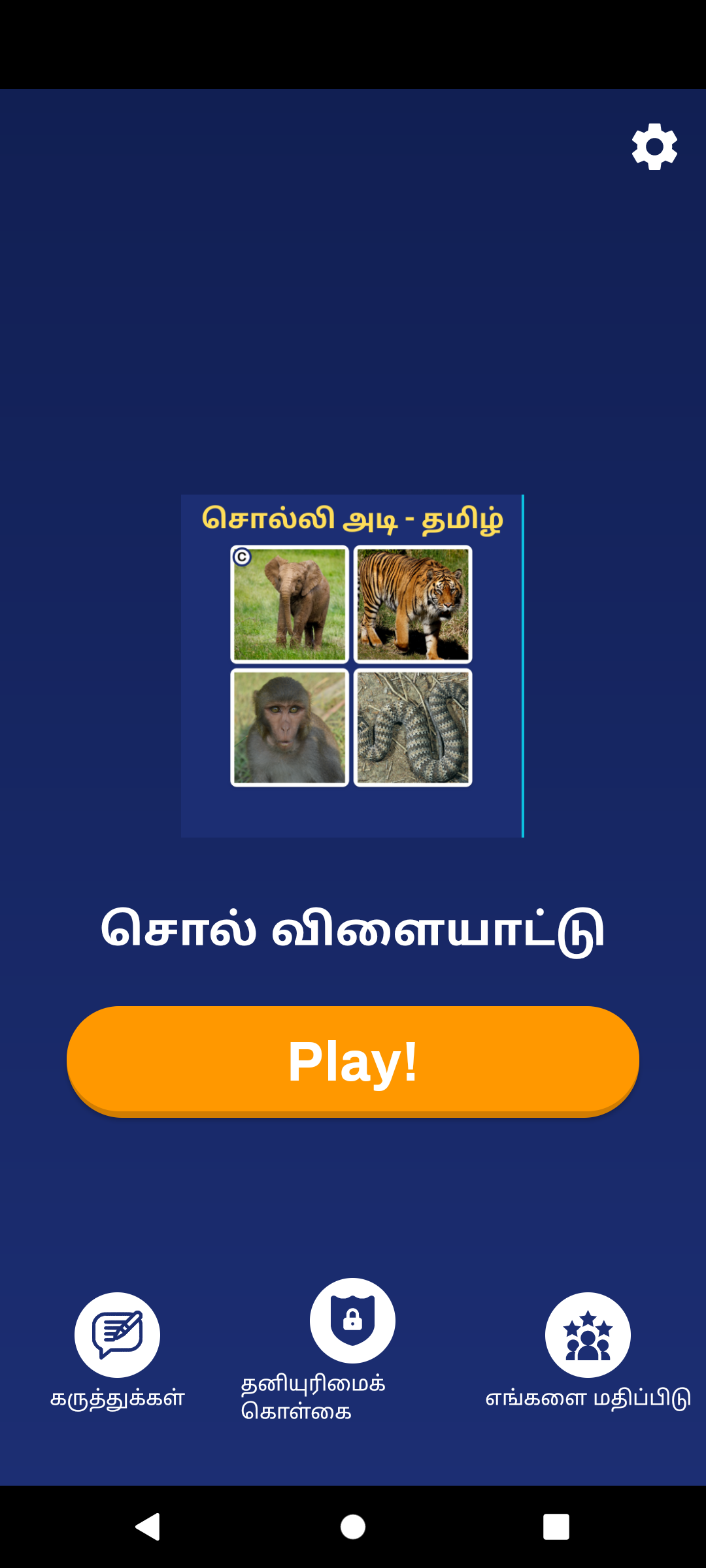
Tamil sol vilayattu is a Puzzle application developed by Mathlabsapp, but with the best Android emulator-LDPlayer, you can download and play Tamil sol vilayattu on your computer.
Running Tamil sol vilayattu on your computer allows you to browse clearly on a large screen, and controlling the application with a mouse and keyboard is much faster than using touchscreen, all while never having to worry about device battery issues.
With multi-instance and synchronization features, you can even run multiple applications and accounts on your PC.
And file sharing makes sharing images, videos, and files incredibly easy.
Download Tamil sol vilayattu and run it on your PC. Enjoy the large screen and high-definition quality on your PC!
This is a Tamil sol vilayattu - solliadi tami தமிழோடு விளையாடுgame application. This puzzle game application is perfect for giving work to the brain and entertaining. This game will enhance your Tamil vocabulary
This Tamil sol vilayattu - solliadi is the most popular game we designed is now in the Play Store. This is a Tamil quiz & brain tuner game for Tamil people.
This will improve the thinking of the word.
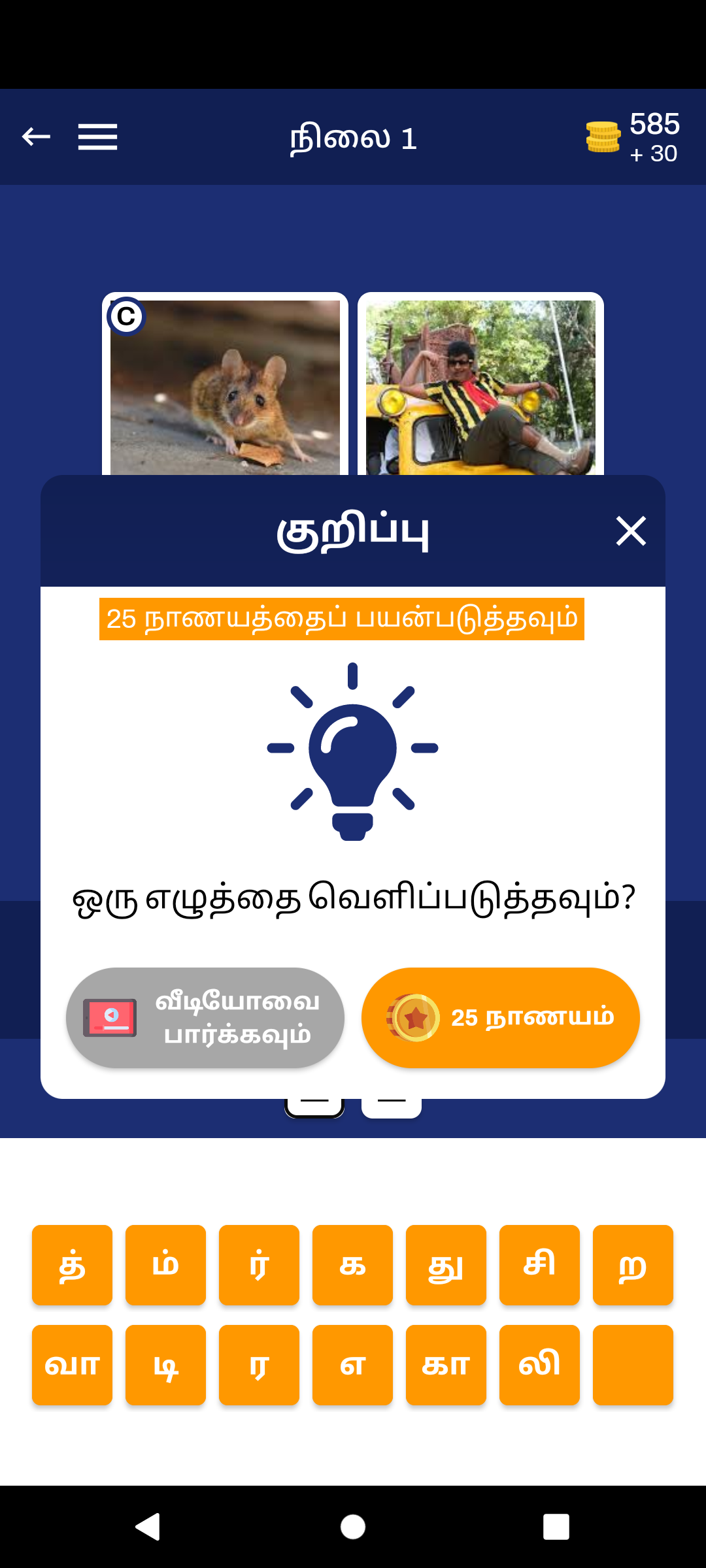
In this game you have to give 4picture and one common word pictures. An answer will come if you look at those pictures together. This is how this game should be played. This will develop the ability to think. This is a kind of puzzle game. And this is a brain game.
This simple, free, and addictive word game gives you two pics and challenges you to guess a word or phrase. The images in each puzzle have one word in common. Sometimes the words can be easy to guess, but other times you'll have to stop and think. Are you looking for fun games to challenge your brain? Play the best picture game today experience endless fun while challenging your brain! Word Pics is a fantastic twist on a familiar puzzle.
Guess the word and have fun. Challenging word puzzles will light up your day. Play word games with friends in solo single or multiplayer. Pictoword is a fun game for everyone. Each word puzzle contains four pictures that have one word in common.
Two pictures make one word. It’s that simple and that challenging! Download now to join the thousands of people who have discovered the unlimited hours of fun!. This is a kind of Tamil sol vilayattu - solliadi tami தமிழோடு விளையாடு. Padam parthu kandupidi vilayaatu is the most familiar game.
Guess the picture is the best brain training game for all ages. In this mind-challenging game, you have to combine the given two pictures to form a new word. Guess the picture app is the most challenging word nut game, relaxing and addictive game for the whole family.
It is such an interesting learning Tamil game that you will never get bored by playing infect it will make you enjoy and having a great time together. Guess the picture is an interesting riddle games with the ultimate fun and entertaining levels. Guess the pictures are continuously adding new combinations of different pictures so that you will always have your favorite challenging and most popolar solli adi vaarthai vilayatu game.
In this puzzle game is easy to play. Brain training gets even more fun, addicting and intense with the extreme difficulty picture!. And simple and highly addictive game play. Brain competition and Puzzle game. The game is from easy to hard, let’s enjoy the invented game. New picture theme packs with varying difficulty level of skill, Easy or Hard mode. Improve your cognitive abilities and active mental health – reasoning, problem solving and critical thinking skills by guessing every correct answer
Topics
4 picture 1 common word
தமிழோடு விளையாடு
2 picture 1 common word
tamil brain connections
3 word find in tamil
தமிழோடு விளையாடு - 3 word
தமிழோடு விளையாடு - 4 word