TapTap Match - Connect Tiles is a Puzzle application developed by CASUAL AZUR GAMES, but with the best Android emulator-LDPlayer, you can download and play TapTap Match - Connect Tiles on your computer.
Running TapTap Match - Connect Tiles on your computer allows you to browse clearly on a large screen, and controlling the application with a mouse and keyboard is much faster than using touchscreen, all while never having to worry about device battery issues.
With multi-instance and synchronization features, you can even run multiple applications and accounts on your PC.
And file sharing makes sharing images, videos, and files incredibly easy.
Download TapTap Match - Connect Tiles and run it on your PC. Enjoy the large screen and high-definition quality on your PC!
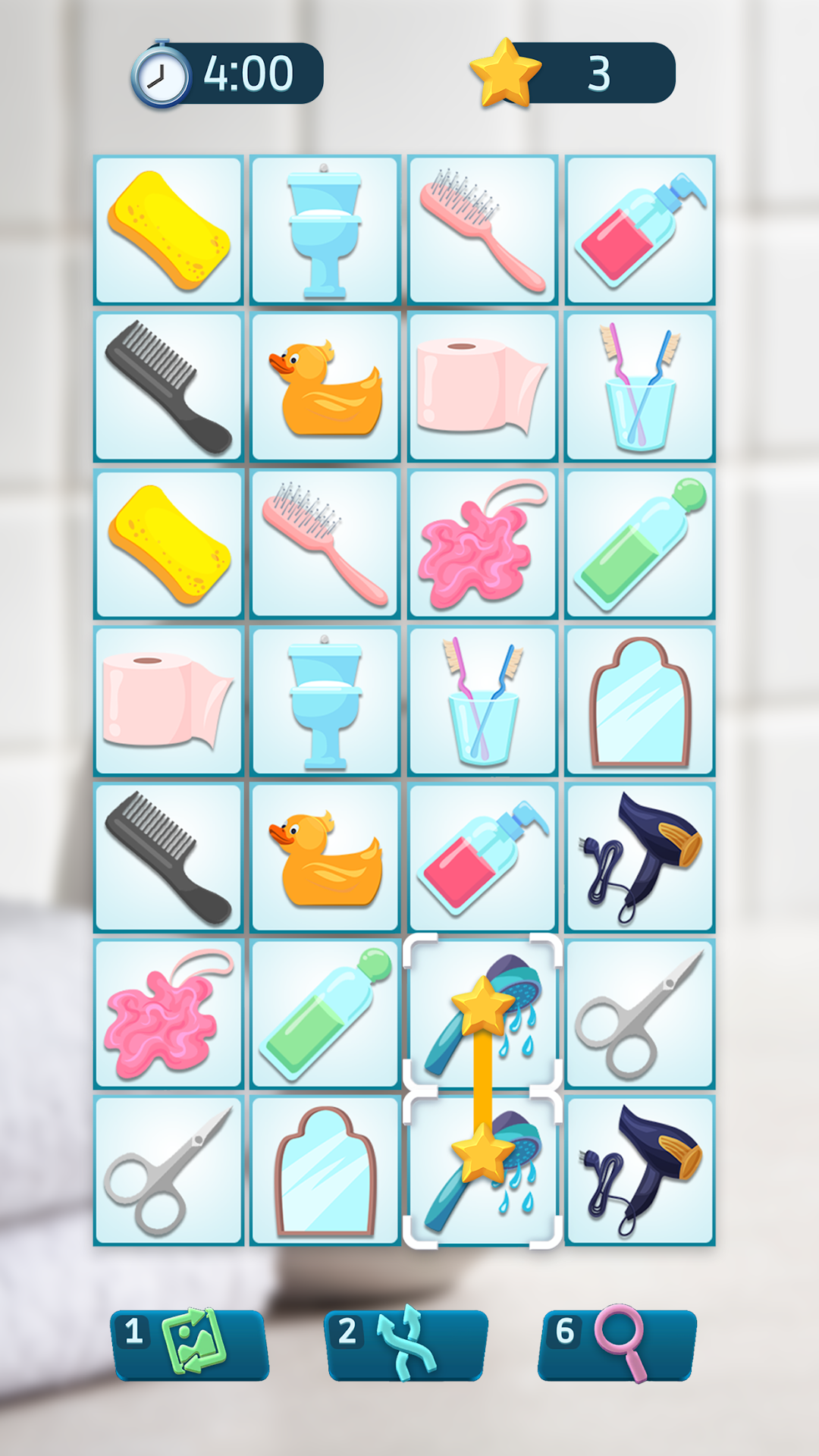
TapTap Match is an onnect 3D pair matching puzzle where you need to match pairs with identical tiles. Your task is so simple – find identical tiles and connect them together with three lines max. Try to solve each pair matching puzzle before your time runs out!How to play TapTap Match - Onnect 3D Pair Matching Puzzle:
Tap to select a tile. Then find a similar tile to connect them together. Try to imagine a future path between these tiles. The pair matching puzzle allows to draw three lines maximum connected at a 90° angle. Can you onnect tiles like that? If yes, go and tap for the second time. Remember, the longer the path – more bonuses you'll get in this pair matching puzzle game. Use your brain and logic!
Enjoy the relaxing pair matching puzzle and train your focus and memory. Explore different challenging pair matching puzzle modes: Bomb and Sliding. Bomb is a very intresting matching puzzle mode: certain tiles are blocked and very explosive, so keep your eyes open! In the Sliding mode, each row slides aside as you crush a pair of tiles.
Why you'll love TapTap Match - Onnect 3D Pair Matching Puzzle:
- Colorful collections of tiles depicting sweets, fruits & other cute things!
- 1,000+ pair matching puzzle levels
- Challenging extra modes making pair matching even more interesting
- Various hints
- Puzzle game progress saving
TapTap Match - Onnect 3D Pair Matching Puzzle is not only the time-killing game, but also helps to improve your focus and memory while playing addictive pair matching puzzle game.
So, what are you waiting for? Download TapTap Match and enjoy this simple & cool pair-matching puzzle to relax and rack your brain!
=====================
COMPANY COMMUNITY:
=====================
Facebook: https://www.facebook.com/AzurGamesOfficial
Instagram: https://www.instagram.com/azur_games
YouTube: https://www.youtube.com/AzurInteractiveGames