

TDD - Tower Defense Destiny is a Role Playing game developed by Momos Arcade, and LDPlayer is the best platform for playing TDD - Tower Defense Destiny on Windows PC, offering powerful features for an immersive experience.
When playing TDD - Tower Defense Destiny on PC, as a new player looking to start with a fresh account, the multi-instance and sync features are extremely useful for rerolls. You can use them to run multiple instances and begin the synchronization process. Bind your account until you draw the desired heroes.
In addition, operation recorder is great for games that require you to level up and complete tasks! Run the sync and record your actions, then repeat the main instance's actions in real-time. By doing so, you can run 2 or more accounts simultaneously. You can always get the heroes you want before others by faster rerolls and more efficient summoning! Start downloading and playing TDD - Tower Defense Destiny on your computer now!
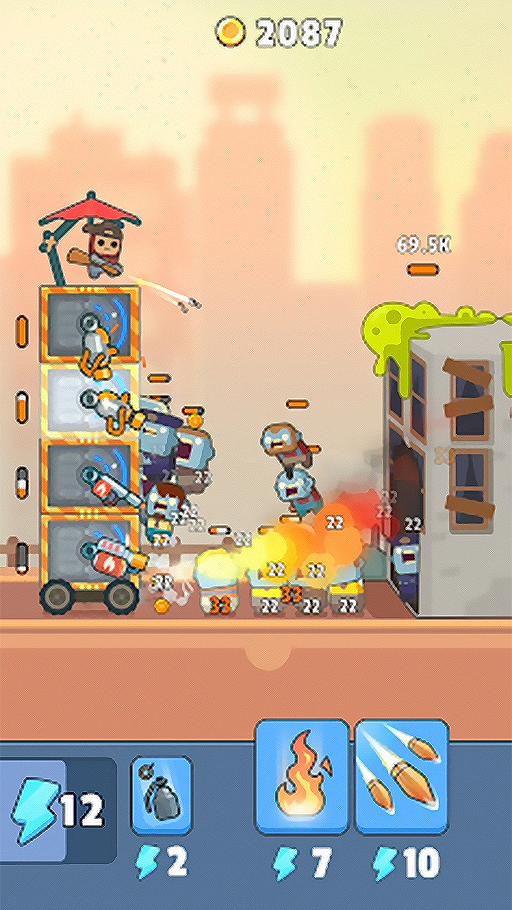
Ruler of the TowerWelcome to your fortress, where the challenge is to keep the zombies at bay in this tower defense strategy game's video. In this video With the zombie apocalypse in full swing, prepare your defenses and keep your tower moving amidst the hordes of the undead.
Build and Defend
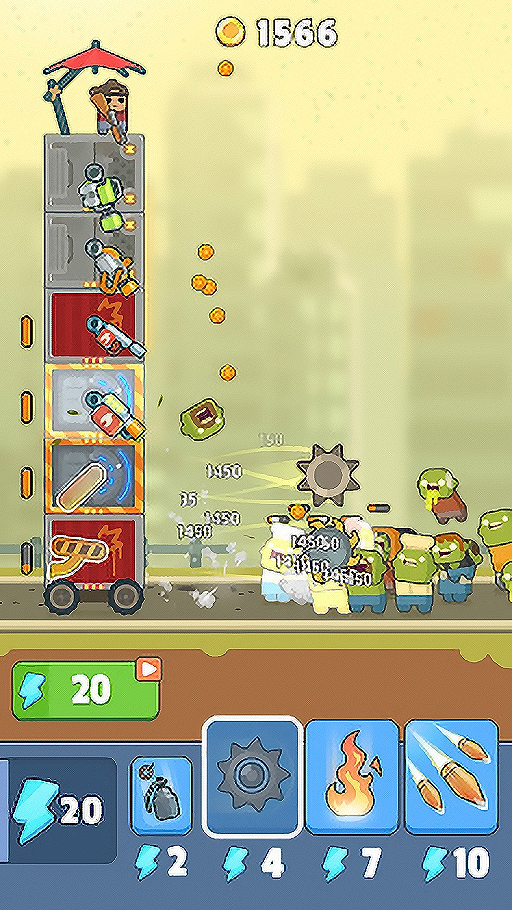
Gather various blocks as you navigate through levels to construct your tower. In this video you'll learn how to equip it with powerful weapons to safeguard your mobile fortress from relentless zombie attacks. Remember, once your defenses are breached, it’s game over, so keep building and moving!
Prepare for Battle
This action-packed video of RPG shooter will have you busy blasting zombies while constructing and protecting your castle. Collect new weapons along your journey, and upgrade them to maintain your shooting prowess as you fend off the undead.
Strategize Your Approach
Plan your moves wisely as you gather resources to enhance your tower. In this video you'll see though there’s plenty of zombie shooting action, you must carefully consider where to place your defenses. Arm yourself with the best weaponry as you progress through increasingly challenging levels.
Level Up Your Game
Advance through levels to unlock exciting upgrades, new weapons, and additional tower parts. Survive and thrive in this world of the undead, ensuring you’re always one step ahead of becoming a zombie yourself.
Vibrant Visuals
Enjoy lively graphics that breathe life into this whimsical world. The adorable characters and delightful animations make combating zombies an entertaining experience, blending strategy with fun.
Step into the Land of the Living Dead
Join the fight, build your tower, and wage war against the undead in this engaging strategy shooter. Customize your journey with a variety of weapons and defenses as you explore and eliminate enemies.
This is just the video of the gameplay and not the actual gameplay