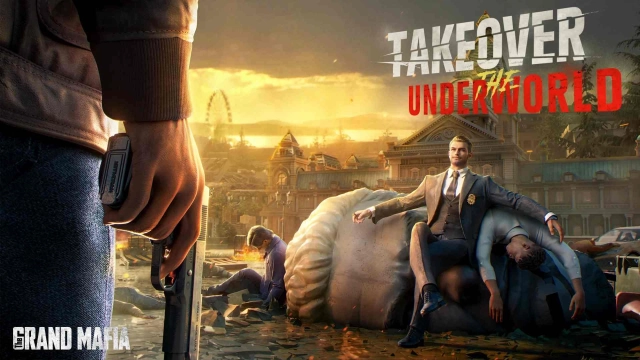
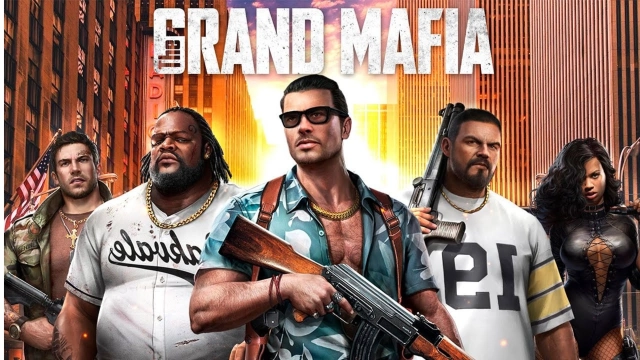
The Grand Mafia is a Strategy game developed by Phantix Games, and LDPlayer is the best platform for playing The Grand Mafia on Windows PC, offering powerful features for an immersive experience.
When playing The Grand Mafia on your computer, you can enjoy long game sessions using the operation recording feature to record repetitive operations to complete the same tasks automatically. It allows you to level up faster and makes resource grinding much more efficient.
In addition, if you want to execute combo moves or the game requires repeated skill actions, the macro feature is your best helper. It enables you to complete kills with just one click!
If you want to manage multiple accounts, LDMultiplayer and Synchronizer will assist you. You can run multiple alternative accounts at the same time to assist the leveling of your main account. Download and play The Grand Mafia on PC with LDPlayer now!
The Grand Mafia is a hardcore mafia-themed strategy game. Step into the shoes of a mafia boss, take over turfs, rally your crew, seek revenge for your old man, reclaim the respect that once was yours, and ultimately become the city overlord!If you're a fan of mafia movies or games, you have to play The Grand Mafia!
►Amazing Story of Mafia World
Over 500,000 words of game story with exciting plot twists! Experience the dangerous and thrilling underworld as a mafia boss! There are high-quality realistic 3D animations in The Grand Mafia where players play the role of an Underboss, building a name for themselves in the cruel underworld. They will meet other powerful families in the city while searching to reveal the truth in the dark and ultimately complete their mission of taking revenge for their father.
►Exciting Faction Events
The Faction gameplay also allows you to make friends from all around the world. The Grand Mafia emphasizes community gameplay, with its auto-translation feature, players get to communicate without the problem of language barriers with other players from across the globe! Players can join a Faction and obtain Faction gifts, Resources gifted from Faction members, Faction protection, and upgraded buffs! There are also loads of Faction events that require a Faction’s team effort and cooperation. Many players have also found true friends and even the love of their life in the game!
►Unique Enforcer System
The game includes a highly strategic Enforcer system with over a hundred Enforcers, each with their own unique backstory, skills and attributes. Different Enforcers need to be sent out with the corresponding Associate types. Each Enforcer also has their own unique Underboss Skills. Only by changing your battle and training strategy can you survive in the underworld and eventually become the ultimate mafia boss!
►Attractive Babe System
With a Attractive Babe system and a Private Club, you get to interact with beautiful Babes from all sorts of backgrounds within the game. Increase a Babe’s Favor by interacting and playing mini-games with her! By increasing Babe Favors, you can unlock their outfits while increasing their skills and Talents! These will help you better develop and increase your combat strength!
►Different Styles of Fighting
With a rich variety of combat methods, you get to challenge and test your brain! The Grand Mafia includes big events such as Battle for the City Hall, involving the whole City, Governor’s War that includes participation of multiple Cities, and Police Station Attack to name a few. Not only do they require your own strength, but strategies that include cooperation and alliances. Only with all thirty-six strategies can you reach the top and become the best in the City!
Official Facebook: https://www.facebook.com/111488273880659
Official Line: @thegrandmafiaen
Official e-mail: support.grandmafia@phantixgames.com
Official website:https://tgm.phantixgames.com/
●Tips
※ The app is free to download. There is some paid content available via in-app purchases
※ Please pay attention to your gaming time and avoid addiction.
※ The content of this game involves violence (attacks and other bloody scenes), strong language, game characters wearing clothing of sexual characteristics.