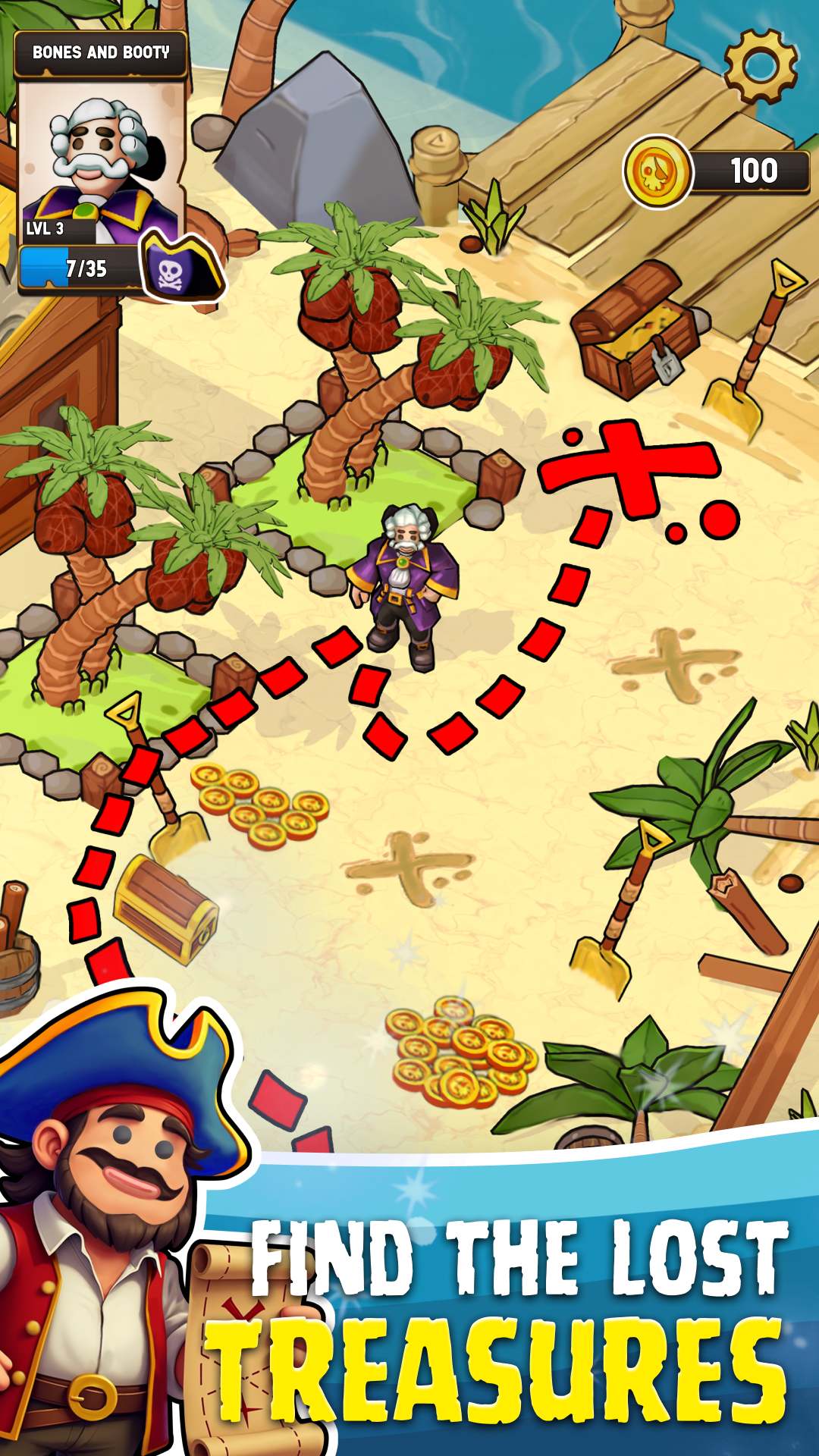
The Lost Pirate: Treasure Hunt is a Adventure application developed by 24 HIT Riga SIA, but with the best Android emulator-LDPlayer, you can download and play The Lost Pirate: Treasure Hunt on your computer.
Running The Lost Pirate: Treasure Hunt on your computer allows you to browse clearly on a large screen, and controlling the application with a mouse and keyboard is much faster than using touchscreen, all while never having to worry about device battery issues.
With multi-instance and synchronization features, you can even run multiple applications and accounts on your PC.
And file sharing makes sharing images, videos, and files incredibly easy.
Download The Lost Pirate: Treasure Hunt and run it on your PC. Enjoy the large screen and high-definition quality on your PC!
Plunge into the adventures of the Caribbean Sea and build a tycoon empire on the pirate treasure island. Difficult challenges await you in The Lost Pirate: Idle Tycoon Game, use your strategic thinking, time management skills, trade and team management to get all the treasures and own the island. Play as a lost corsair and start building a pirate bay full of everything necessary for travelers. Start as an ordinary sailor and step by step become the best among buccaneers, expand your possessions and turn an ordinary port into a real empire. Show off your business and time management skills in an idle corsair adventure simulator.Download The Lost Pirate: Treasure Hunt right now absolutely free and become the ruler of the seven seas!
🏴☠️ Pirates Outlaws: in this tycoon game you will have to mine resources and skillfully convert them into profit, maintain ships, supply them with provisions, build taverns, gunpowder warehouses, workshops and even start a treasure trade!
🦜 Level Up Your Captain: start as an ordinary lost sailor and step by step improve your treasure island to get the bigger profits you need to become an empire tycoon!
🏝️ Create Paradise on the Island: what does a real pirate need? That's right, a ship, rum, gunpowder and treasures - all this you can give him at your port, build a tavern, catch fish, treat him to rum, sell gunpowder and send the robber on his journey.
👨 Hire the Best Crew: in every case you need a reliable team The Lost Pirate: Treasure Hunt is no exception, hire a sailor or an avid corsair who will help you in extracting resources, producing food and tools, as well as serving travelers.
💣 Interaction with Buccaneers: in this tycoon game, a VIP guest will appear from time to time, which will bring you a lot of precious coins and make your way to building an empire easier.
⚓ Build Your Own Ship: you can't sit still to expand your possessions - build your pirate ship, equip it with everything you need, hire sailors and go explore other islands!
Are you ready for unusual Caribbean adventures? Start it right now in The Lost Pirate: Treasure Island if you have the courage and drive to become the best manager of the seven seas! Improve your time management, resource and team management skills, build an unforgettable experience yourself in this exciting idle tycoon game.