The Map is a Puzzle application developed by Pixy, but with the best Android emulator-LDPlayer, you can download and play The Map on your computer.
Running The Map on your computer allows you to browse clearly on a large screen, and controlling the application with a mouse and keyboard is much faster than using touchscreen, all while never having to worry about device battery issues.
With multi-instance and synchronization features, you can even run multiple applications and accounts on your PC.
And file sharing makes sharing images, videos, and files incredibly easy.
Download The Map and run it on your PC. Enjoy the large screen and high-definition quality on your PC!
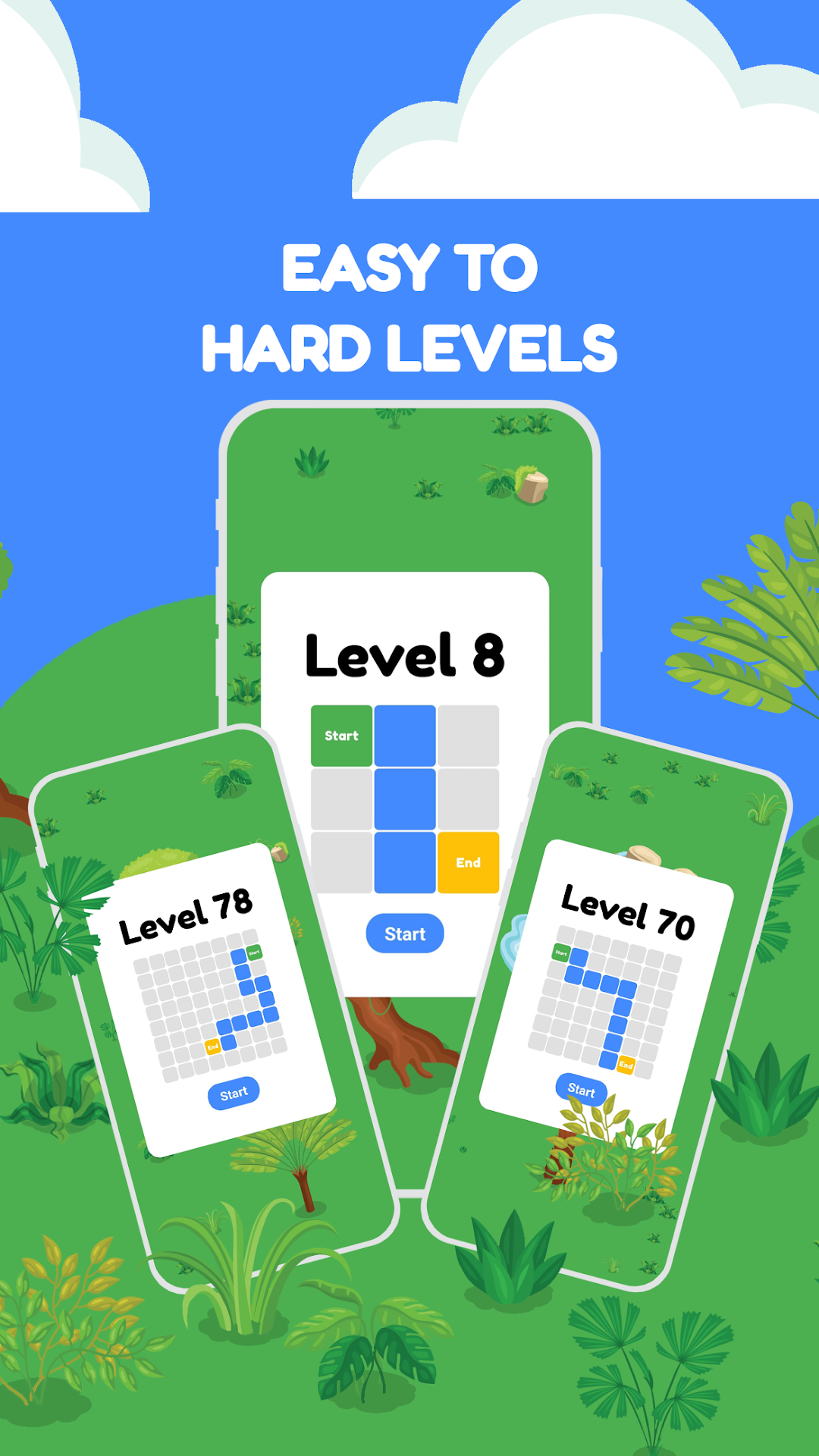
Embark on a thrilling adventure of memory and strategy with our captivating game! Your mission is simple yet challenging: memorize the intricate details of a dynamic map and navigate your way from the starting point to the finish line using precise swipes in four directions—left, right, up, and down.The game offers a unique blend of memory training and strategic thinking, making it an ideal choice for players of all ages. Sharpen your cognitive skills as you explore a variety of maps, each presenting its own set of challenges. The complexity increases progressively, ensuring an engaging experience that keeps you on your toes.
Key Features:
🔵 Memory Challenge: Test and enhance your memory as you memorize complex maps filled with twists and turns.
🔵 Swipe Navigation: Use intuitive swipes to guide your character through the maze from start to finish.
🔵 Varied Maps: Explore a wide range of maps, each designed to push your memory and strategic skills to the limit.
🔵 Progressive Difficulty: Challenge yourself with increasing levels of difficulty, ensuring a rewarding and satisfying gameplay experience.
Whether you're a casual gamer looking for a fun way to pass the time or someone seeking a mental workout, our game provides the perfect balance of entertainment and cognitive stimulation. Immerse yourself in a world of memory challenges and strategic thinking, and see if you have what it takes to conquer each map!
Download now and embark on a journey of memory mastery and strategic navigation. Can you memorize the map and find the quickest path to success? Challenge yourself and find out!