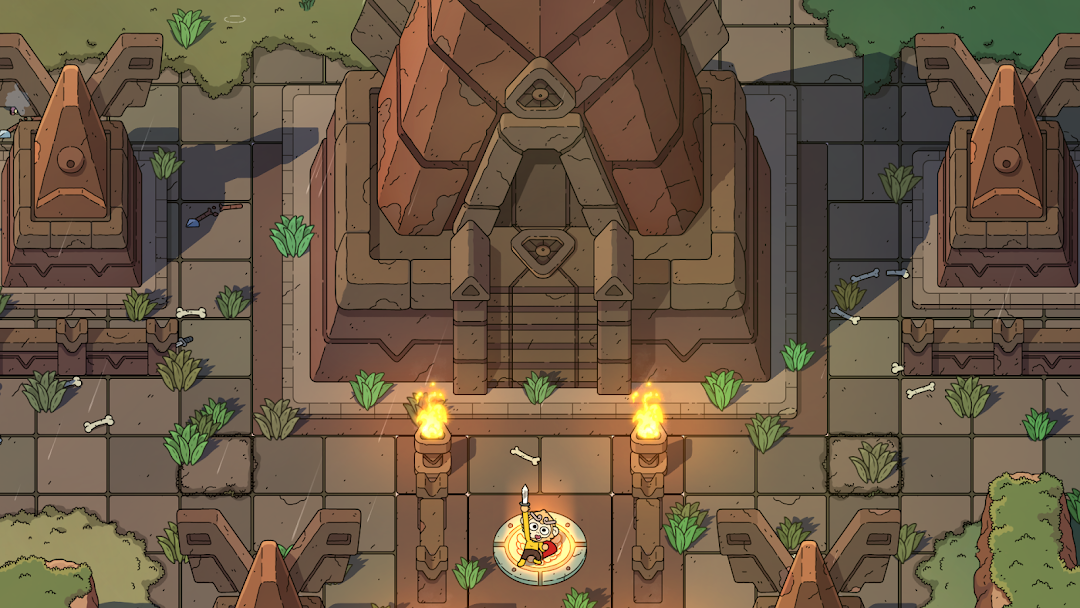
The Swords of Ditto is a Adventure application developed by DevolverDigital, but with the best Android emulator-LDPlayer, you can download and play The Swords of Ditto on your computer.
Running The Swords of Ditto on your computer allows you to browse clearly on a large screen, and controlling the application with a mouse and keyboard is much faster than using touchscreen, all while never having to worry about device battery issues.
With multi-instance and synchronization features, you can even run multiple applications and accounts on your PC.
And file sharing makes sharing images, videos, and files incredibly easy.
Download The Swords of Ditto and run it on your PC. Enjoy the large screen and high-definition quality on your PC!
The Swords of Ditto is a compact action RPG that creates a unique adventure for each new hero of legend in the relentless fight against the evil Mormo. Explore a delightful but dangerous overworld, brave menacing dungeons, and improve your hero in a charming village, during your quest to overcome the evil that plagues the island. Unleash the mystical Sword of Ditto for an unforgettable adventure filled with delightful characters, extraordinary loot, and heroic battles!Unique Adventures Linked Together: Each adventure becomes its own legend, both distinct from those that came before it and part of a heroic legacy that bind together. The deeds, successes, and failures of each hero's adventure have implications for those that follow including the ability to find weapons and recover loot from history’s fallen heroes.
Weapons, Items, & Stickers: Wield the traditional sword and bow combo alongside the decidedly less traditional vinyl record Frisbee, magic golf club, and colossal foot from the heavens to put Mormo and her legions back on their heels. Collect and equip stickers to boost up your hero and add perks to their gear to become powerful enough to banish the wicked sorceress.
Main Quests and Secret Side Missions: Approach your legend however you see fit by battling through dungeons in any order, completing side missions through dark caverns and deep wells, or confront Mormo right from the start for the ultimate challenge.