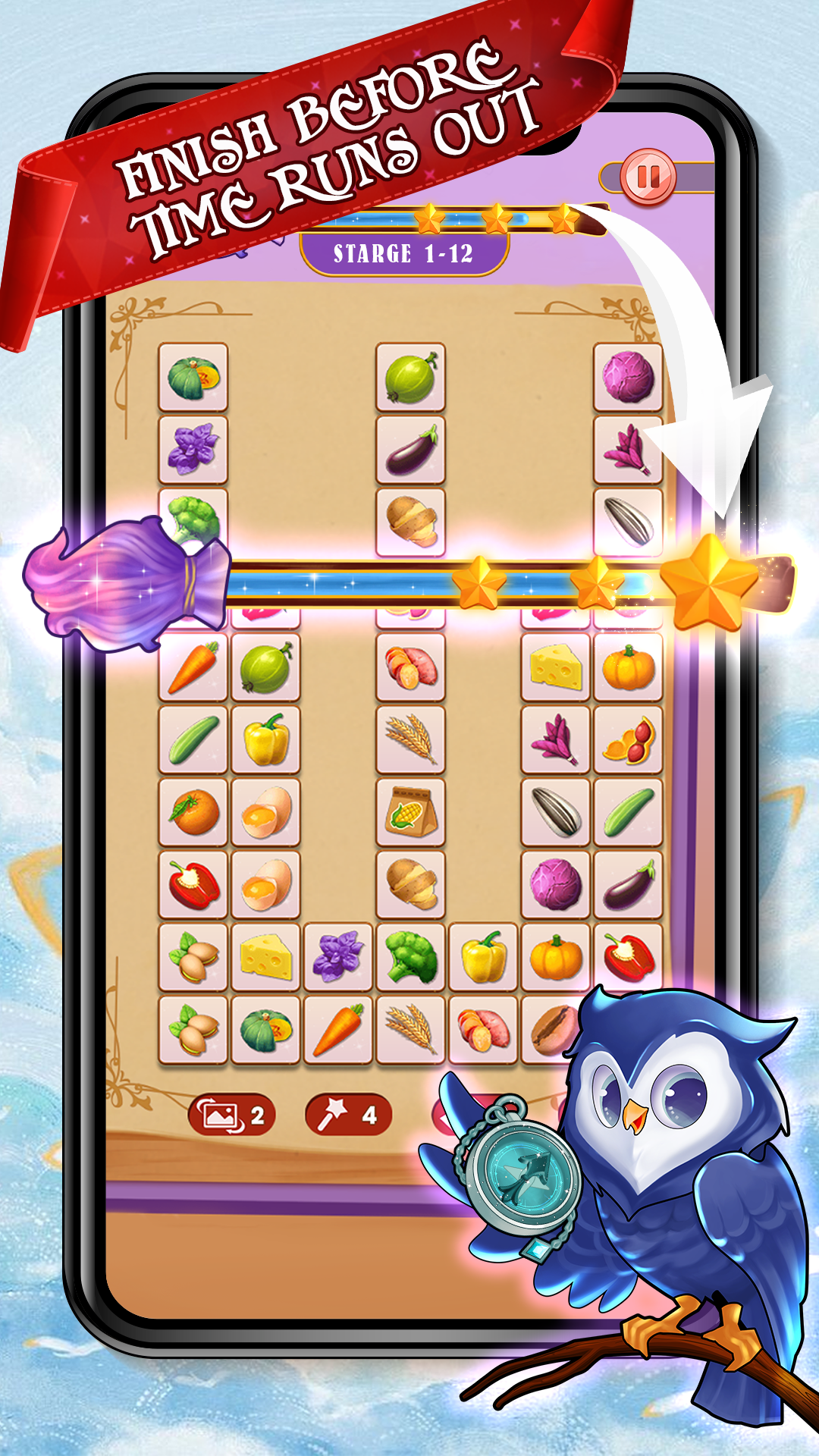
Tile Connect : Classic Game is a Puzzle application developed by Wayfu Studio, but with the best Android emulator-LDPlayer, you can download and play Tile Connect : Classic Game on your computer.
Running Tile Connect : Classic Game on your computer allows you to browse clearly on a large screen, and controlling the application with a mouse and keyboard is much faster than using touchscreen, all while never having to worry about device battery issues.
With multi-instance and synchronization features, you can even run multiple applications and accounts on your PC.
And file sharing makes sharing images, videos, and files incredibly easy.
Download Tile Connect : Classic Game and run it on your PC. Enjoy the large screen and high-definition quality on your PC!
"Connect tiles with a great number of pictures in pairs within the limited time. As you crush all the tiles on the board, you can win the level! Become a tile master 🏆 level by level! Play faster and faster to train your brain and exercise the link technology! Ready to fully enjoy the collection of various pictures on the tiles: Cute Animals 🐼, Fresh Fruits 🥑, Delicious Cakes 🎂, Beautiful Clothes 👗, Cool Vehicles 🚗, Lovely Toys 🧸, etc. You can definitely find your favorite blocks! 😊Tile connect classic is established by the tangle master of objects such as Fruit, Cakes, Animals, Flowers, School objects, lovely Toys or Vehicles, etc.
Within the simple tile connect rule and the classic match, you can be a master. In Addition, Match 3D and Pair Matching Puzzle games are to pair two identical objects on the ground and pop them all before the time runs out !! You Win !! If you compare among us and them, you will find out our loneliness among all these magic tiles 3D.
Start boosting the power of your brain now with this genius among Matching 3D puzzle include tons of sweet and cute combinations !! If you ever love Onnect Pair, Onet 3D, you will love this. Enjoy your time and train your brain in this Tile Pair Matching 3D game! Keep your brain sharp while relaxing, having fun, and relieving your stress.
How to play ❓
- Find two identical tiles without the block of other tiles!
Look carefully at what pictures it is. 😉
- Tap the tiles to connect with maximum three straight lines!
More than three will not be accepted. 🧐
- Use powerful tools as you want!
If you encounter difficulties, don't give up, try the assistance. ❤
- Crush all the tiles within the limited time!
Keep an eye on the timer when connecting. ⏰
- Pass levels one by one to become a tile master!
Play with your friends together to see who is the best! 🥇
Now come to play this puzzle game, Tile connect Classic!
Prove you are a tile master at connecting tiles!
Hope you have a wonderful time playing!
Connect and join us on: "