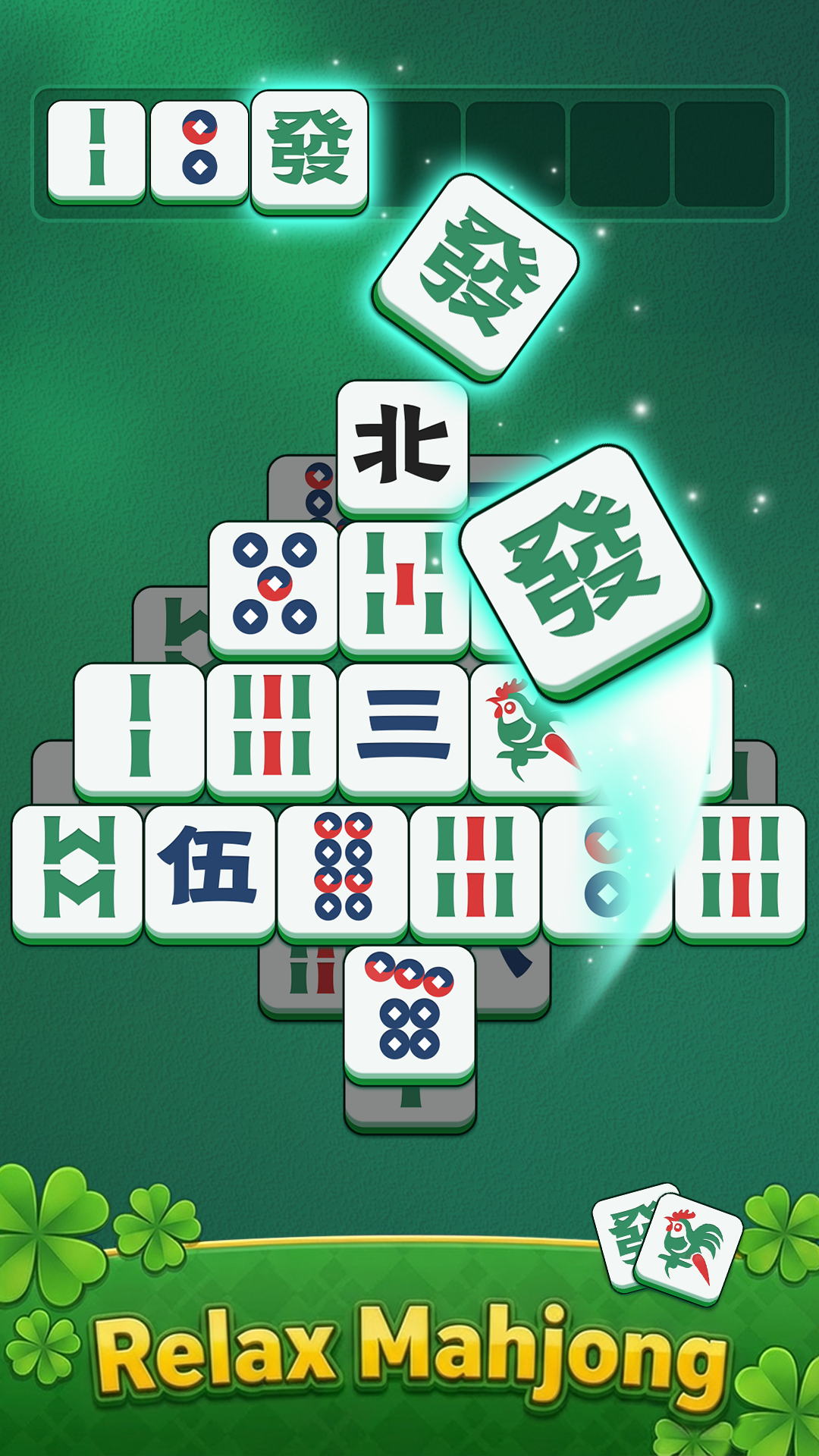
Tile Mahjong Classic is a Casual game developed by SOFISH GAMES. LDPlayer is the best platform for playing Tile Mahjong Classic on Windows PC, offering powerful features to enhance your immersive experience in Tile Mahjong Classic.
When playing Tile Mahjong Classic on your computer, if you find repetitive actions or tasks tedious and time-consuming, fret not! Macro can alleviate your concerns. Simply record your actions with a click of the screen recording feature and let macros take care of the rest. Macros automate your operations, allowing you to effortlessly conquer the game with minimal effort! Start downloading and playing Tile Mahjong Classic on your computer now!
Tile Mahjong Classic: Relaxing Tile Match GameLooking for a calming Mahjong game for adults and seniors? Tile Mahjong Classic is a relaxing Mahjong tile matching game that blends strategy, brain puzzles, and soothing gameplay. Match tiles, clear boards, and enjoy peaceful puzzle challenges anytime, anywhere — no internet required!
🀄 Classic Mahjong Tile Matching
Experience the timeless joy of Mahjong. Match three identical tiles to clear the board and progress through beautifully crafted levels. Easy to learn yet strategically rewarding, this matching game is perfect for adults who enjoy relaxing brain games.
🌿 Relaxing Brain Games for Seniors
Sharpen your mind without stress or time limits. Each puzzle enhances observation, memory, and pattern recognition, making it an ideal Mahjong game for seniors and adults seeking gentle mental stimulation.
🌸 Beautiful & Serene Landscapes
Explore tranquil bamboo gardens, elegant tea rooms, and colorful Mahjong boards. Every level offers a peaceful visual escape while you enjoy satisfying tile-matching gameplay.
⭐ Hundreds of Engaging Levels
From simple relaxing matches to more strategic brain teasers, hundreds of Mahjong tile puzzles await. Whether you play for 5 minutes or an hour, every level delivers achievement and stress relief.
🎁 Daily Challenges & Rewards
Complete daily Mahjong puzzles, unlock new tile designs, and track your progress as you strive to become a true Tile Master.
🚀 Key Features:
Play Offline – Enjoy full Mahjong gameplay without Wi-Fi or data.
Adult-Friendly UI – Large, clear tiles and an easy-to-read interface.
Regular Updates – New boards and tile sets added frequently.
Completely Free – Dive into the ultimate Mahjong experience today.
Download Tile Mahjong Classic now and start your relaxing Mahjong game adventure today!