Tile Match 3 - Puzzle Game is a Puzzle application developed by PlayCity Games, but with the best Android emulator-LDPlayer, you can download and play Tile Match 3 - Puzzle Game on your computer.
Running Tile Match 3 - Puzzle Game on your computer allows you to browse clearly on a large screen, and controlling the application with a mouse and keyboard is much faster than using touchscreen, all while never having to worry about device battery issues.
With multi-instance and synchronization features, you can even run multiple applications and accounts on your PC.
And file sharing makes sharing images, videos, and files incredibly easy.
Download Tile Match 3 - Puzzle Game and run it on your PC. Enjoy the large screen and high-definition quality on your PC!
Get ready to dive into the ultimate brain-teasing experience with **Tile Match 3 - Puzzle Game**! This addictive tile-matching puzzle game is designed to challenge and entertain players of all ages. Whether you’re a casual gamer or a seasoned strategist, Tile Mania offers endless fun with its vibrant graphics, intuitive gameplay, and dynamic levels.**Key Features:**
- **Endless Puzzle Challenges**: Immerse yourself in a vast array of increasingly complex levels that will test your matching skills and strategic thinking. With thousands of unique puzzles, you'll never run out of new challenges!
- **Stunning Visuals**: Enjoy beautifully crafted tiles and mesmerizing animations that make each level a visual delight. The colorful and detailed graphics bring the game world to life, creating an engaging and relaxing atmosphere.
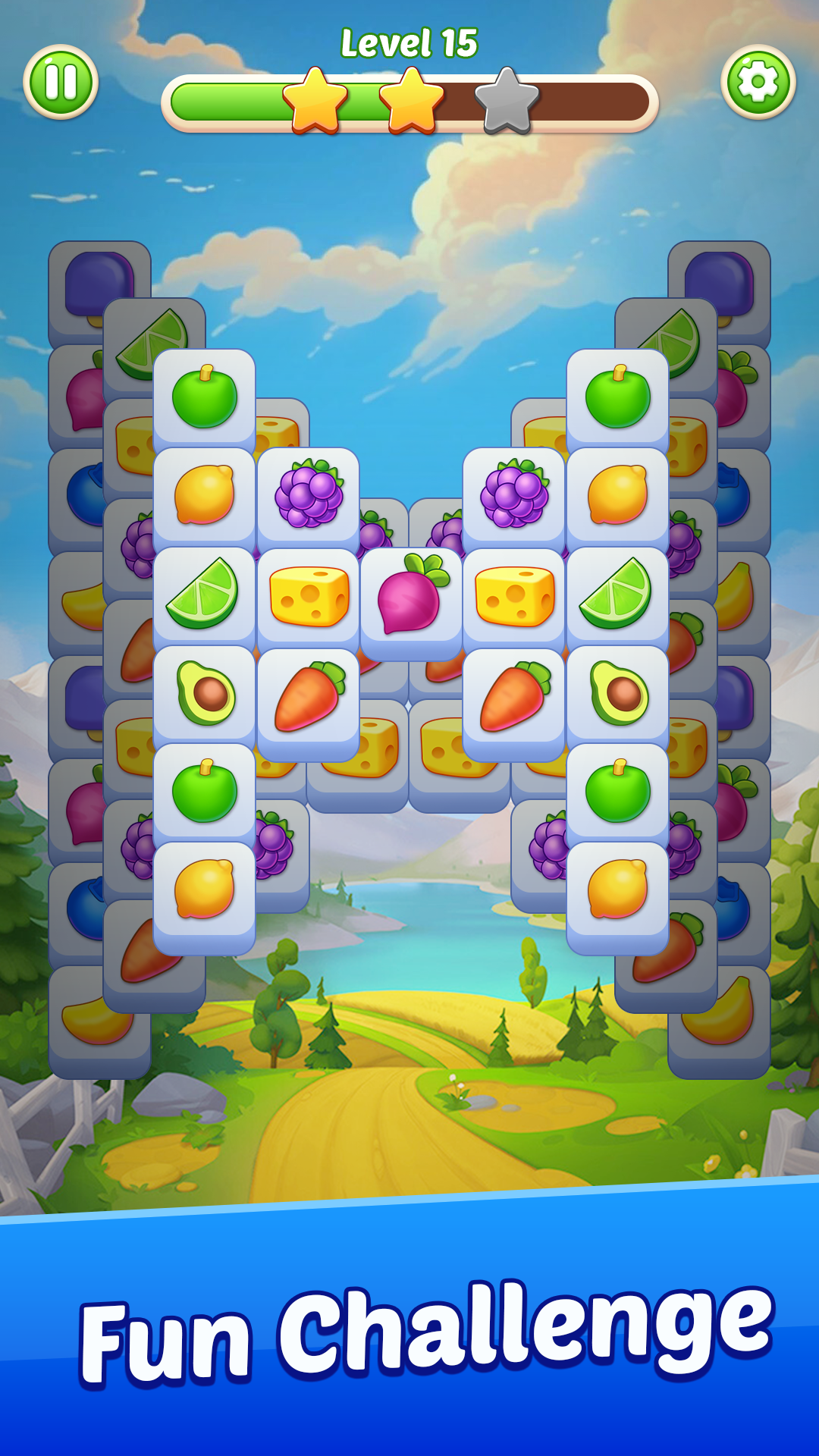
- **Simple yet Addictive Gameplay**: Match and clear tiles to solve puzzles with just a few taps! The straightforward mechanics make it easy to pick up, while the depth and variety keep you coming back for more.
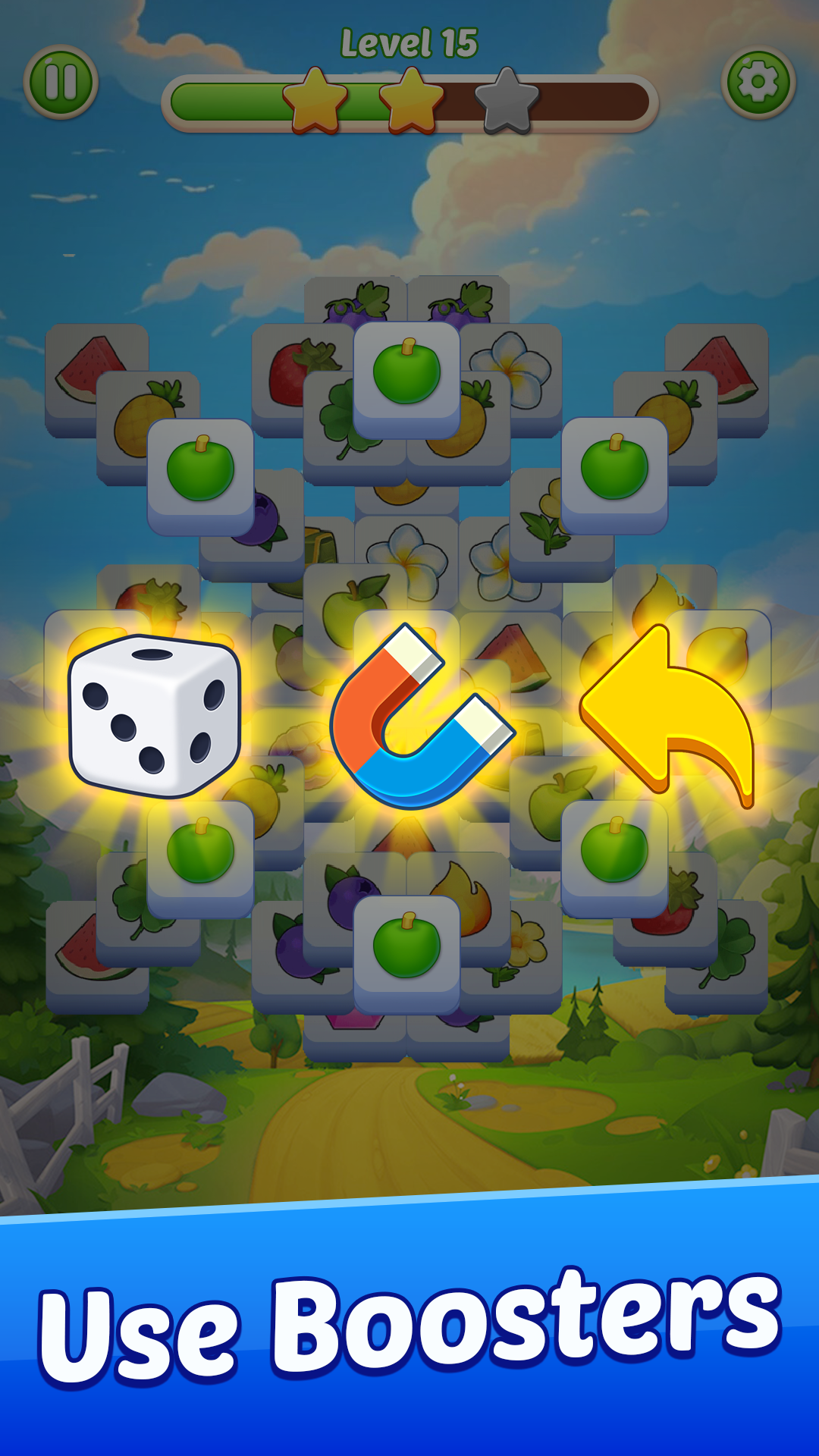
- **Powerful Boosters and Tools**: Unlock and utilize exciting power-ups and boosters to help you tackle even the trickiest puzzles. Strategically use these tools to maximize your score and clear levels faster.
- **Relaxing and Therapeutic**: Unwind and de-stress with the game’s calming music and soothing gameplay. It’s the perfect way to relax after a long day or take a break from your busy schedule.
- **Regular Updates**: Enjoy new levels, exciting features, and special events regularly. We’re constantly adding new content to ensure the game remains fun and engaging.
**How to Play:**
1. **Match Tiles**: Tap on tiles to match three or more of the same type and clear them from the board.
2. **Strategize**: Plan your moves carefully to create combos and maximize your score.
3. **Unlock Boosters**: Earn and use boosters to help you navigate challenging levels and achieve high scores.
Download **Tile Match 3 - Puzzle Game** today and embark on a captivating journey through a world of colorful tiles and brain-bending puzzles. Whether you’re a puzzle enthusiast or just looking for a fun way to pass the time, Tile Mania promises hours of engaging gameplay and endless entertainment.
Are you ready to conquer the ultimate tile-matching adventure?