

Tile Match - Zen Master is a Puzzle application developed by H2T GLOBAL PTE. LTD., but with the best Android emulator-LDPlayer, you can download and play Tile Match - Zen Master on your computer.
Running Tile Match - Zen Master on your computer allows you to browse clearly on a large screen, and controlling the application with a mouse and keyboard is much faster than using touchscreen, all while never having to worry about device battery issues.
With multi-instance and synchronization features, you can even run multiple applications and accounts on your PC.
And file sharing makes sharing images, videos, and files incredibly easy.
Download Tile Match - Zen Master and run it on your PC. Enjoy the large screen and high-definition quality on your PC!
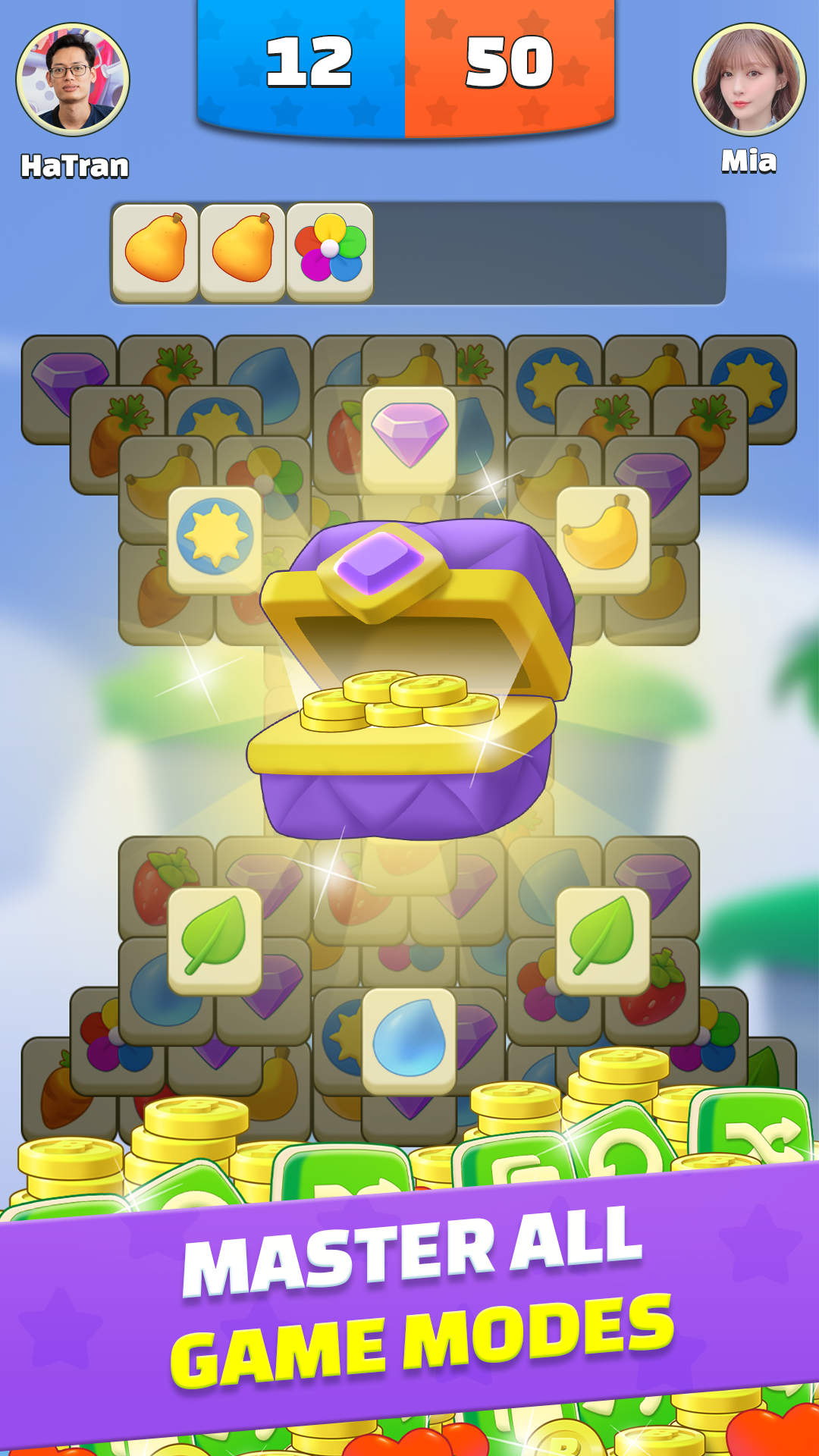
Tile Match - Zen Master is a brand-new triple match puzzle, which is fun, addictive and relaxing for free!All you need to do is to match three same tiles at a time! When all tiles are crushed, you pass the current level. The game consists of many levels, which difficulty increases progressively. Take your time and think thoroughly. There are also multiple styles and layouts for you to explore. You can play with your family and friends to relax and train your brain to create a good memory. As a fidget reliever, it can also help relieve stress and calm your nerves with painting feature. Each time a level complete, you are rewarded diamonds which used for decorating your room. You can pick furnitures that you like.
HOW TO PLAY
💪 Tap a tile and move it into the groove below. Once three identical tiles are collected in the groove, they will disappear.
💪 When all tiles in a level are removed, you win. Yet when the groove is full of 7 tiles in total, you fail.
💪 There is no time limit in classic levels. However, in daily puzzle mode, there is time limitation for each different level.
GAME FEATURES
✨ 40+ styles of cute tiles: fruit🍓, cute animal,... Each tile board varies from one another. Feel fresh every day!
✨ 1000+ layouts with stunning design for all ages!
✨ 3 powerful boosters to facilitate your gameplay: Groove Expansion💡, Shuffle♻️ and Undo👈. And the number of boosters is unlimited when you first unlock them!
✨ Many rooms with various styles, all decorred by your preference. Make your own masterpiece art!
✨ Play offline whenever you want
✨Multiplayer playing: you can solve the puzzle with your friends, family members. It’s time for sharing your quality time to have fun together.
If you like the traditional match 3, triple-matching tiles games, mahjong, or jigsaw games, you won't wanna miss this one! Our puzzle game will be your next brain teaser and time killer!