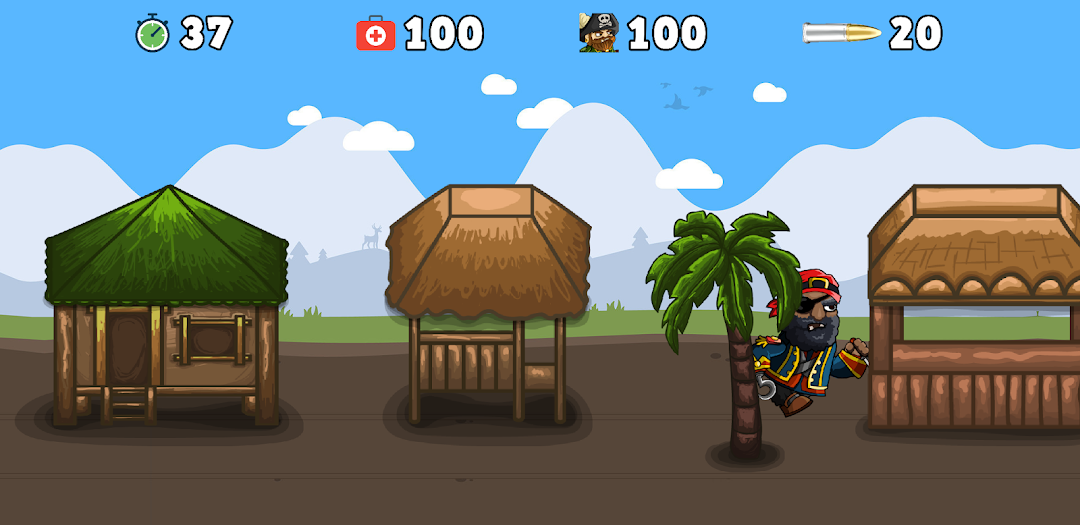
Treasure Island is a Strategy game developed by Cool Apps Cool, and LDPlayer is the best platform for playing Treasure Island on Windows PC, offering powerful features for an immersive experience.
When playing Treasure Island on your computer, you can enjoy long game sessions using the operation recording feature to record repetitive operations to complete the same tasks automatically. It allows you to level up faster and makes resource grinding much more efficient.
In addition, if you want to execute combo moves or the game requires repeated skill actions, the macro feature is your best helper. It enables you to complete kills with just one click!
If you want to manage multiple accounts, LDMultiplayer and Synchronizer will assist you. You can run multiple alternative accounts at the same time to assist the leveling of your main account. Download and play Treasure Island on PC with LDPlayer now!
About the game:Treasure Island is a tap and shot and puzzle solving game. In this game you need to find a treasure hidden in a tropical island. To find this treasure, you need to visit 20 different locations inside the island, fight with pirates and collect some items. You need some special items to go to some locations inside island.
Notes:
* This game is designed to work with the devices has screen ratio between 16:10 and 21:9.
* Translations for this game is done with online translator tools. If you think translations is not well enough, you may contribute at following github page and help us for better translations for your native language:
Links:
* Website: https://www.cooolapps.com/treasure-island/
* Privacy Policy: https://www.cooolapps.com/privacy-policy-of-treasure-island-game/
* Terms and Conditions: https://www.cooolapps.com/terms-and-conditions-of-treasure-island-game/
* Developer website: https://www.cooolapps.com/
* Contact: https://www.cooolapps.com/contact/
Credits:
* Background music: Tropical Sensation (Instrumental) by Mike Leite | https://soundcloud.com/mikeleite
* Game win and game over sfx from orangefreesounds.com/
* Graphic assets from https://craftpix.net/
* PNG icons from https://www.pngwing.com