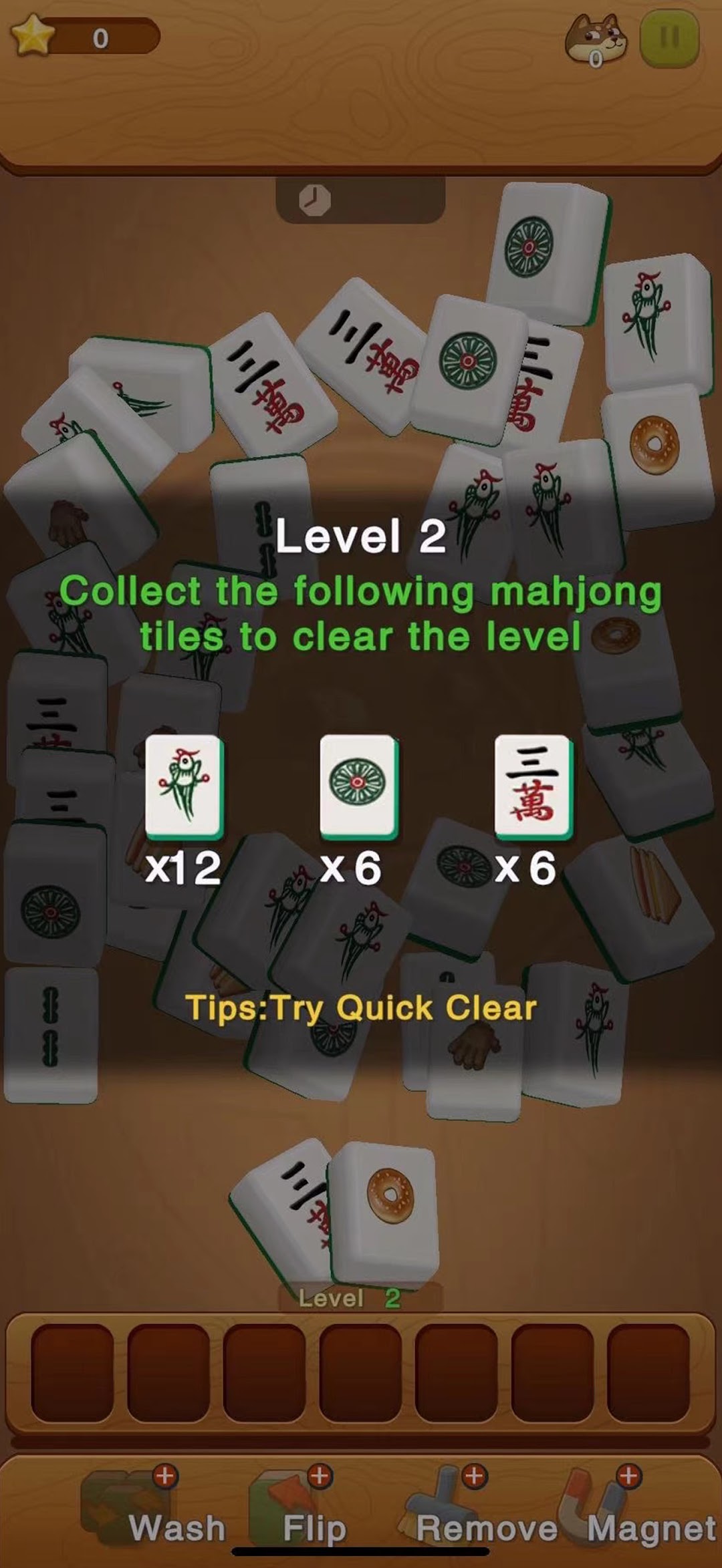
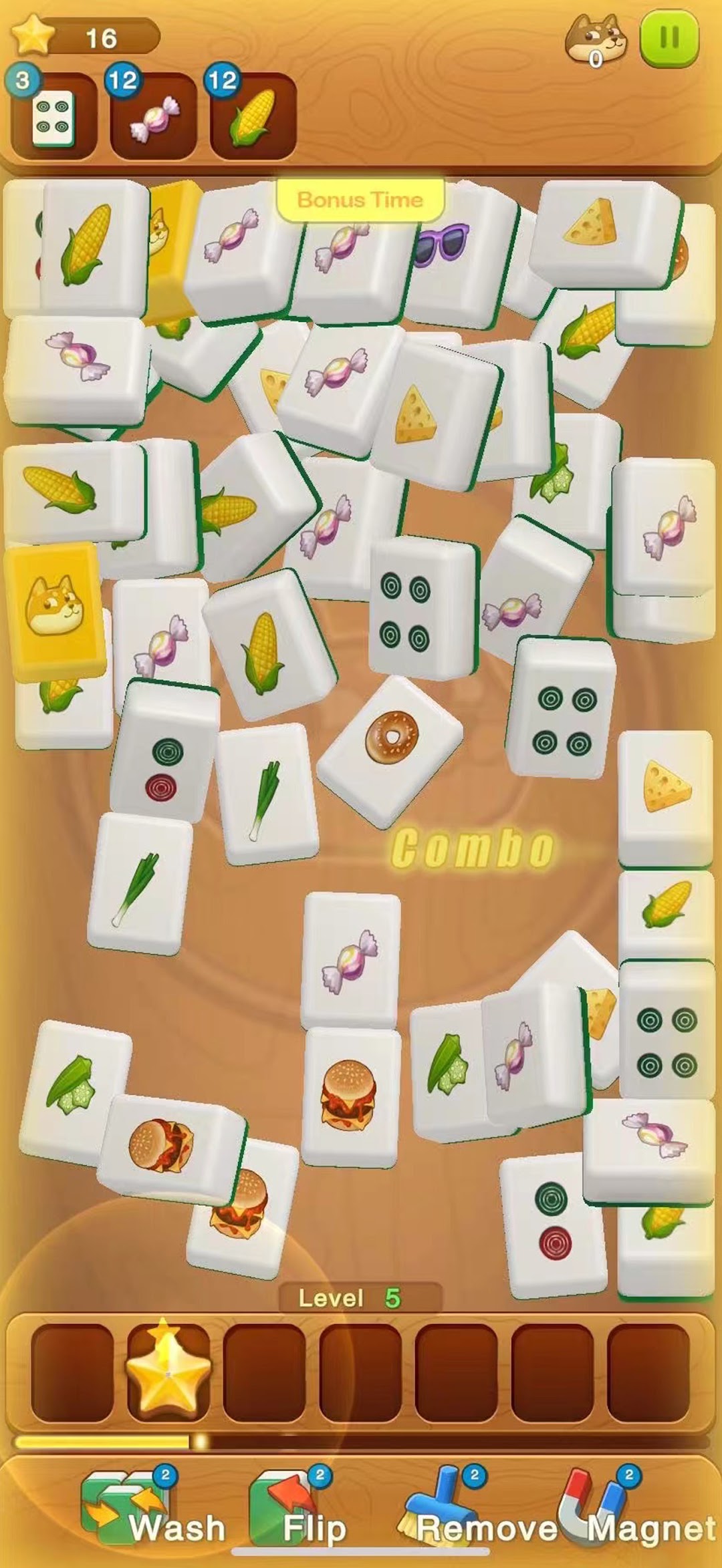
Triple Match 3D Mahjong is a Puzzle application developed by RealFunPlay Game Stuido, but with the best Android emulator-LDPlayer, you can download and play Triple Match 3D Mahjong on your computer.
Running Triple Match 3D Mahjong on your computer allows you to browse clearly on a large screen, and controlling the application with a mouse and keyboard is much faster than using touchscreen, all while never having to worry about device battery issues.
With multi-instance and synchronization features, you can even run multiple applications and accounts on your PC.
And file sharing makes sharing images, videos, and files incredibly easy.
Download Triple Match 3D Mahjong and run it on your PC. Enjoy the large screen and high-definition quality on your PC!
Tired of repetitive card games, mindless casino simulators, and basic solitaire? Experience the thrilling Triple Match 3D Mahjong—a brain-pumping puzzle game with all the excitement of a match-three game! No complicated mechanics—just fast, satisfying gameplay that you’ll love.Triple Match 3D Mahjong puts a fresh twist on the classic Mahjong concept. Instead of matching pairs, you’ll match three identical tiles to clear the board. And if you manage to chain combos, you’ll feel the rush of continuous eliminations! Beat each level by matching all the tiles, and brace yourself for some serious brain teasers. With every combo and quick match, you’ll find the game more and more addictive!
How to Play:
Tap tiles to place them in the box.
Match three identical tiles to remove them from the board.
Create combo chains by matching quickly for bigger rewards!
Clear all tiles as fast as possible.
Win by collecting all tiles, but if the box holds 7 tiles, you lose!
Match quickly to trigger exciting combos and rack up bonuses!
Game Features:
Stunning 3D visuals with dynamic tile designs.
Feel the rush of match-three gameplay—satisfying combos and fast-paced tile clearing!
Pause anytime and resume whenever you’re ready.
Helpful hints and powerful boosters to assist you.
Beautiful graphics, varied tile layouts, and challenging brain-teasing levels.
Enjoy the excitement of chain reactions with each match—collect stars and push your skills further!
Ready for the Challenge?
Play anywhere, anytime, whether on your iPhone or iPad!
Easy to pick up but hard to master—get that match-three satisfaction while keeping your brain sharp!
Connect, match, and clear tiles in thrilling combos to beat puzzles. The faster you go, the more addictive it gets!
Take on tougher levels with unique tile sets and intricate layouts. Do you have what it takes?
Simple 3D match mechanics with the excitement of combos—perfect for relaxing or getting your brain in gear!
Contact Us: We value your feedback and are always eager to hear your ideas!
cz@realfunplay.com