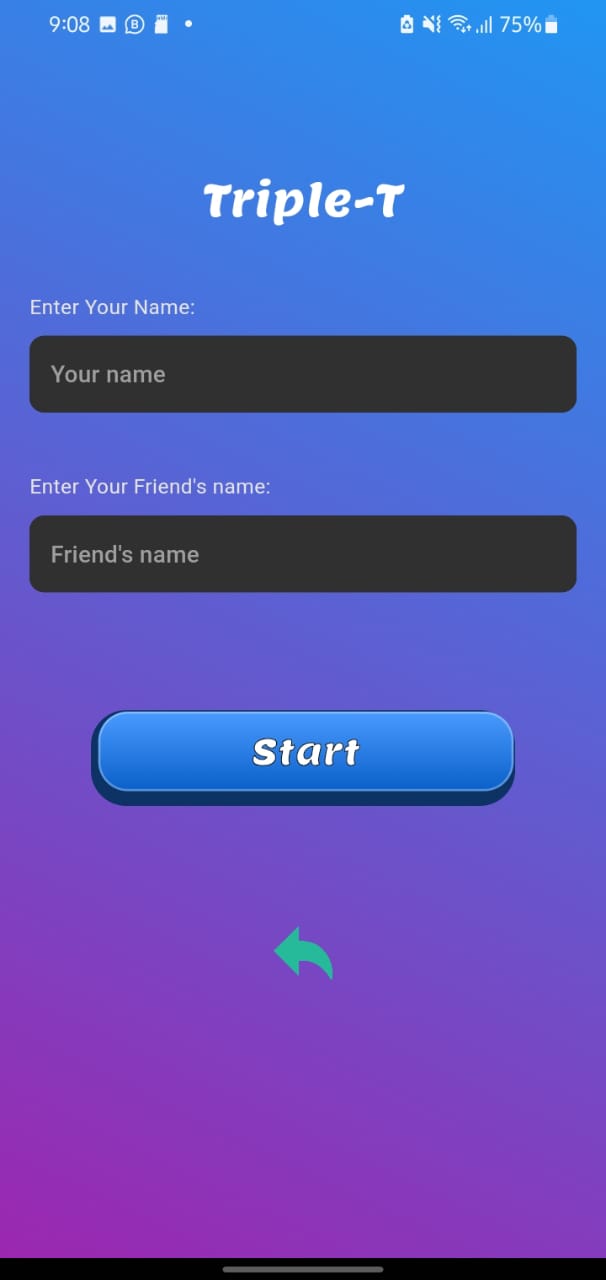
Triple T is a Casual game developed by Chathura Devinda. LDPlayer is the best platform for playing Triple T on Windows PC, offering powerful features to enhance your immersive experience in Triple T.
When playing Triple T on your computer, if you find repetitive actions or tasks tedious and time-consuming, fret not! Macro can alleviate your concerns. Simply record your actions with a click of the screen recording feature and let macros take care of the rest. Macros automate your operations, allowing you to effortlessly conquer the game with minimal effort! Start downloading and playing Triple T on your computer now!
Welcome to Triple T, the vibrant and addictive take on the beloved game of Tic-Tac-Toe! Whether you're a seasoned player or new to the game, Triple T offers an engaging and visually appealing experience.In Triple T, the goal remains simple: strategically place your 'T' tiles on the board to form three in a row vertically, horizontally, or diagonally before your opponent does. What sets Triple T apart is its lively and colorful presentation, making each game session a delightful visual treat.
Game Modes:
Single Player: Challenge yourself against the Triple T.
Local Multiplayer: Enjoy a thrilling pass-and-play mode with friends on the same device.
Triple T is designed for accessibility and enjoyment for players of all ages. With intuitive controls and a variety of colorful themes to choose from, you can personalize your gaming experience to match your style.
Key Features:
Sleek Design: Enjoy smooth gameplay with appealing visuals.
Easy Controls: Tap and play with straightforward controls.
Local Multiplayer: Compete with friends in a fun and interactive pass-and-play mode.
Whether you're looking for a quick brain teaser or a competitive showdown, Triple T guarantees hours of entertainment. Download now and discover the joy of Triple T!