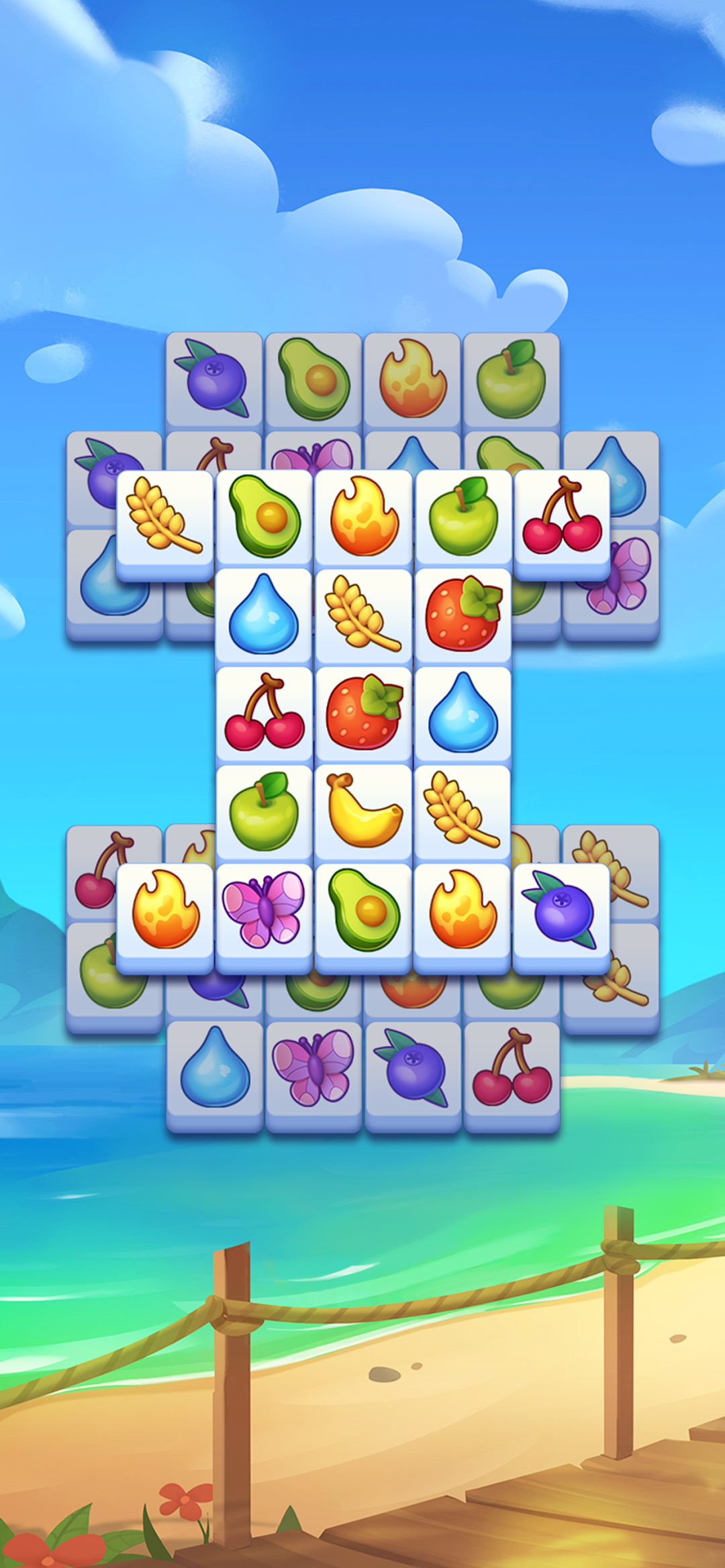
Triple Tile: Match Puzzle Game is a Casual game developed by Tripledot Studios Limited. LDPlayer is the best platform for playing Triple Tile: Match Puzzle Game on Windows PC, offering powerful features to enhance your immersive experience in Triple Tile: Match Puzzle Game.
When playing Triple Tile: Match Puzzle Game on your computer, if you find repetitive actions or tasks tedious and time-consuming, fret not! Macro can alleviate your concerns. Simply record your actions with a click of the screen recording feature and let macros take care of the rest. Macros automate your operations, allowing you to effortlessly conquer the game with minimal effort! Start downloading and playing Triple Tile: Match Puzzle Game on your computer now!
Discover Triple Tile – your new favorite tile match puzzle game!Step into the relaxing yet exciting world of puzzle games with Triple Tile, the ultimate tile match challenge. The goal is simple: find a triple match to clear the board. Whether you’re a casual gamer or a seasoned match 3 expert, this beautifully designed match game will keep you coming back
With easy-to-learn mechanics and endless possibilities, Triple Tile delivers the perfect blend of relaxation and brain-teasing fun. If you love matching games, you’ll be right at home.
Why You’ll Love Triple Tile
FIND YOUR ZEN – Tap, match, and relax with calming puzzle games that delight both the eyes and the mind. With our stunning visuals, every match game feels like a work of art.
TRAIN YOUR BRAIN – Every level is a clever tile match puzzle designed to challenge. Sharpen your skills as you rise to triple match mastery.
EXPLORE BEAUTIFUL WORLDS – Track your tile game progress on a vibrant map and unlock stunning new destinations. From tranquil beaches to lush forests, every chapter brings a fresh backdrop to your matching games journey.
NEVER RUN OUT OF TILE GAME FUN – With thousands of match 3 levels and regular updates, Triple Tile keeps your tile match skills sharp with new puzzles every week.
How to Play
Clear the board by completing a triple match – just find and combine three identical tiles. Sounds simple? Wait until you see the clever twists, layered challenges, and surprising layouts that make this one of the most addictive puzzle games out there.
Triple Tile is the perfect tile game to enjoy anytime, anywhere – even without an internet connection. Play offline and keep the fun going whether you’re traveling, commuting, or just relaxing at home with your favorite tile game.
Triple Tile is perfect to unwind, sharpen your mind, and immerse yourself in a satisfying match game experience. Triple Tile offers a tile game experience that’s easy to pick up yet endlessly rewarding. Every tile game level will keep you challenged, engaged, and coming back for more
Download Triple Tile today and see why so many tile match puzzle fans can’t put it down. It’s time to tap, match, and master your way to the top