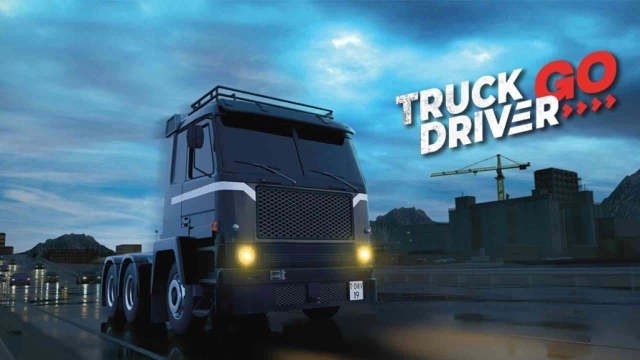
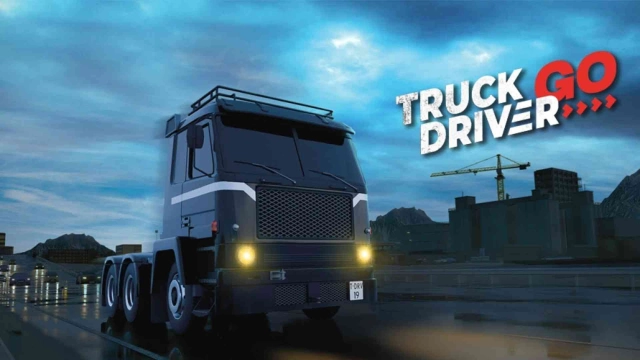
Truck Driver GO is a Simulation application developed by SOEDESCO, but with the best Android emulator-LDPlayer, you can download and play Truck Driver GO on your computer.
Running Truck Driver GO on your computer allows you to browse clearly on a large screen, and controlling the application with a mouse and keyboard is much faster than using touchscreen, all while never having to worry about device battery issues.
With multi-instance and synchronization features, you can even run multiple applications and accounts on your PC.
And file sharing makes sharing images, videos, and files incredibly easy.
Download Truck Driver GO and run it on your PC. Enjoy the large screen and high-definition quality on your PC!
Truck Driver Go offers the ultimate truck-driving experience inspired by the hit game Truck Driver game. Take on the role of David, who sets out to restore his father’s legacy and make a mark in trucking history. Embark on an emotional journey as you follow a compelling narrative, while transporting different cargo across a network of roads.Drive a variety of trucks and trailers with true-to-life handling, providing an engaging and authentic driving experience. Whether you’re navigating tight streets or cruising down endless highways, you'll feel the weight and power of your truck as you haul cargo to its destination.
Explore a world with varied environments and complete a range of challenging restoration and truck driving missions that will test your ability to adapt to changing weather, different road types, and obstacles.
Upgrade and customize your trucks and trailers. Choose from a wide range of cargo types, each with unique challenges and rewards. Unlock new trucks as you advance.
Game Features:
- Follow an intriguing narrative as you take over the trucking world.
- Enjoy realistic trucking experience with true-to-life driving physics.
- Navigate an expansive and diverse map.
- Face changing weather conditions and realistic day-night cycle.
- Adapt to different road types and obstacles.
- Master a variety of trucks, each with unique traits and capabilities.
- Rise from an amateur driver to a legendary truck driver.
- Unlock new features and challenges as you progress.
- Fine tune every aspect of your trucks, from performance upgrades to cosmetic changes, to match your style.
- Roam freely across the map and explore different locations.
- Complete 80+ restoration missions.
- Take on unlimited parking missions.
- Enjoy unlimited playtime with a never-ending number of missions.
- Switch between cabin view and truck view at any time.
Stay tuned for additional features in future updates!