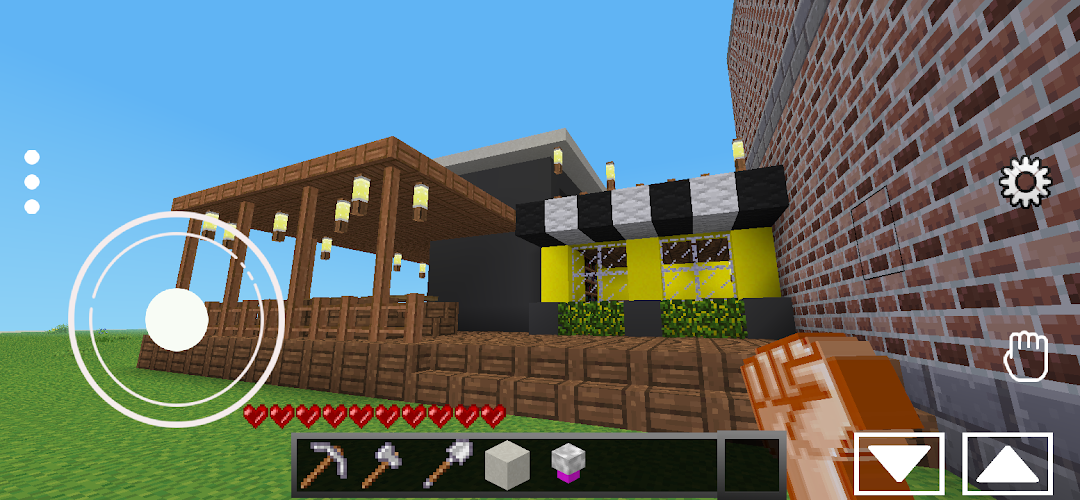
Turbo Craft Run is a Strategy game developed by Loki Craftsman, and LDPlayer is the best platform for playing Turbo Craft Run on Windows PC, offering powerful features for an immersive experience.
When playing Turbo Craft Run on your computer, you can enjoy long game sessions using the operation recording feature to record repetitive operations to complete the same tasks automatically. It allows you to level up faster and makes resource grinding much more efficient.
In addition, if you want to execute combo moves or the game requires repeated skill actions, the macro feature is your best helper. It enables you to complete kills with just one click!
If you want to manage multiple accounts, LDMultiplayer and Synchronizer will assist you. You can run multiple alternative accounts at the same time to assist the leveling of your main account. Download and play Turbo Craft Run on PC with LDPlayer now!
New genre are here Turbo Craft Run not just sandbox voxel games, unlimited world or crafting and building. you will see another maps that we just improve to turbocraft.Craft run its possible here with simple virtual joystick you can control limitless your character. easy to spawn luxury building, pets or you want to feel anothermoment of casual games? just choose the map!
Turbo Craft Run uses code from the open source minetest program, code LGPL: .
You can get the updated code from the Minetest numbers developer at https://github.com/minetest/minetest
This game uses sources LGPL that come from open source projects.
You can download the latest update at the https://github.com/minetest/minetest , License details are included inside
This game comes from open source LGPL
This open source project was made by many developers who are members of it and you can get it on https://github.com/minetest/minetest
This project is based on an open source project LGPL
the development of this game involves many developers from various countries, the license description of each code and asset is contained therein
the development of this game involves many developers and each code can be seen the license in it