ULT College Football Coach is a Sports game developed by Games2rk. LDPlayer is the best platform for playing ULT College Football Coach on Windows PC, offering powerful features to enhance your immersive experience in ULT College Football Coach.
When playing ULT College Football Coach on your computer, the larger screen and more powerful graphics performance enable you to enjoy clearer and smoother game visuals, enhancing the visual experience of the game.
The operation of peripherals such as gamepads is emulated to better mimic the feel of real sports, providing more precise control and richer operation options.
Furthermore, if you wish to execute a series of continuous key combinations, the one-click macro feature will be the functionality you've been dreaming of, allowing you to effortlessly stay one step ahead with one-touch operation. Start downloading and playing ULT College Football Coach on your computer now!
Ultimate College Football HC is a free, offline simulation game that puts you in charge as a college coach, giving you complete control over building, managing, and leading a competitive college football program to glory.Whether you’re calling plays on game day or making off-season decisions that shape the future, your leadership and strategy define the direction of your program. Every move matters — from player development to recruiting, staffing, and facility upgrades. This is more than just a football sim — it’s a deep management experience designed for fans who live and breathe college football.
Take full control of your college football program and build a legacy from the ground up.
Key Features:
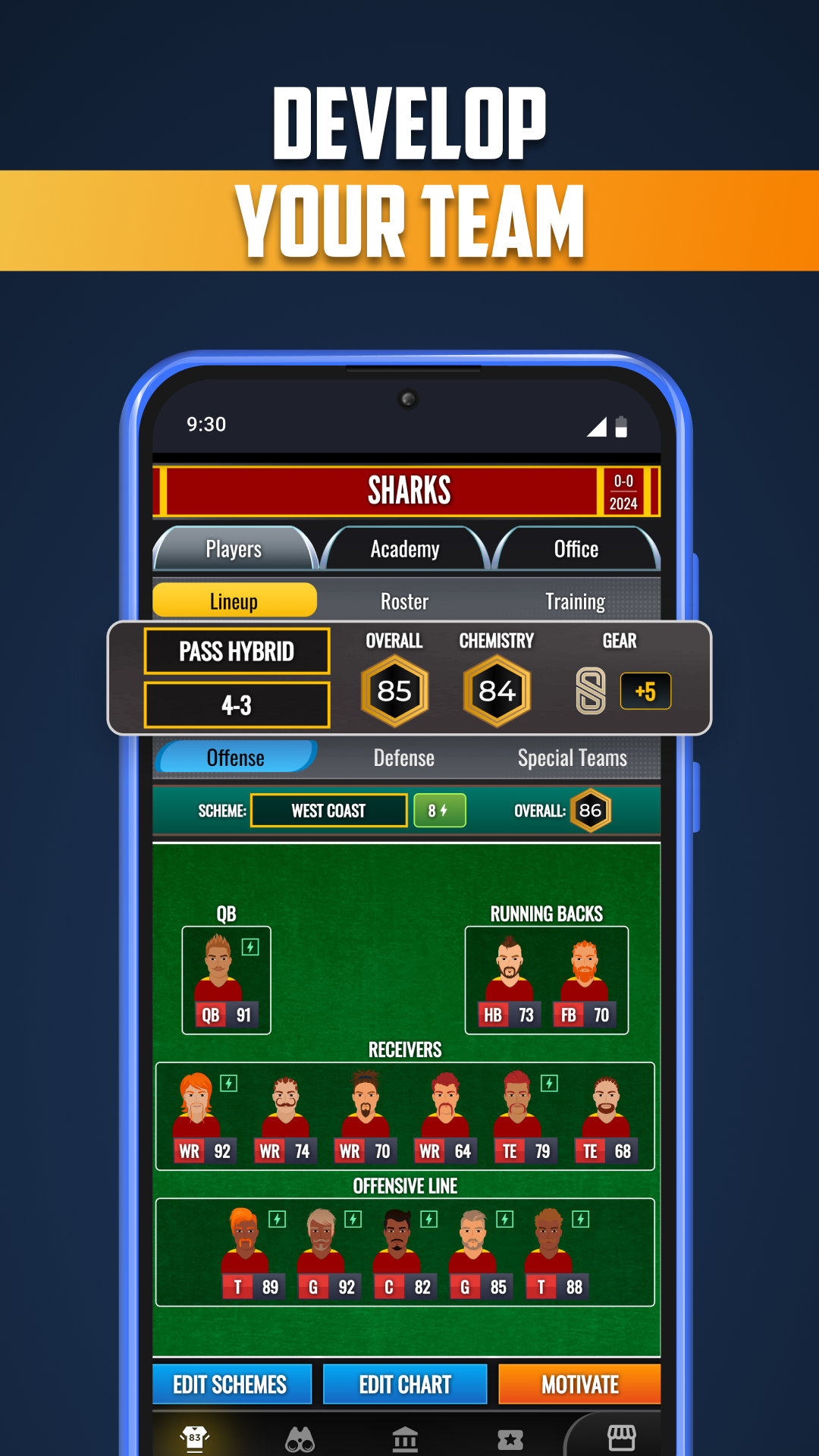
• Real-time play calling that lets you influence each game as the action unfolds
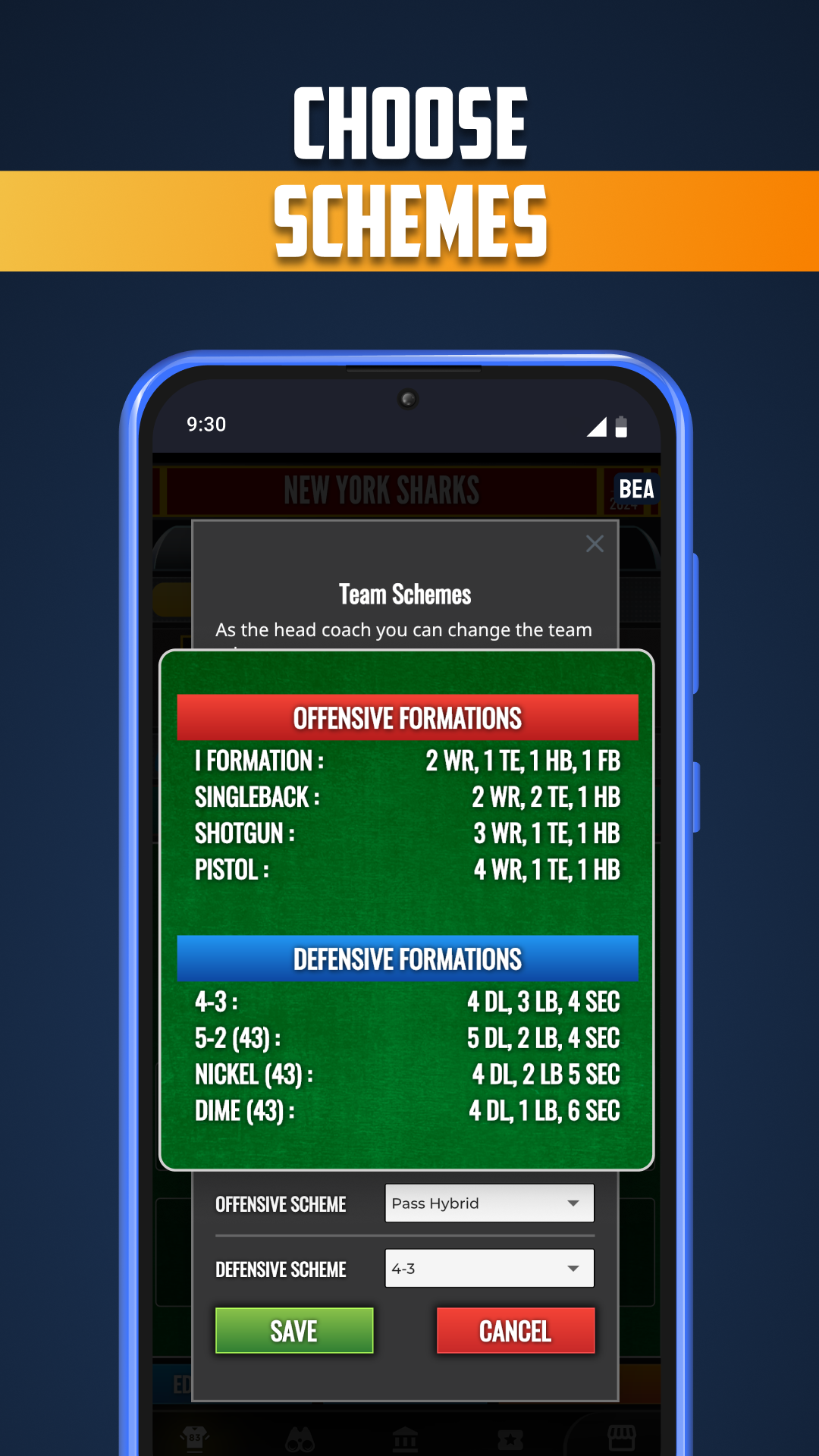
• Create custom plays and manage your offensive playbook
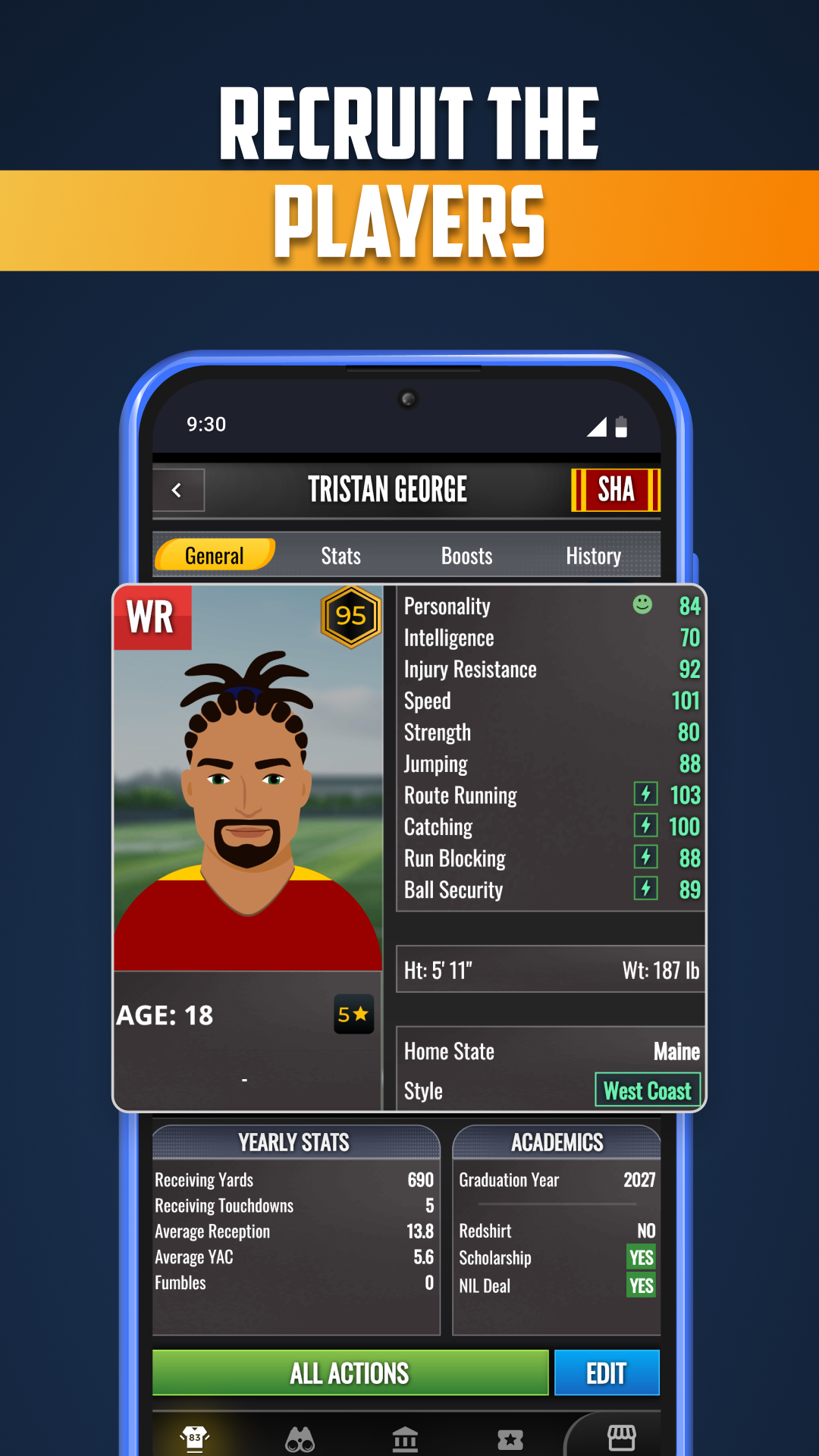
• Navigate NIL, scholarships, and recruiting pipelines — target top high school recruits or dip into the transfer portal to rebuild your roster
• Develop players into superstars with a robust training and progression system
• Hire and manage your coaching staff, including coordinators and support personnel
• Upgrade and expand your program’s facilities, from training centers to stadiums
• Control your finances, secure sponsorships, and manage resources wisely
• Set realistic (or ambitious) seasonal goals while juggling fan and school expectations
• Track extensive career stats, season awards, records, and draft outcomes
Will your program rise through elite scouting and smart recruiting?
Will you rely on veterans or cultivate young prospects?
Is your path to dominance through bold staff hires or steady internal development?
As a college coach, the choices are yours. And the pressure is real.
Your program. Your legacy. Your dynasty.
Take the reins as a college coach — and rewrite the history books.