Veritas - Room Escape Mystery is a Adventure application developed by Glitch Games, but with the best Android emulator-LDPlayer, you can download and play Veritas - Room Escape Mystery on your computer.
Running Veritas - Room Escape Mystery on your computer allows you to browse clearly on a large screen, and controlling the application with a mouse and keyboard is much faster than using touchscreen, all while never having to worry about device battery issues.
With multi-instance and synchronization features, you can even run multiple applications and accounts on your PC.
And file sharing makes sharing images, videos, and files incredibly easy.
Download Veritas - Room Escape Mystery and run it on your PC. Enjoy the large screen and high-definition quality on your PC!
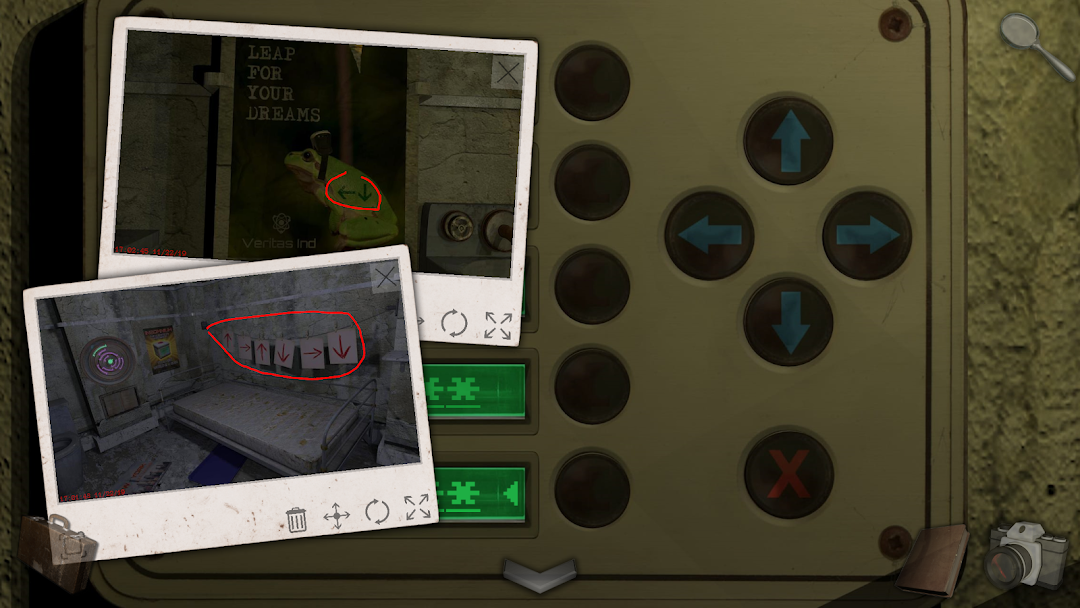
Veritas is a first person adventure/escape game where you to take photos of clues to solve puzzles and discover answers.Veritas is a game of mystery and discovery that poses the question; what is truth, and does it even matter?
Having volunteered to take part in a study conducted by Veritas Industries, you now find yourself waking up in a small room with no memory of what happened the day before.
The last thing you remember is signing on the dotted line and following some nice people wearing white coats, but they couldn’t have been lying to you could they? They were doctors for goodness sake...
Please Note: This is a paid game. You will get a section of the game for free and if you enjoy it you can unlock the rest for one single IAP inside the game.
Features:
• A first person point and click adventure game.
• Trademark Glitch humour and puzzles that will leave you screaming at us.
• The Glitch Camera to help you solve puzzles and keep track of clues.
• Lots of clues to find and puzzles to solve.
• A beautiful soundtrack and immersive sound effects.
• A full Hint System to help you if you get stuck.
• 8 save slots, share the game with your family!
• Auto-saves your progress!
Things you'll be doing:
• Solving puzzles.
• Finding clues.
• Collecting items.
• Using objects.
• Unlocking doors.
• Exploring rooms.
• Taking photos.
• Uncovering secrets.
• Solving mysteries.
• Having fun.
–
Glitch Games is a tiny independent ‘studio’ from the UK.
Find out more at glitch.games
Chat with us on Discord - discord.gg/glitchgames
Follow us @GlitchGames
Find us on Facebook