
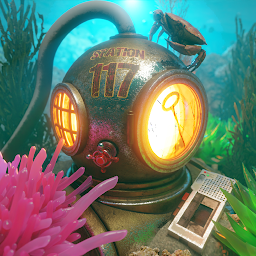


Station 117 - Room Escape Game is a Adventure application developed by Glitch Games, but with the best Android emulator-LDPlayer, you can download and play Station 117 - Room Escape Game on your computer.
Running Station 117 - Room Escape Game on your computer allows you to browse clearly on a large screen, and controlling the application with a mouse and keyboard is much faster than using touchscreen, all while never having to worry about device battery issues.
With multi-instance and synchronization features, you can even run multiple applications and accounts on your PC.
And file sharing makes sharing images, videos, and files incredibly easy.
Download Station 117 - Room Escape Game and run it on your PC. Enjoy the large screen and high-definition quality on your PC!
Station 117 is a first-person point and click mystery room escape / adventure / puzzle game.In an undisclosed location, somewhere on the floor of the Pacific ocean, is Station 117 - a classified research facility doing totally secret work. Seriously, don’t ask what they’re doing. They don’t event know.
Completely unexpectedly, something went wrong. It always does.
As Franklin Gates - genius, billionaire, playboy, amateur marine biologist - you’ve grown up with the stories, never really believing them to be true.
Until today.
Due to your unlimited curiosity, and let’s face it dumb stupidity, you go inside.
What you discover will change everything.
Features:
• A first person point and click room escape adventure and puzzle game.
• Trademark Glitch Games humour and puzzles that will leave you screaming at us.
• No in app purchases.
• The Glitch Camera to help you solve puzzles and keep track of clues.
• Lots of clues to find and puzzles to solve.
• A beautiful soundtrack and immersive sound effects.
• A full Hint System to help you if you get stuck.
• 9 save slots, share the game with your family!
• Auto-saves your progress!
Things you'll be doing:
• Solving puzzles.
• Finding clues.
• Collecting items.
• Using objects.
• Unlocking doors.
• Exploring rooms.
• Taking photos.
• Uncovering secrets.
• Solving mysteries.
• Having fun.
–
Glitch Games is a tiny independent ‘studio’ from the UK.
Find out more at glitch.games
Chat with us on Discord - discord.gg/glitchgames
Follow us @GlitchGames
Find us on Facebook







