VGBAnext GBA/GBC/NES Emulator is a Arcade application developed by Garage Research Emulators, but with the best Android emulator-LDPlayer, you can download and play VGBAnext GBA/GBC/NES Emulator on your computer.
Running VGBAnext GBA/GBC/NES Emulator on your computer allows you to browse clearly on a large screen, and controlling the application with a mouse and keyboard is much faster than using touchscreen, all while never having to worry about device battery issues.
With multi-instance and synchronization features, you can even run multiple applications and accounts on your PC.
And file sharing makes sharing images, videos, and files incredibly easy.
Download VGBAnext GBA/GBC/NES Emulator and run it on your PC. Enjoy the large screen and high-definition quality on your PC!
VGBAnext runs games written for GBA, GBC, GB, NES, Famicom, DiskSystem, and VS System gaming consoles. It also emulates many addons, such as tilt sensors, light guns, vibration packs, printers, and more. VGBAnext is specifically opimized for Android devices. It lets you save game progress at any moment, or even rewind gameplay back in time. You can exchange saved game states with other users, or play together by using the network play. VGBAnext supports AndroidTV, GoogleTV, and a variety of gamepads, including Xperia Play, Moga, iCade, Sixaxis, Nyko PlayPad, and others.* Supports full screen landscape and portrait modes, with many special effect options and customizable skin.
* Supports Moga and iCade gamepads, Nyko PlayPad, Xperia Play, and Sixaxis.
* Supports AndroidTV devices, such as ShieldTV, Nexus Player, and ADT-1.
* Supports GoogleTV devices running Android 4.x (Jelly Bean), such as LG G2/G3.
* Save gameplay at any point and go back to that point once your character gets killed.
* Rewind gameplay 16 seconds back with a single keypress.
* Share your current progress with other users via State Exchange feature.
* Use Network Play to play with other users over WiFi.
* Play with your hardware keyboard, gamepad, touch screen, or accelerometer.
* Record game soundtrack to MIDI files and use them as ringtones.
* On-screen buttons can be freely rearranged.
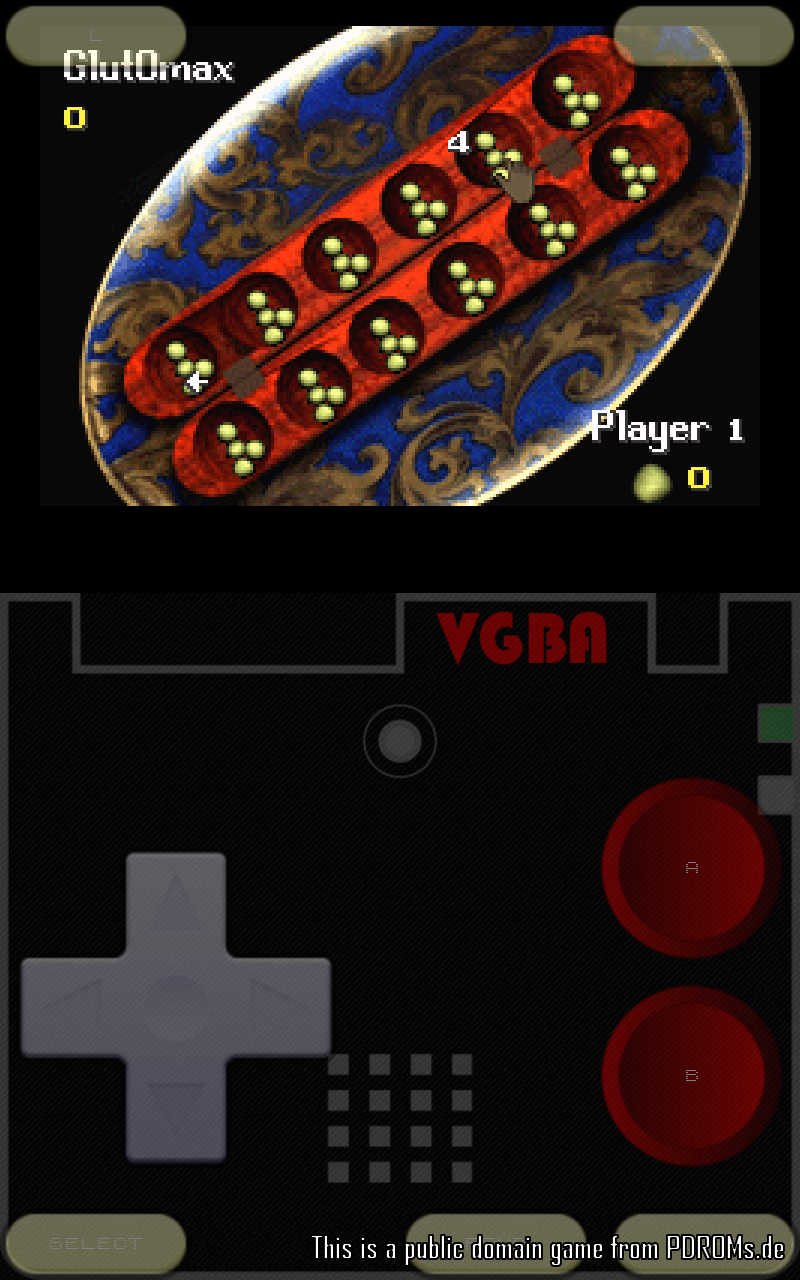
VGBAnext comes with a single public domain game. You can find more free public domain games at http://pdroms.de/. Please, do not run any software you do not own with VGBAnext.
Please, report any encountered problems here:
http://groups.google.com/group/emul8