

War of Kingdoms is a Strategy game developed by , and LDPlayer is the best platform for playing War of Kingdoms on Windows PC, offering powerful features for an immersive experience.
When playing War of Kingdoms on your computer, you can enjoy long game sessions using the operation recording feature to record repetitive operations to complete the same tasks automatically. It allows you to level up faster and makes resource grinding much more efficient.
In addition, if you want to execute combo moves or the game requires repeated skill actions, the macro feature is your best helper. It enables you to complete kills with just one click!
If you want to manage multiple accounts, LDMultiplayer and Synchronizer will assist you. You can run multiple alternative accounts at the same time to assist the leveling of your main account. Download and play War of Kingdoms on PC with LDPlayer now!
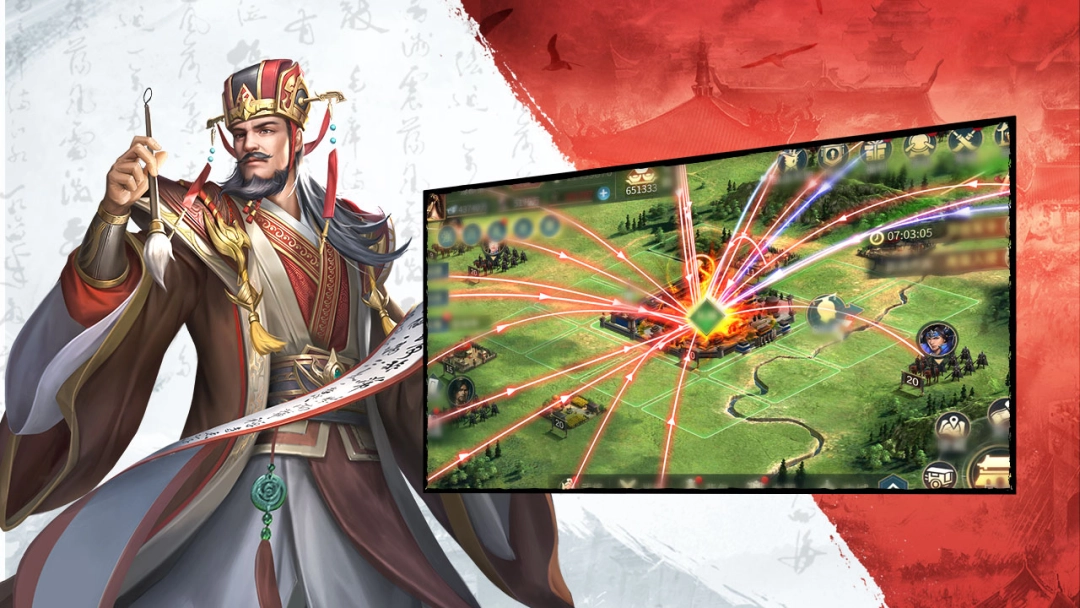
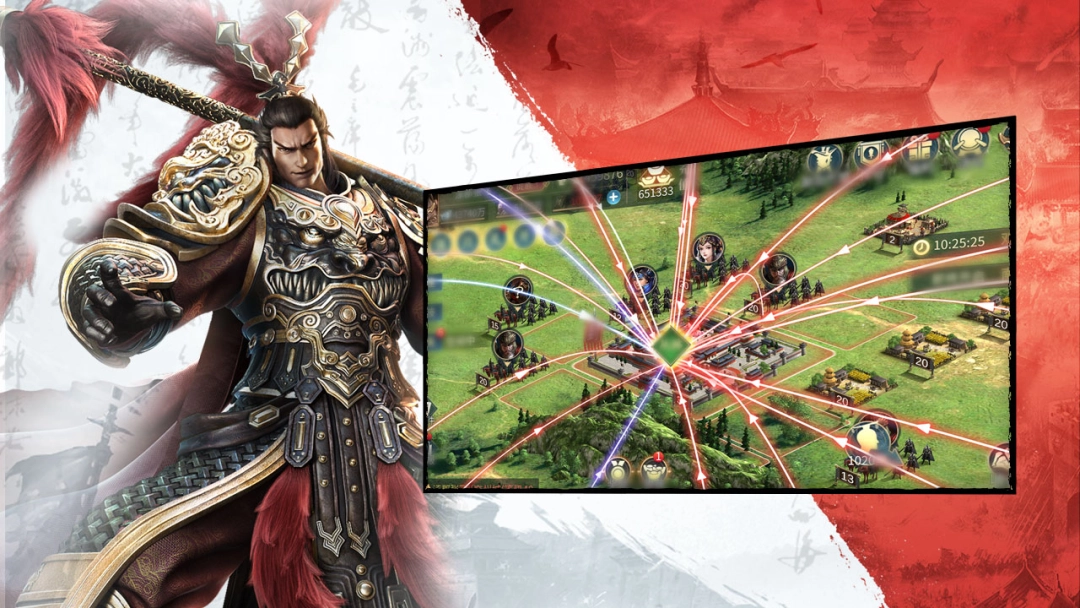
War of Kingdoms is a 3D sandbox strategy war game set in a fictional divided world. Players can capture villages, counties, prefectures, states, and even the lost capital of Qin to continuously develop their strength. Recruit famous generals not limited to the Three Kingdoms and make allies to defend your land. War is raging everywhere and your enemies are invading by fair means or foul. Will you be the one to end this chaotic world?
【Mountains & Rivers, Strategy in the Three Kingdoms】
The game features numerous historic cities with realistic scenery and abundant resources, making them crucial battlefields guarded by heavy troops. Unite allies and mobilize people to avoid unnecessary losses.
【Various Strategies & Gameplay】
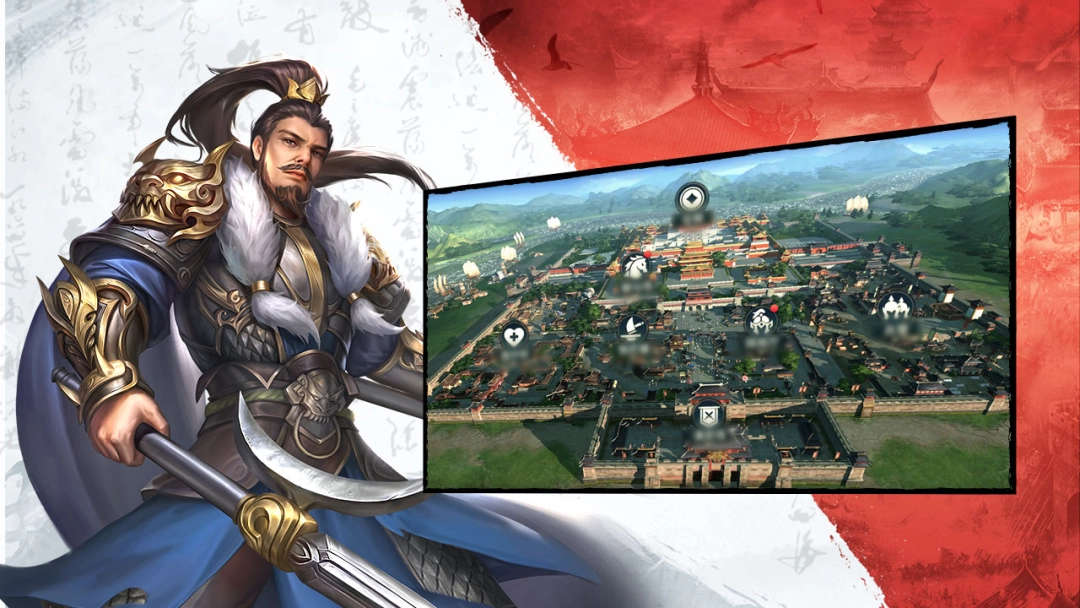
With full 3D modeling and real-time effects, rebuild ancient cities. Start with your own city, manage resources, and develop it into a military and political stronghold.
【Governance & Military Prowess, Heroes Gather】
Recruit over 100 heroes, from Jiang Ziya and Ying Zheng to Cao Cao—legendary figures from different eras unite in this chaos. Both capable ministers and powerful generals are indispensable.
【Warlord Separation, Three Kingdoms Stand】
As forces grow, warlord division emerges. Neighbors may be allies or rivals. To thrive, you need not only strength but also diplomatic skills and team strategy.