Wargard: Realm of Conquest is a Strategy game developed by Bulberry Studio, and LDPlayer is the best platform for playing Wargard: Realm of Conquest on Windows PC, offering powerful features for an immersive experience.
When playing Wargard: Realm of Conquest on your computer, you can enjoy long game sessions using the operation recording feature to record repetitive operations to complete the same tasks automatically. It allows you to level up faster and makes resource grinding much more efficient.
In addition, if you want to execute combo moves or the game requires repeated skill actions, the macro feature is your best helper. It enables you to complete kills with just one click!
If you want to manage multiple accounts, LDMultiplayer and Synchronizer will assist you. You can run multiple alternative accounts at the same time to assist the leveling of your main account. Download and play Wargard: Realm of Conquest on PC with LDPlayer now!
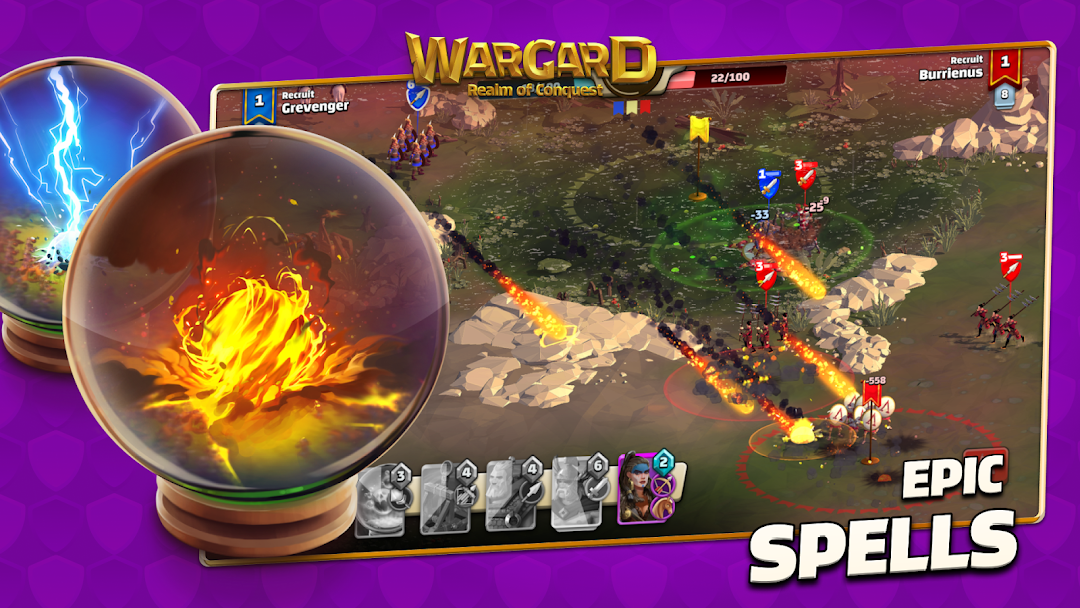
Wargard: Realm of Conquest — RTS Strategy with Direct Unit Control and Real-Time PvPStep into the role of a commander in a real-time strategy (RTS) game where every second counts. Take direct control of your troops, unleash powerful spells, outmaneuver opponents, and claim victory in intense PvP battles against real players.
⚔ Gameplay & Tactics
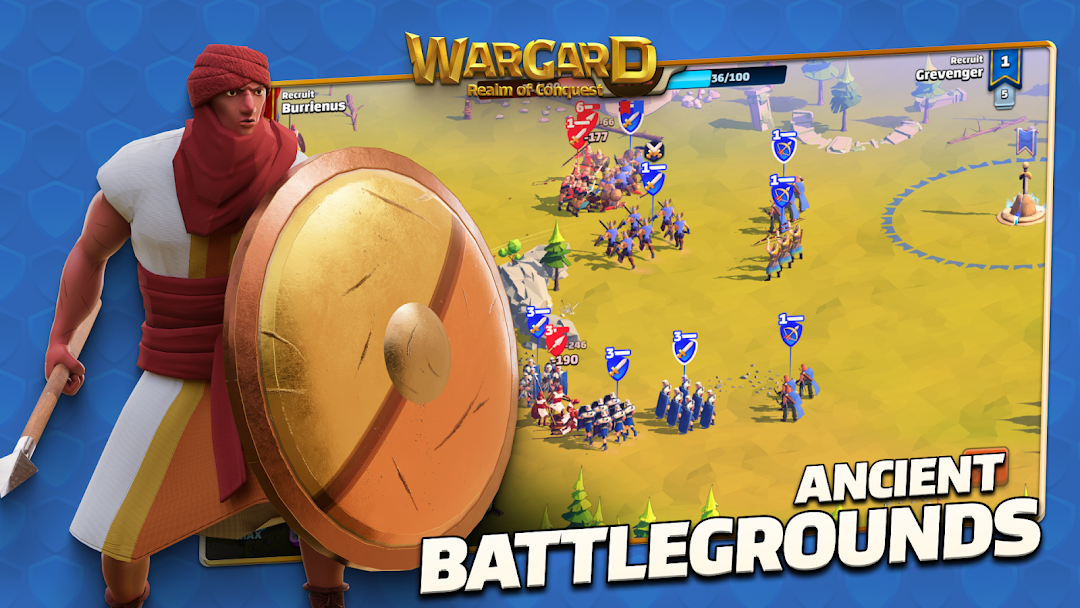
In Wargard, you build a battle deck of units — swordsmen, archers, hoplites, cavalry, siege machines, powerful heroes, and magical spells — and then command them directly on the battlefield. Move squads, target enemies, dominate on the battlefield and combine units with magic for the ultimate tactical advantage.
🌍 Ancient Factions & Armies
Lead armies from legendary civilizations: Ancient Rome, Greece, the Chinese Three Kingdoms, the Celts, the Huns, and the African Legion. Each faction offers unique units, strengths, and strategies.
✨ Wargard Features
• True RTS battles — only your skill and decisions.
• Strategic deck building — choose units and spells for maximum synergy.
• Epic heroes & magic — use elemental spells, auras, and unique abilities to turn the tide of battle.
• World history setting — fight as legendary warriors from great civilizations.
• Tactical depth — the smartest player wins, not just the strongest.
🤝 Play Together
Challenge friends in competitive PvP, climb the leagues, earn rewards, and unlock new units to strengthen your army.
🎯 Download Wargard: Realm of Conquest for free and become a legendary commander today!