
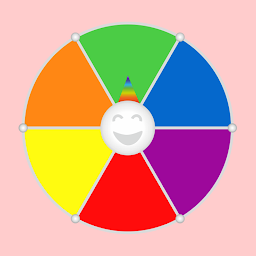


Wheel of Colors is a Board application developed by BlackDevelopers, but with the best Android emulator-LDPlayer, you can download and play Wheel of Colors on your computer.
Running Wheel of Colors on your computer allows you to browse clearly on a large screen, and controlling the application with a mouse and keyboard is much faster than using touchscreen, all while never having to worry about device battery issues.
With multi-instance and synchronization features, you can even run multiple applications and accounts on your PC.
And file sharing makes sharing images, videos, and files incredibly easy.
Download Wheel of Colors and run it on your PC. Enjoy the large screen and high-definition quality on your PC!
A customizable wheel of colors - Really easy to use.A funny way to choose a random color for any game that requires it.
You have 2 options to move this color wheel:
Option 1: Press the Play button for a random move.
Option 2: Drag the wheel to push it with a speed that will only depend on your finger move.
How to customize this color wheel:
Open the menu by clicking on the icon with a pallet of colors (found at top/left corner).
Set an "ok" in all the color you want to display in your wheel. Clicking over a color switches it on/off.
We hope you will like this app! In this case, please remember to recommend it to your friends. Thank you!







